01
01
CreatorFileKit
creatorfilekit.com
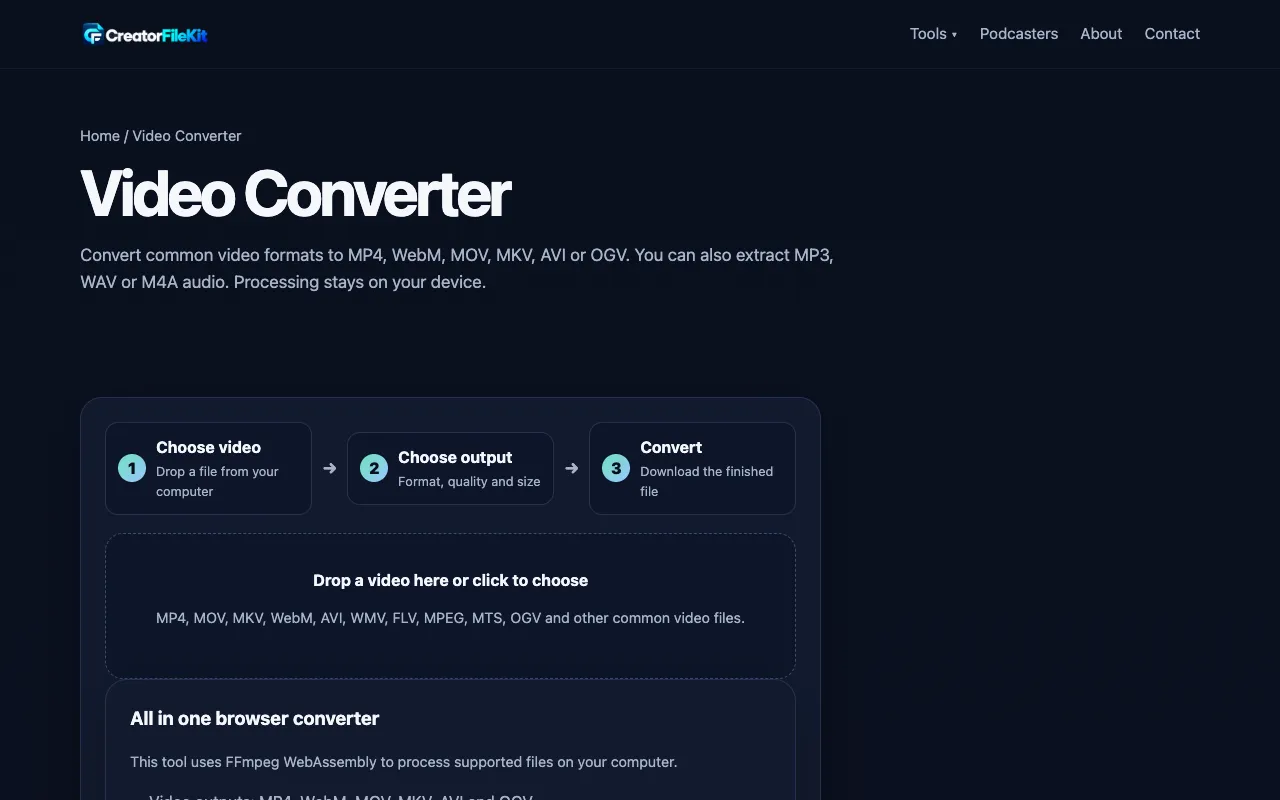
Free online video converter for MP4, MOV, MKV, AVI, WebM, WMV, FLV, MPEG and more. Convert to MP4, WebM, MOV, MKV, AV...
Converts between MP4, MOV, AVI, and other video formats. Users upload their videos to the platform, choose the desired output format, and start the conversion process. The tool handles the transcoding in the cloud, ensuring quick processing even for large files. Suitable for anyone needing to change a video's file type or prepare it for different devices and platforms. Ideal for content creators,...
Free online video converter for MP4, MOV, MKV, AVI, WebM, WMV, FLV, MPEG and more. Convert to MP4, WebM, MOV, MKV, AV...

Side by side
| Tool | Best for | Strengths | Limitations |
|---|---|---|---|
| CreatorFileKit creatorfilekit.com | Quick conversion without uploads |
|
|
| XConvert xconvert.com | Advanced format options |
|
|
Buyer's guide
When picking a video converter, first consider where your file lives. If the video is already on your computer and you want it processed locally without uploading, choose a tool that keeps conversion on your device. If you need to pull files from cloud storage or require specific output presets like file size or bitrate, a tool with cloud import and advanced options will save time. Check the format support list to ensure your source and target types are covered, and look for any file size limits that might affect your workflow.
Questions