Audio Tools Suite
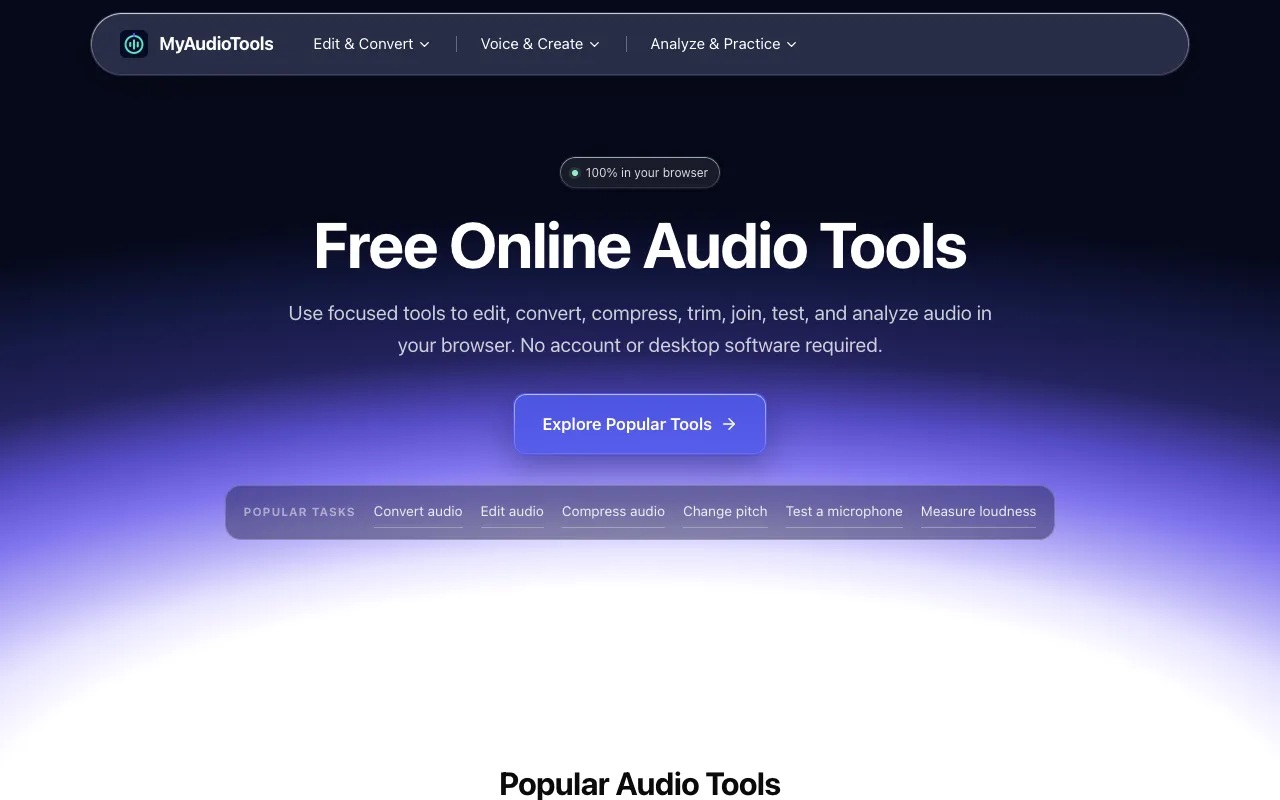
My Audio Tools is a free collection of focused, browser-based audio utilities designed for editing, converting, compr...
What Audio Tools Suite does
My Audio Tools is a free collection of focused, browser-based audio utilities designed for editing, converting, compressing, testing, and analyzing sound files. Each tool is instantly accessible directly from the browser without requiring software installation or account creation, allowing users to begin working immediately. The utilities run locally within the browser environment, delivering faster processing and keeping your audio files private on your device. This approach eliminates installation overhead and dependencies, making the suite ideal for quick audio editing, format conversions, and analysis tasks.
How to use the My Audio Tools Audio Tools Suite
- 1
Open the Audio Tools Suite on My Audio Tools and select a task category such as Convert, Edit, Compress, or Test.
- 2
Upload one or more audio files using the file picker or drag-and-drop interface.
- 3
Adjust the specific controls for the chosen tool, such as format selection, compression level, or pitch semitones.
- 4
Preview changes in real time and export the result in your desired format without uploading to a server.
- 5
Repeat the process for additional files or switch to a different utility within the same browser session.
Best for
Creators, musicians, podcasters, students, and anyone working with sound who needs to perform quick, focused audio tasks without installing software or creating an account.
Limitations
- Browser-dependent performance limits on very large files
- No unit switching between measurement systems
- Results are estimates based on browser processing capabilities
Audio Tools Suite FAQ
- Do I need to install software or create an account to use My Audio Tools?
- No, all tools run directly in your browser without installation or account creation, keeping your files private on your device.
- What audio formats can I convert between using the Audio Converter?
- You can convert MP3, WAV, M4A, FLAC, OGG, AAC, AIFF, WMA, Opus, and AMR, with optional MP4 audio input and ALAC output.
- Can I compress multiple audio files at once with the Audio Compressor?
- Yes, the Audio Compressor supports batch compression of up to 10 files and exports MP3, M4A, OGG, or configurable PCM WAV.
- How does the Pitch Changer work without affecting playback speed?
- The Pitch Changer allows you to preview semitone changes instantly while keeping the speed independent, and you can export the result in WAV, MP3, M4A, FLAC, or OGG format.
More Audio Tools Suite tools
Similar tools
Based on shared tags