Audio Tools Suite
AudioMuse is a comprehensive collection of free browser-based audio tools that requires no software installation or a...
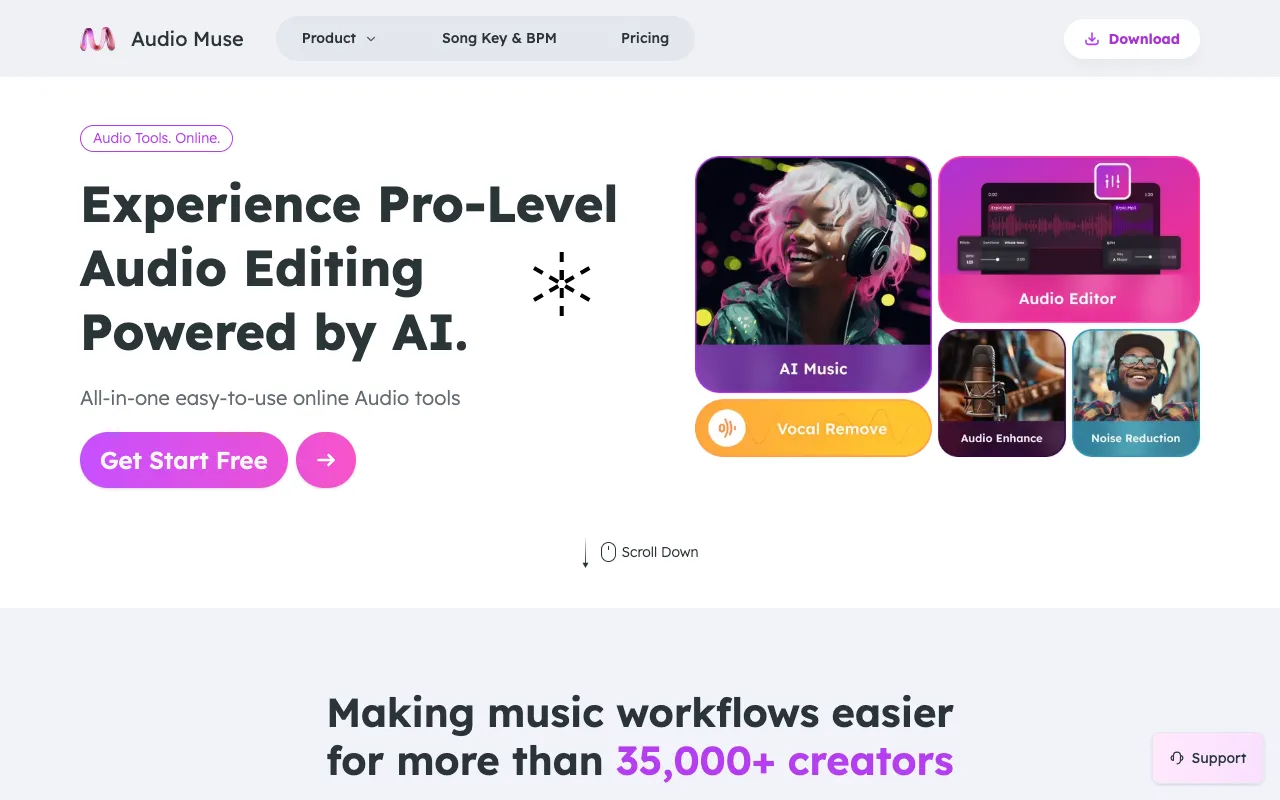
What Audio Tools Suite does
AudioMuse is a free, browser-based collection of audio utilities that lets users edit, convert, compress, and analyze sound files without installing software or creating an account. The suite provides immediate access to tools for tasks like trimming, joining, format conversion, noise reduction, and stem splitting, delivering processed audio files ready for use in projects or compositions. It serves as a convenient all-in-one platform for both quick fixes and more involved audio workflows. AudioMuse distinguishes itself by offering a notably broad set of specialized tools within a single interface, including AI-powered features like music generation and mastering alongside traditional editing functions. While many competing browser audio tools focus on a single function—such as conversion or trimming—AudioMuse bundles editing, analysis, enhancement, and creative AI tools in one accessible platform. The site’s layout presents options clearly, and the availability of AI-driven features like unlimited royalty-free music generation and stem splitting adds capabilities rarely found in free, no-install suites. Explanations for each tool are provided directly on the page, helping users understand what each utility does before selecting it.
How to use the AudioMuse Audio Tools Suite
- 1
Open the AudioMuse website and select the desired audio tool from the suite.
- 2
Upload an audio file from your device or drag and drop it into the interface.
- 3
Adjust any available settings specific to the chosen tool, such as trim length or output format.
- 4
Initiate the processing and wait for the tool to complete the operation.
- 5
Download the resulting audio file or continue editing with another tool in the suite.
Best for
Ideal for creators, musicians, and podcasters who need a quick, no-install solution for editing, converting, or enhancing audio files, especially those interested in AI-powered features like stem splitting or music generation.
Limitations
- Processing times may vary depending on file size and selected tool.
- Advanced features like AI music generation may have usage limits or quality variations.
- No desktop application is available; all tools require an active internet connection.
Audio Tools Suite FAQ
- Is AudioMuse completely free to use?
- Yes, AudioMuse offers its core suite of audio tools free of charge without requiring an account, though some advanced AI features may have usage limits.
- Can I use AudioMuse on a mobile device?
- The tools are browser-based and accessible on mobile devices, though the experience may be optimized for desktop use with larger file handling.
- What audio formats does AudioConverter support?
- The Audio Converter supports common formats for conversion, though the full list of supported formats is not detailed in the provided material.
- How does the Stem Splitter function work?
- The Stem Splitter uses AI to extract vocals, instrumental, drums, bass, and guitar tracks from a single audio file, allowing users to isolate or remove specific elements.
More Audio Tools Suite tools
Similar tools
Based on shared tags