Audio Converter
Free audio converter for MP3, WAV, FLAC, OGG, Opus and M4A. Convert audio or extract audio from video with bitrate, s...
What Audio Converter does
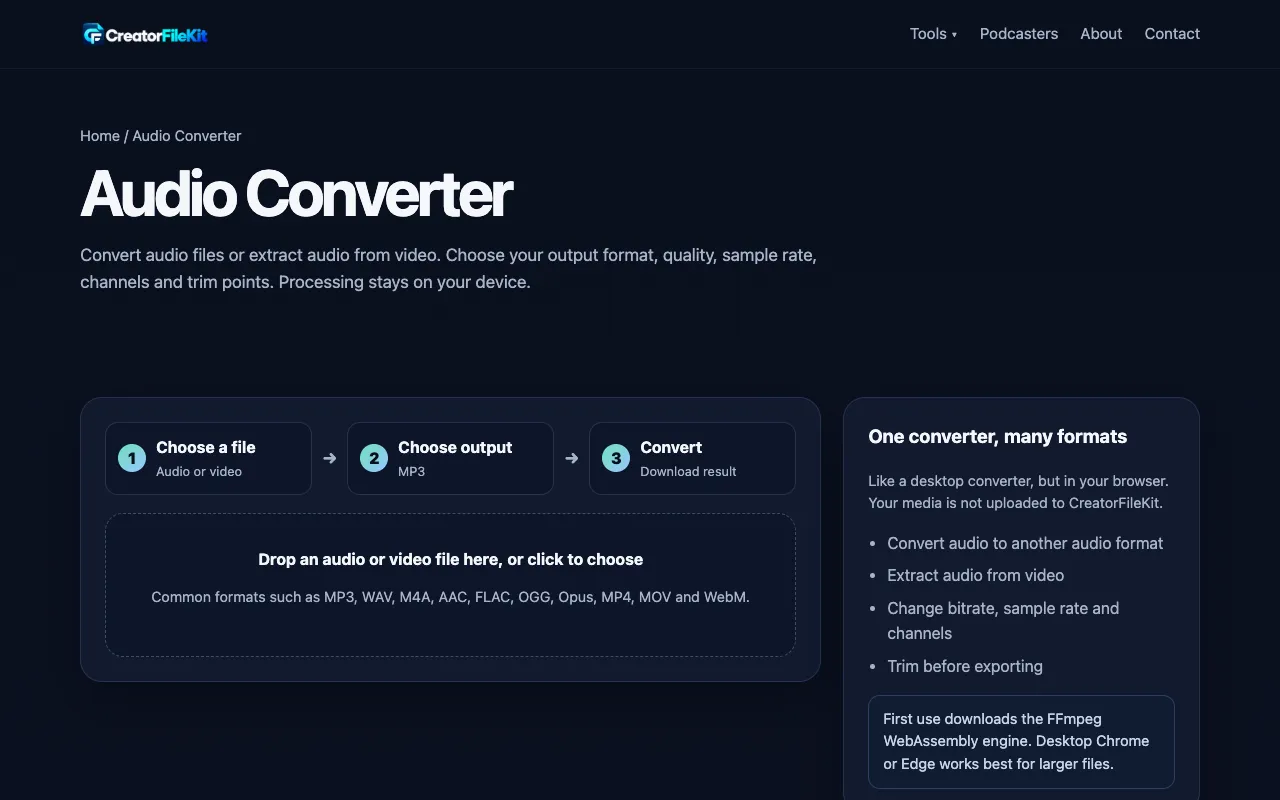
Audio Converter on CreatorFileKit is a browser-based tool that converts between common audio formats and extracts audio from video files. Users can adjust output format, bitrate, sample rate, and channel configuration, and apply optional trimming and loudness normalization. The service emphasizes that processing stays on the user's device and highlights supported formats including MP3, WAV, FLAC, M4A, AAC, OGG, and Opus. It also notes that browser codec support and FFmpeg WebAssembly limits may affect uncommon source formats.
How to use the CreatorFileKit Audio Converter
- 1
Drop an audio or video file into the converter or click to choose a file from your device
- 2
Select the desired output format from the available options such as MP3, WAV, FLAC, or M4A
- 3
Adjust optional settings including bitrate, sample rate, and channel configuration as needed
- 4
Initiate conversion and download the resulting audio file to your device
- 5
Listen to the converted file before deciding whether to replace the original
Best for
Music enthusiasts organizing their audio collections or businesses needing to convert recordings into formats accepted by editors, podcast hosts, or websites.
Limitations
- Browser codec support and FFmpeg WebAssembly limits may prevent some uncommon source formats from working on every device
- Lossy formats such as MP3, AAC, and OGG discard data during conversion
- Results may vary depending on the original file's format and quality
Audio Converter FAQ
- Can I convert video files to audio using this tool?
- Yes, the Audio Converter on CreatorFileKit supports extracting audio from video files in addition to converting between audio formats.
- Does the conversion process keep my files private?
- The converter processes files within your browser, keeping the conversion on your device rather than sending files to a server.
- What audio formats are supported for output?
- Supported output formats include MP3, WAV, FLAC, OGG Vorbis, Opus, M4A/AAC, and common video formats such as MP4, MOV, and WebM.
- Are there options to adjust audio quality before converting?
- Yes, users can adjust bitrate, sample rate, and channel configuration, and apply optional trimming and loudness normalization settings.
More Audio Converter tools
Similar tools
Based on shared tags