01
01
CreatorFileKit
creatorfilekit.com
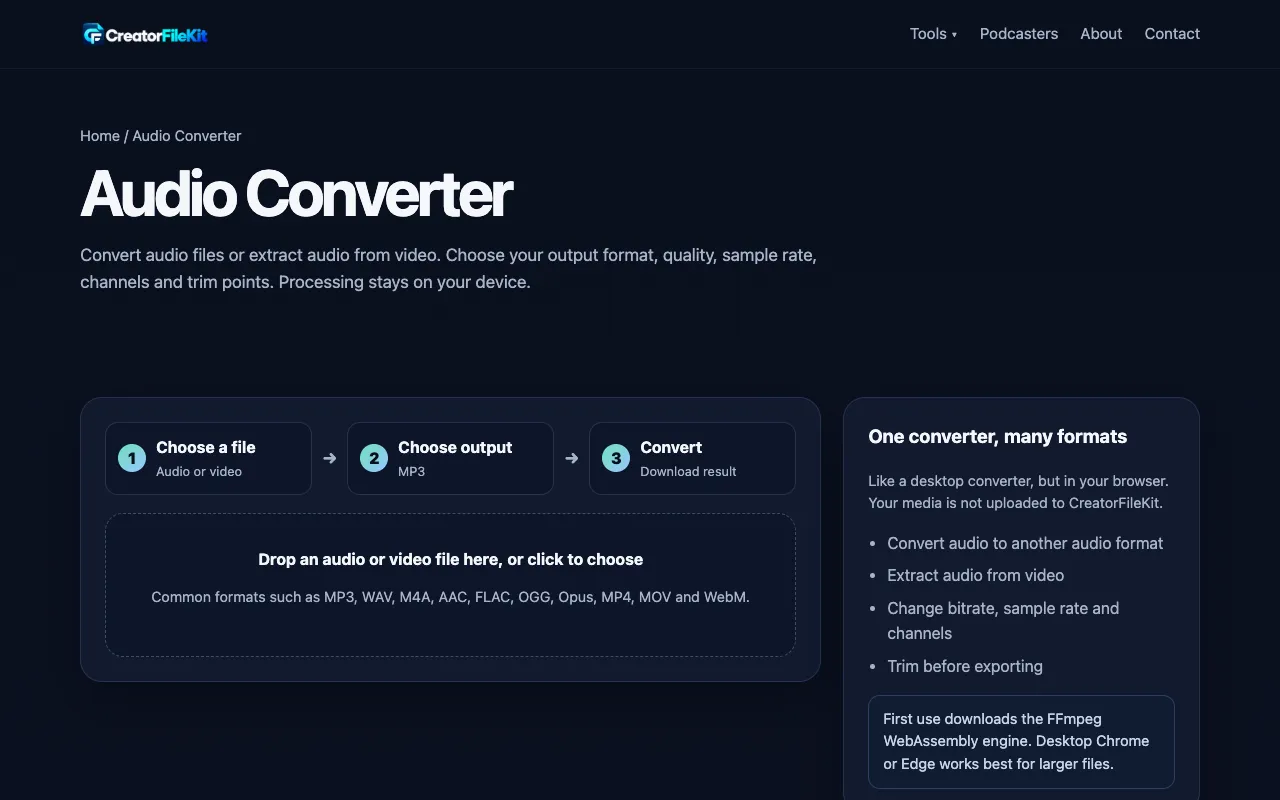
Free audio converter for MP3, WAV, FLAC, OGG, Opus and M4A. Convert audio or extract audio from video with bitrate, s...
Converts various audio formats, like MP3, WAV, AAC, FLAC, and OGG, using a user-friendly interface on https://www.freeconvert.com/audio-converter. Supports batch conversion for multiple files at once. Ideal for music enthusiasts who need to organize their audio collection or for businesses looking to standardize file formats. Helps users easily manage their audio files by converting them into...
Free audio converter for MP3, WAV, FLAC, OGG, Opus and M4A. Convert audio or extract audio from video with bitrate, s...

General-purpose audio converter supporting MP3, WAV, AAC, FLAC, OGG, and more.

Side by side
| Tool | Best for | Strengths | Limitations |
|---|---|---|---|
| FreeConvert freeconvert.com | Quick format changes without sign-up |
|
|
| CreatorFileKit creatorfilekit.com | Detailed per-file audio customization |
|
|
| XConvert xconvert.com | Wide format variety with fast conversion |
|
|
Buyer's guide
When picking an audio converter, first consider whether you need basic format switching or detailed per-file adjustments. If you just need to convert a music collection or standardize file types without tweaking settings, a simple interface like FreeConvert saves time. If you need to trim clips, normalize loudness across tracks, or extract audio from video, CreatorFileKit or XConvert's advanced options provide those controls without requiring software installation.
Questions