Reorder Point Calculator
Calculate reorder point from average daily demand, lead time and safety stock.
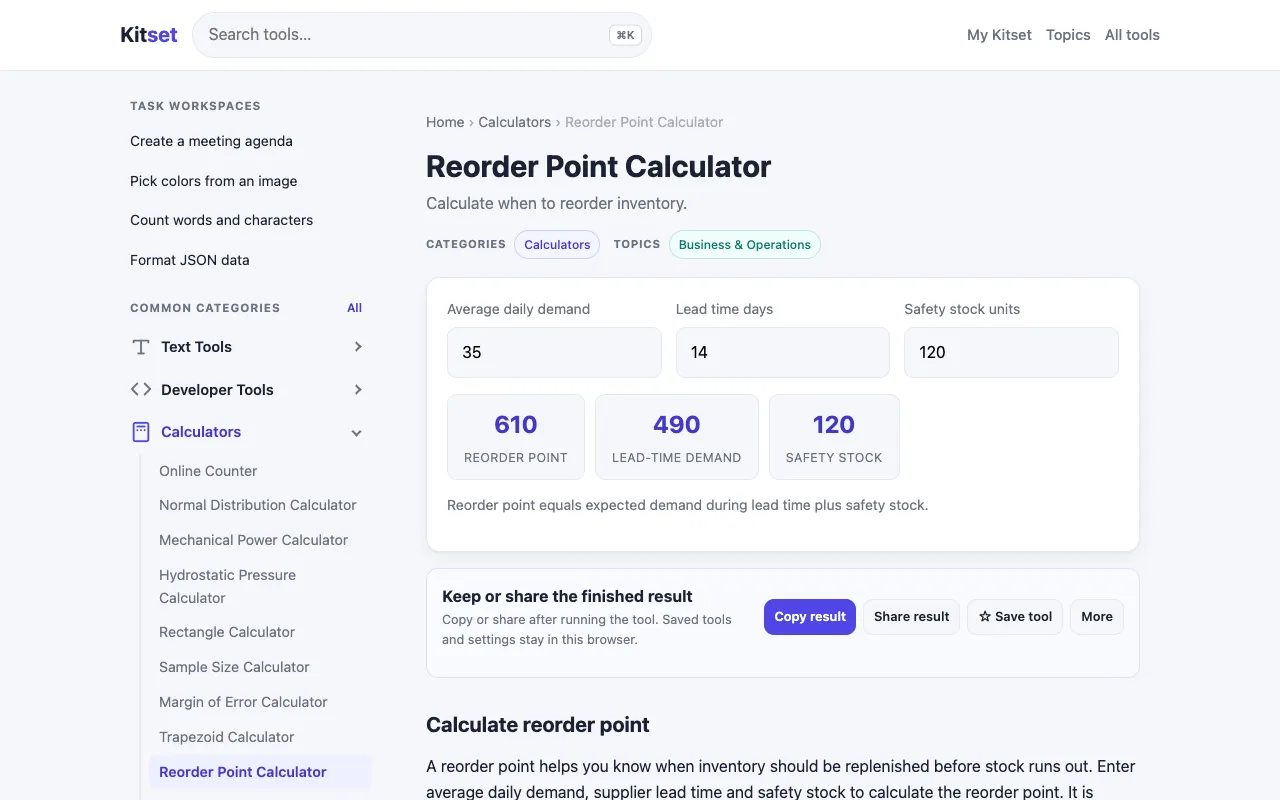
What Reorder Point Calculator does
The Reorder Point Calculator on Kitset helps businesses determine when to restock by calculating the reorder point based on average daily demand, lead time, and safety stock levels. Users input these three variables and receive a clear reorder point value that prevents stockouts while avoiding excess inventory. The tool is designed for inventory managers, small business owners, and anyone responsible for stock management who needs to maintain optimal stock levels without manual calculation errors. Kitset presents the calculator within a clean, minimal interface focused on the core inputs. Unlike some competitors that may overwhelm users with numerous inventory formulas or unit conversion options, this version keeps the process straightforward with clearly labeled fields for daily demand, lead time, and safety stock. The site’s approach emphasizes practical application over theoretical complexity, making it accessible for users who need quick, reliable results without navigating dense technical explanations.
How to use the Kitset Reorder Point Calculator
- 1
Enter your average daily demand rate in the designated field
- 2
Input the lead time (time between placing an order and receiving it) in the appropriate field
- 3
Specify your safety stock level as a buffer quantity in the safety stock field
- 4
View the calculated reorder point that indicates when to place your next order
- 5
Use the result to schedule restocking before inventory reaches the calculated threshold
Best for
Small to medium business owners and inventory managers who need to calculate optimal restocking points without complex spreadsheet formulas or inventory management software.
Limitations
- Calculations are based on static input values and may not account for demand fluctuations
- Results assume consistent lead times and may not reflect real-world supply chain variability
- No built-in inventory tracking or integration with existing stock management systems
Reorder Point Calculator FAQ
- Can I use this calculator for any type of product or business?
- Yes, the Reorder Point Calculator works for any product where you can estimate average daily demand, lead time, and safety stock levels. It's suitable for retail, manufacturing, wholesale, and other inventory-based businesses.
- What units should I use for daily demand and lead time?
- Use consistent units for both measurements. For daily demand, enter the average number of units sold per day. For lead time, enter the number of days between placing an order and receiving delivery. The calculator will provide a reorder point in the same unit as your demand input.
- How do I determine the right safety stock level?
- Safety stock is typically calculated as a buffer against demand variability or supply delays. A common approach is to multiply your average daily demand by your desired number of backup days. The calculator will show your reorder point based on whatever safety stock value you enter.
- Does this tool replace professional inventory management software?
- No, this calculator provides a single reorder point value based on your inputs. For comprehensive inventory management with tracking, analytics, and automation, dedicated inventory software would be needed. This tool is best for quick calculations and decision support.
More Reorder Point Calculator tools
Similar tools
Based on shared tags