Container Loading Calculator

Provided byOmni Calculatoromnicalculator.com

The container loading calculator is here to help you calculate the number of items you can fit into a container of a ...
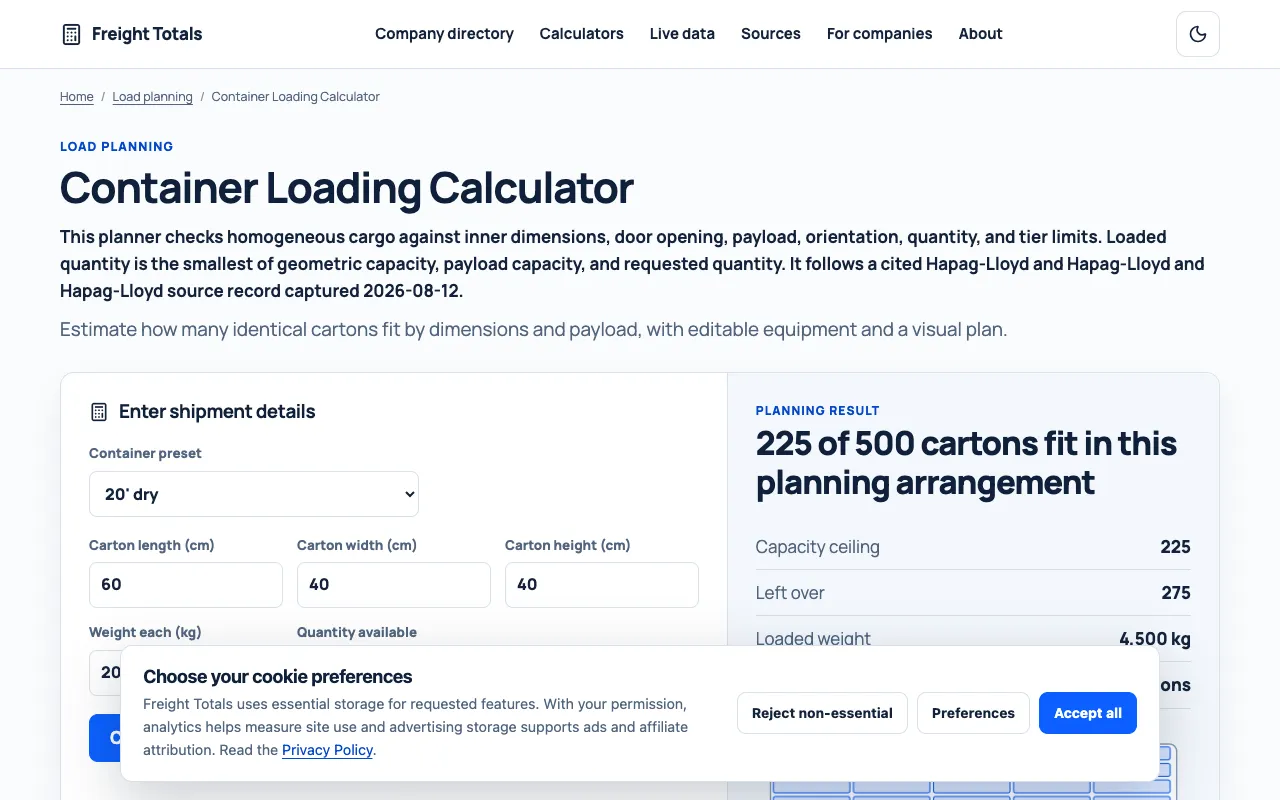
Screenshot of Container Loading Calculator on Omni Calculator
omnicalculator.comOpen the live tool →
About this tool

What Container Loading Calculator does

The Container Loading Calculator on Omni Calculator helps users determine how many items can fit into a shipping container by entering dimensions for both the container and the individual package. The tool outputs the number of packages that fit, the total volume used, and the remaining empty space. Users can select from preset container types—including Standard 10ft, 20ft, 40ft, and High Cube variants—or input custom dimensions. The interface also provides a container size chart and a step-by-step guide on efficient packing strategies to maximize shipping investment.

Step by step

How to use the Omni Calculator Container Loading Calculator

  1. 1

    Select the container type from the drop-down list or enter custom container length, width, and height

  2. 2

    Enter the package length (side A), width (side B), and height (side C) dimensions

  3. 3

    View the calculated results showing the number of packages that fit, single package volume, and total container volume used

  4. 4

    Use the share result function to export or save the calculation for shipping planning

Is it right for you

Best for

Shipping and logistics professionals, warehouse managers, and anyone needing to optimize cargo space and reduce shipping costs by accurately calculating package fit within standard or custom containers.

Limitations

  • Results are based on ideal stacking and may not account for irregular package shapes or real-world loading constraints
  • No unit switching available; all dimensions default to metric or imperial based on site settings
  • Calculator provides estimates based on dimensions only and does not replace physical loading assessment
Questions

Container Loading Calculator FAQ

Can I use this calculator for non-standard or custom container sizes?
Yes, the tool includes a Custom option where you can manually enter the container's length, width, and height to fit your specific shipping needs.
Does the calculator account for packaging irregularities or loading patterns?
No, the calculator provides estimates based on rectangular dimensions only; actual loading may vary due to package shape, stacking methods, or fragile items.
What container types are available as presets?
Preset options include Standard 10ft, Standard 20ft, Standard 40ft, High Cube 20ft, High Cube 40ft, High Cube 45ft, and Pallet Wide 20ft and 40ft configurations.
Is there guidance on how to pack the container efficiently?
Yes, the tool includes a step-by-step guide on 'how do I fill a container' to help users optimize stacking and space utilization for cost savings.
Keep Exploring

Similar tools

Based on shared tags