Reorder Point Calculator

Provided byOmni Calculatoromnicalculator.com

Reorder point calculator tells you exactly when you need to reorder to prevent shortages and avoid overstock.
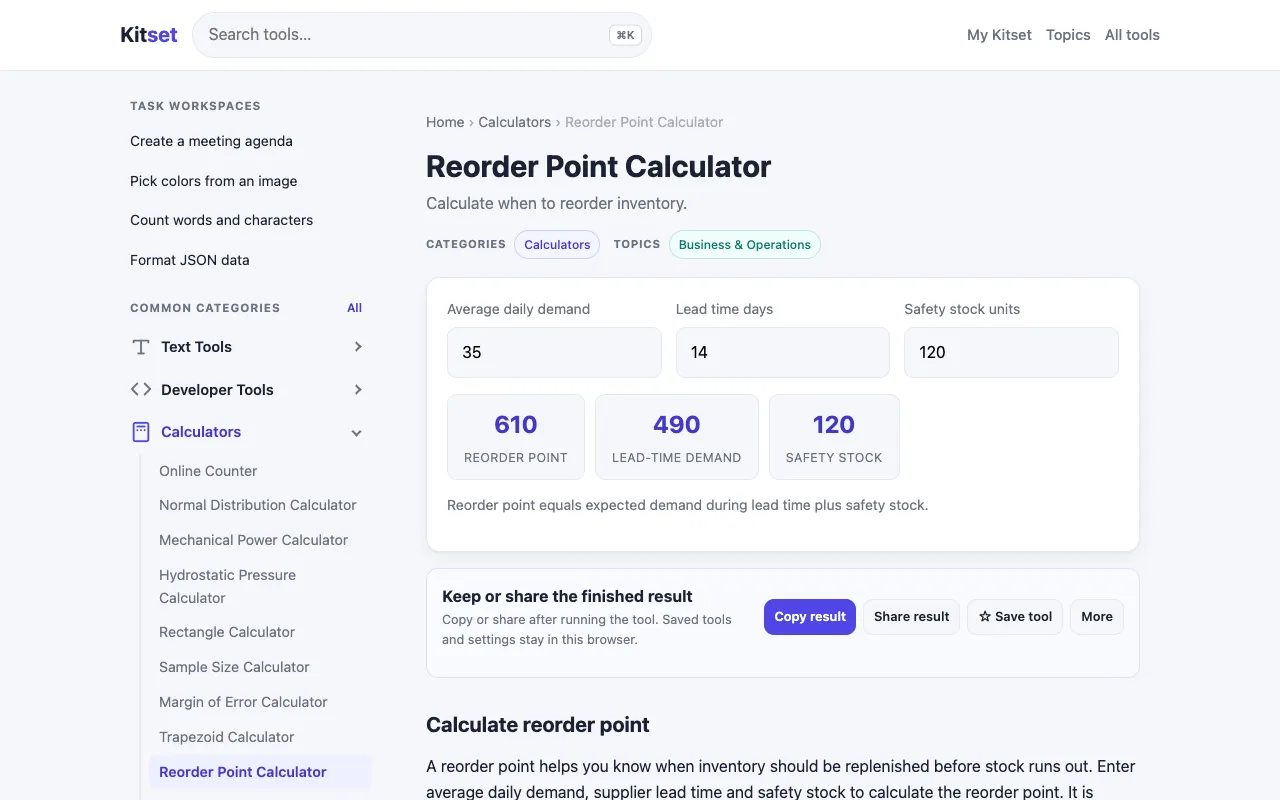
Screenshot of Reorder Point Calculator on Omni Calculator
omnicalculator.comOpen the live tool →
About this tool

What Reorder Point Calculator does

A reorder point calculator tells you exactly when you need to reorder to prevent shortages and avoid overstock. It calculates the optimal inventory level needed to trigger a replenishment order, preventing both stockouts and excessive holding costs. Users input variables such as average daily usage rate, lead time, safety stock amount, and demand variability into the tool. The calculator uses these inputs to determine the precise reorder point—the inventory threshold at which new stock must be ordered to maintain continuous operations. It helps businesses that rely on consistent supply chains, including retail stores, manufacturing facilities, and distributors optimize their purchasing process.

Step by step

How to use the Omni Calculator Reorder Point Calculator

  1. 1

    Enter your average daily usage rate

  2. 2

    Specify the lead time for delivery

  3. 3

    Input your desired safety stock amount

  4. 4

    Adjust demand variability if applicable

  5. 5

    View the calculated reorder point threshold

Is it right for you

Best for

Small to medium business owners and inventory managers who need to prevent stockouts while avoiding excess inventory costs.

Limitations

  • Results depend on accurate input of usage rates and lead times
  • Assumes consistent demand patterns unless variability is manually adjusted
  • Does not account for seasonal fluctuations or supplier reliability changes
Questions

Reorder Point Calculator FAQ

What is the reorder point formula used by this calculator?
The calculator determines the reorder point by combining average daily usage rate, lead time, and safety stock amount to find the inventory threshold that triggers a new order.
How does safety stock affect the reorder point?
Safety stock acts as a buffer against demand spikes or delivery delays; adding more safety stock raises the reorder point to ensure you have enough inventory during uncertain periods.
Can this tool handle multiple products at once?
This calculator processes one product at a time; you would need to run separate calculations for each item in your inventory.
What units should I use for lead time and daily usage?
Use consistent units—for example, if daily usage is in units per day, lead time should be in days to ensure the reorder point calculation is accurate.
Keep Exploring

Similar tools

Based on shared tags