Calculator
Free basic online calculator for everyday arithmetic: addition, subtraction, multiplication, and division. Simple, cl...
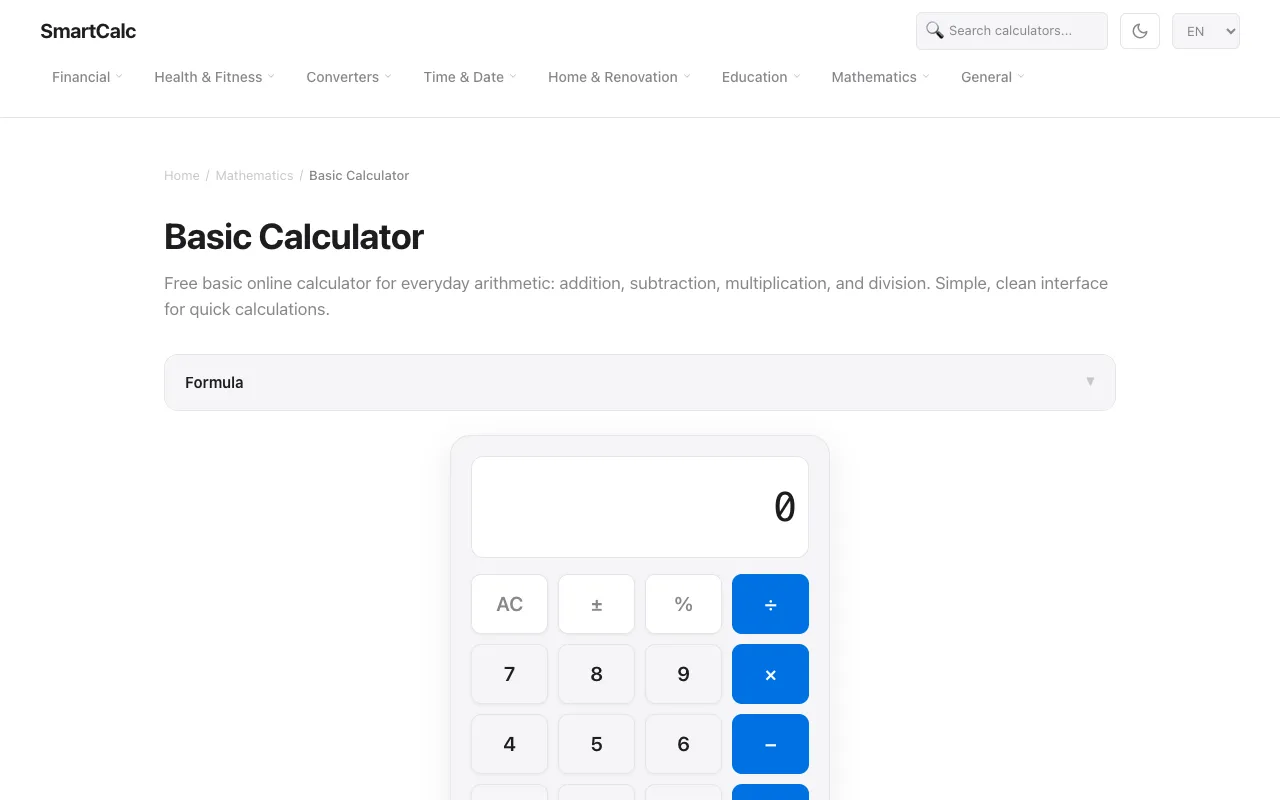
What Calculator does
SmartCalc is a browser-based basic calculator that handles addition, subtraction, multiplication, and division for everyday arithmetic. It provides a straightforward interface where users input numbers and select operations to get immediate results, eliminating the need for physical calculators or installed software. The tool is designed for quick, simple calculations accessible from any device with a web browser.
How to use the SmartCalc Calculator
- 1
Open the SmartCalc calculator in your browser
- 2
Enter the first number using the on-screen keypad or your keyboard
- 3
Select the desired arithmetic operation (addition, subtraction, multiplication, or division)
- 4
Enter the second number and press equals to see the calculation result
Best for
This tool suits anyone needing quick, no-install arithmetic calculations, from students checking homework to users splitting bills or managing daily expenses.
Limitations
- Interface is limited to basic four-function arithmetic only
- No advanced functions like square roots, exponents, or memory storage beyond simple display
- Results may require manual interpretation for complex chained operations
Calculator FAQ
- Can I use SmartCalc on my phone or tablet?
- Yes, SmartCalc is a web-based calculator that works on any device with a browser, including smartphones and tablets, without needing to download an app.
- Does SmartCalc save my calculation history?
- No, SmartCalc does not appear to store calculation history; each calculation is performed fresh within the current browser session.
- Can I perform percentage calculations on SmartCalc?
- Yes, the calculator includes a percentage key (%) that can be used for tip calculations, percentage of amounts, and other percent-based operations as shown in the example.
- Is there a way to clear an entry if I make a mistake?
- Yes, the calculator includes an AC (all clear) button to reset the display and a backspace or delete function to correct individual entries.
More Calculator tools
Similar tools
Based on shared tags