Marketing & Growth2 options compared

YouTube Money Calculator

Estimates YouTube earnings based on video views, average watch time, and ad revenue. Users input their channel details, and the calculator provides an estimated monthly income. YouTubers, content creators, and anyone interested in monetizing online videos will use this tool to gauge potential earnings. It helps them understand how much they can earn per subscriber or view, guiding decisions on...

Editors’ Top PickBased on community votes
Other OptionsRanked by votes
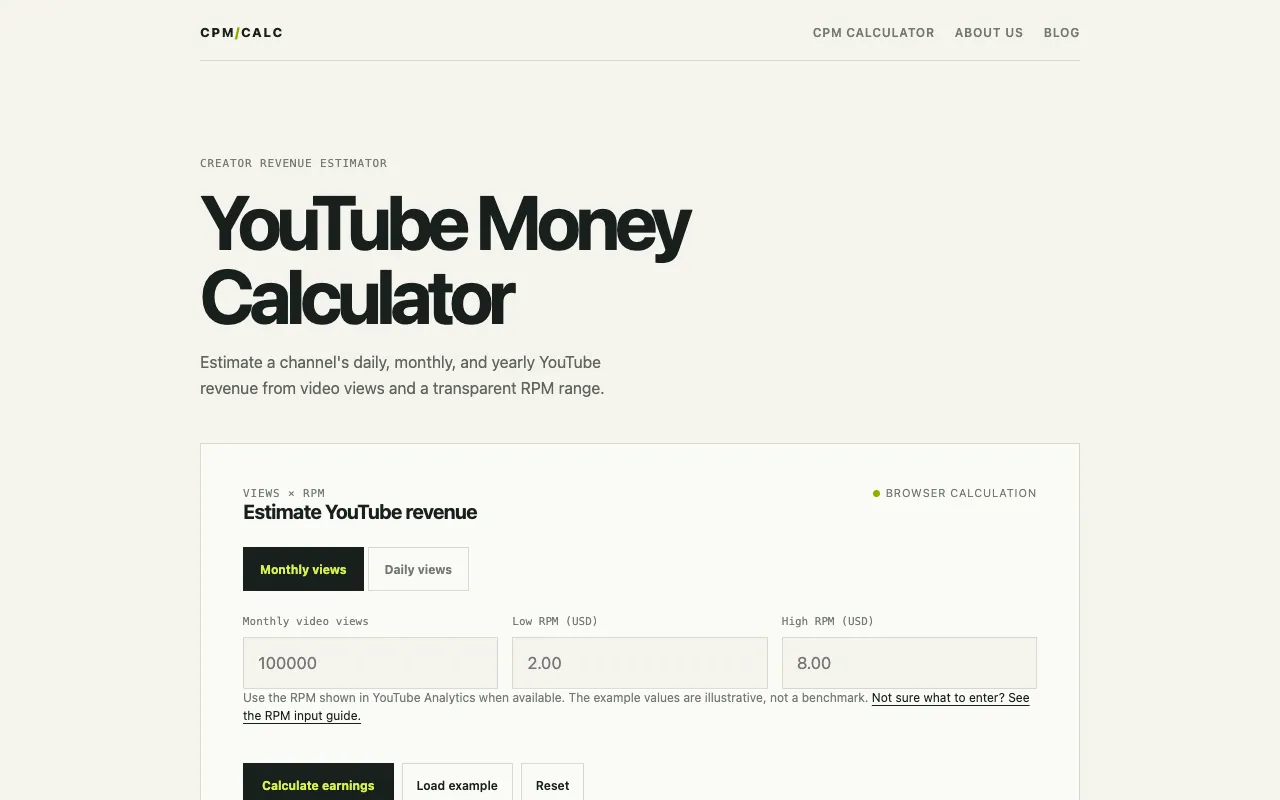
  1. Screenshot of CPM Calculator
    02
    CPM Calculator
    getcpmcalculator.com

    Estimate daily, monthly, and yearly YouTube earnings from video views and an editable RPM range. Free, transparent, a...

Side by side

YouTube Money Calculator options compared

ToolBest forStrengthsLimitations
Omni Calculator
omnicalculator.com
Quick earnings estimate
  • Simple input flow
  • Clean interface
  • Industry-standard multipliers
  • Fewer unit options
  • No RPM range selection
CPM Calculator
getcpmcalculator.com
Range-based projections
  • Editable RPM range
  • Daily/monthly/yearly views
  • Transparent RPM vs CPM explanation
  • Requires RPM range input
  • Ads on the page

Buyer's guide

How to choose a youtube money calculator

When picking a YouTube money calculator, focus on whether you need a single projected number or a range that accounts for audience and seasonality. If you already know your RPM from YouTube Analytics, a tool that accepts one value will be fastest; if you want to see how earnings shift with different RPM scenarios, choose one that lets you adjust the range.

Questions

YouTube Money Calculator FAQ

How accurate are YouTube money calculators?
They provide estimates based on RPM and view counts, not exact earnings. Actual income varies by audience location, video length, and ad performance.
What is RPM and how is it different from CPM?
RPM is revenue per 1,000 views after YouTube's revenue share; CPM is what advertisers pay per 1,000 ad impressions before revenue share. Not every view includes an ad, so RPM is the better metric for creator earnings.
Can I use these calculators for any type of YouTube content?
Yes, but earnings vary widely by niche. Channels with high CPM topics like finance or tech typically earn more per view than vlog or gaming channels.
Do I need to be in the YouTube Partner Program to use these tools?
No, the calculators estimate potential earnings based on views and RPM, but only monetized channels in the Partner Program can actually receive those revenues.
Why do some calculators show a revenue range instead of a single number?
Earnings depend on factors like audience demographics, seasonality, and monetization mix, so a range reflects that variability rather than giving a fixed number.
Keep Exploring

Related tools in Marketing & Growth

View all →