Marketing & GrowthFree Tool

ROAS Calculator

Provided byOmni Calculatoromnicalculator.com

ROAS calculator determines the return on money spent on advertising.
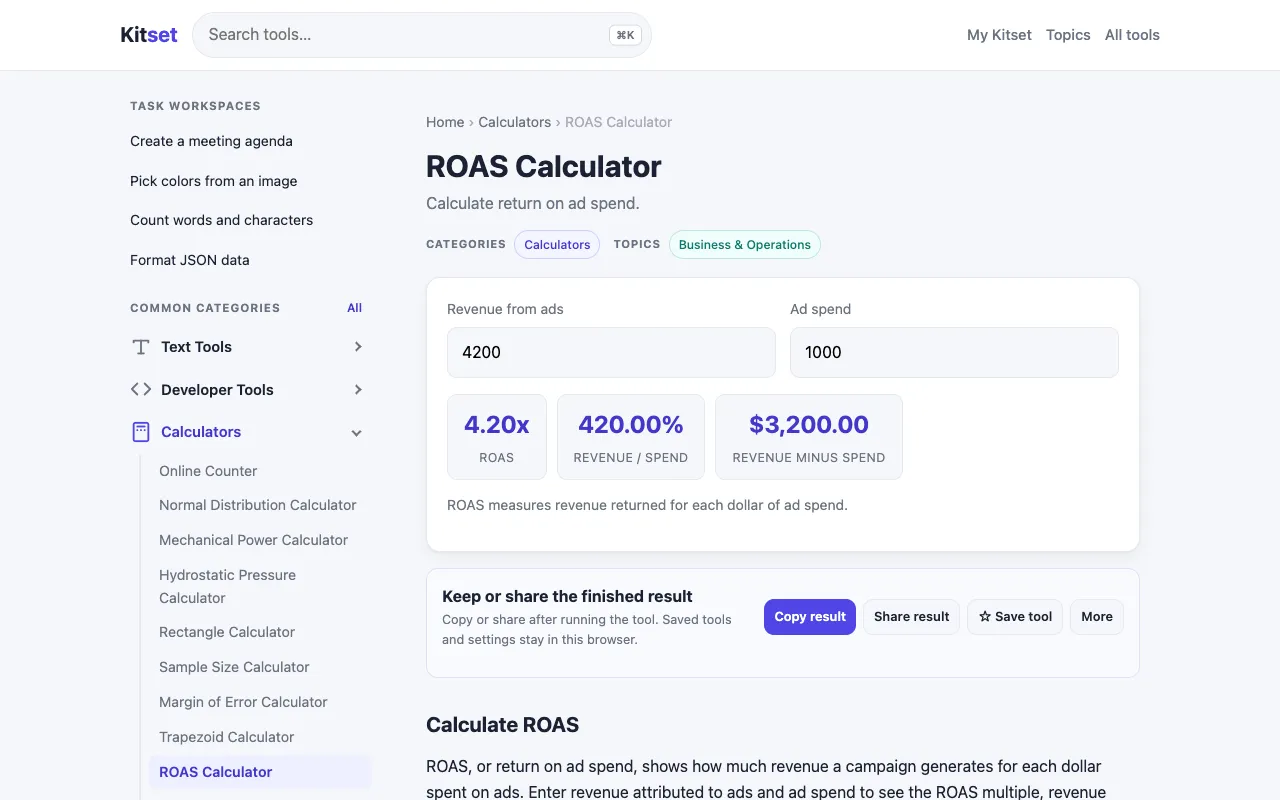
Screenshot of ROAS Calculator on Omni Calculator
omnicalculator.comOpen the live tool →
About this tool

What ROAS Calculator does

The ROAS Calculator on Omni Calculator determines the return on ad spend by requiring users to input their advertising costs and the resulting revenue. It outputs the ratio as a percentage, offering a straightforward measure of campaign efficiency. Users can quickly assess how effectively their marketing dollars are contributing to overall business income, making it a practical tool for evaluating paid advertising performance. The site presents the formula clearly and allows for instant calculation without manual math. The Omni Calculator version distinguishes itself through its clean, minimal interface that focuses purely on the inputs and output, avoiding unnecessary clutter. It provides the ROAS formula and explanation directly on the page, helping users understand what the metric means beyond just the number. The design includes simple navigation options like 'Share result', 'Reload calculator', and 'Clear all', and the site links to 67 similar business planning calculators for expanded planning needs, all within a streamlined experience that requires only two primary inputs to function.

Step by step

How to use the Omni Calculator ROAS Calculator

  1. 1

    Enter the total ad spend amount in the designated field

  2. 2

    Enter the total revenue generated from that ad campaign

  3. 3

    View the calculated ROAS percentage displayed instantly

  4. 4

    Use the 'Clear all' button to reset inputs for a new calculation

  5. 5

    Select 'Share result' to export or share the calculated metric

Is it right for you

Best for

Entrepreneurs, e-commerce owners, and digital advertisers who need a quick, reliable way to measure the efficiency of their advertising spend and determine campaign profitability.

Limitations

  • Relies on accurate user-input revenue and cost figures
  • Provides a percentage ratio without contextual business factors
  • No unit switching or advanced filtering options available
Questions

ROAS Calculator FAQ

What is a good ROAS percentage for an advertising campaign?
A ROAS above 100% indicates that the campaign generated more revenue than it cost, with higher percentages representing greater profitability; many e-commerce businesses aim for a ROAS of 400% or higher to ensure sustainable growth after accounting for other expenses.
Can the ROAS Calculator handle different currencies or ad platforms?
The calculator accepts numeric inputs for ad spend and revenue without specifying currency, so users can input figures from any platform or currency, though the resulting percentage ratio remains the same regardless of monetary unit.
Is the ROAS formula the same as ROI?
No, ROAS measures revenue generated per dollar spent on advertising specifically, while ROI (Return on Investment) calculates overall profitability by comparing net profit to the total investment cost, including all expenses beyond just ad spend.
What happens if I enter zero or negative values into the ROAS Calculator?
The calculator requires positive numeric inputs for both ad spend and revenue; entering zero or negative values may produce undefined results or errors, as the metric is designed to measure the ratio of positive revenue to positive advertising costs.
Keep Exploring

Similar tools

Based on shared tags