Marketing & GrowthFree Tool

UTM Builder

Provided byTrafficLoopbacktrafficloopback.com

UTM link builder with presets for Meta, Google, LinkedIn, X, and email. Properly URL-encoded outputs, recent-link his...

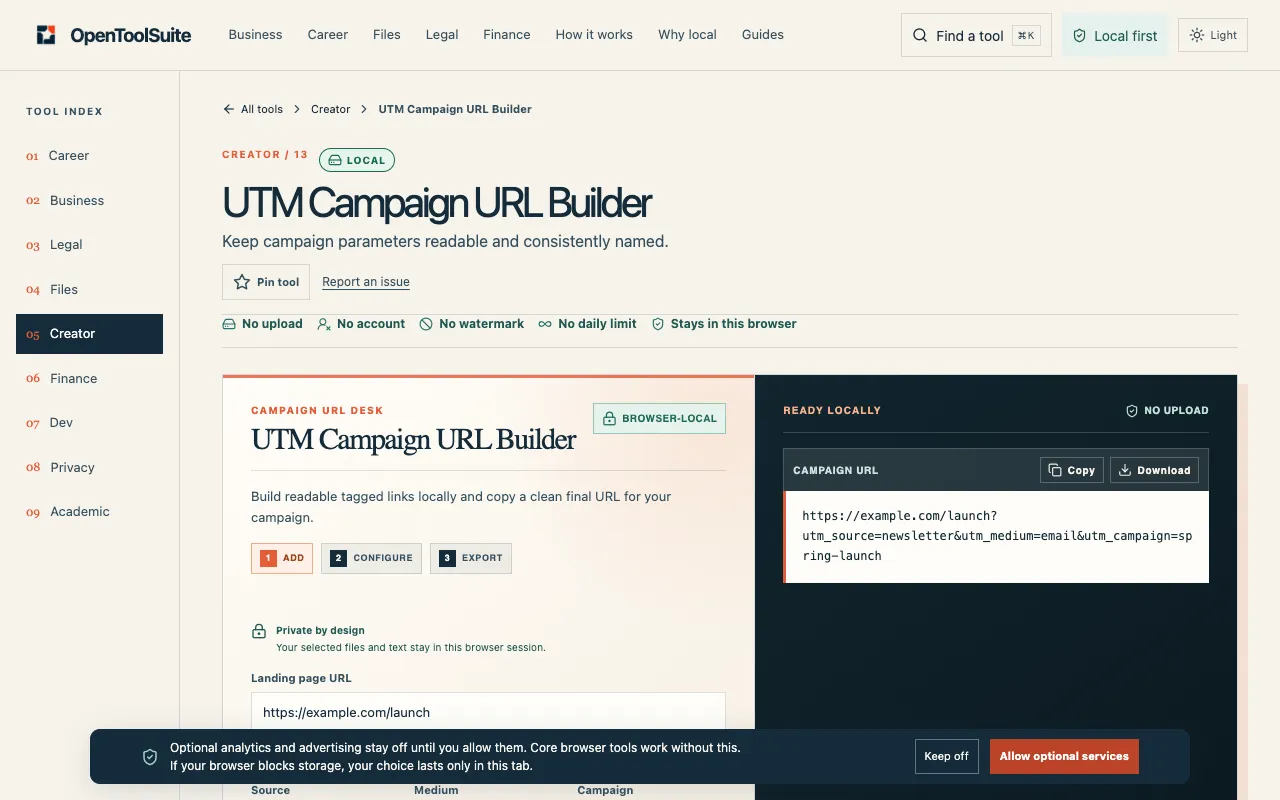
Screenshot of UTM Builder on TrafficLoopback
trafficloopback.comOpen the live tool →
About this tool

What UTM Builder does

The UTM Builder on TrafficLoopback helps you create tagged campaign URLs for analytics platforms like GA4 and Plausible. You input a destination URL and fill in required parameters such as source, medium, and campaign name, with optional fields for term, content, and campaign ID. The tool generates a properly URL-encoded link that you can copy, download as a text file, or shorten. All processing happens within your browser, ensuring no data leaves your device. The interface includes quick presets tailored for major platforms like Meta, Google Ads, LinkedIn, X, and newsletters, which populate fields with platform-specific defaults to streamline campaign tagging.

Step by step

How to use the TrafficLoopback UTM Builder

  1. 1

    Enter or paste your destination URL into the designated field

  2. 2

    Select a preset from the quick options (Meta, Google Ads, LinkedIn, X, or Newsletter) to auto-populate standard parameters

  3. 3

    Fill in the required Campaign source (utm_source) and Campaign medium (utm_medium) fields, and provide a Campaign name (utm_campaign)

  4. 4

    Add optional parameters like Campaign term, content, or ID if needed for your tracking setup

  5. 5

    Copy the generated URL, download it as a .txt file, or use the shorten function as required

Is it right for you

Best for

Marketers and campaign managers who need to quickly generate accurate, platform-tailored UTM parameters for attribution in analytics tools, especially those working across multiple channels and wanting to keep data processing local.

Limitations

  • Recent link history is stored locally in the browser only and not saved on the site
  • The tool is currently in beta, so some features may be under development
  • No explicit mention of pricing tiers or advanced enterprise options
Questions

UTM Builder FAQ

Do I need to install any software or browser extension to use the UTM Builder?
No, the tool runs 100% in your browser; you only need to visit the TrafficLoopback website to start building links.
Can I use the UTM Builder for platforms beyond Meta, Google, LinkedIn, and X?
Yes, the tool includes a generic Newsletter preset and allows manual entry of all UTM parameters, so you can tag campaigns for any platform or channel.
Is my campaign data stored or uploaded to TrafficLoopback’s servers?
No, the builder runs entirely in your browser; your input and generated URLs are not uploaded or stored on the site.
What happens if I leave the Campaign term or Content fields blank?
Those fields are optional; you can skip them and the tool will generate a valid UTM link with only the required parameters included.