WebP to PNG
Convert WebP to PNG online for free. Preserve transparency and image quality with our fast browser-based WebP to PNG ...
What WebP to PNG does
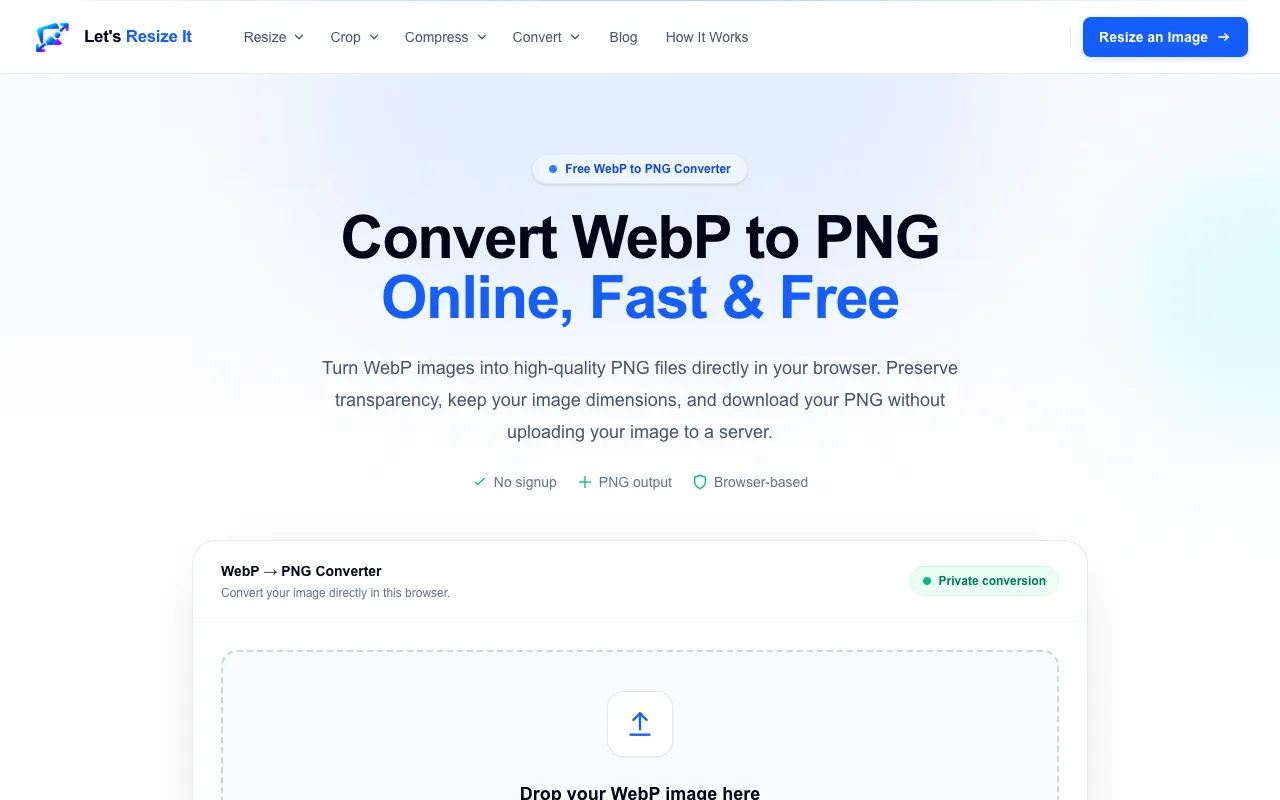
This online tool converts WebP images to PNG format directly in the user's browser. It preserves transparency and image dimensions, offering a choice between standard PNG output and animated APNG output. The conversion process happens locally on the user's device, meaning images never need to be uploaded to a remote server, ensuring privacy and speed. The service is free, requires no signup, and does not add watermarks to the output files.
How to use the Let's Resize It WebP to PNG
- 1
Drop a WebP image into the converter or click to choose a file from your device
- 2
Select whether you prefer standard PNG or animated APNG output
- 3
Wait for the browser-based processing to complete
- 4
Download the converted PNG file directly to your device
Best for
Designers and editors who need to move WebP assets into image editors, presentations, or documents that require PNG compatibility and transparency support.
Limitations
- Results depend on the quality of the original WebP file
- No explicit file size limits mentioned in the material
- Conversion features are focused on still images and APNG, not other formats
WebP to PNG FAQ
- Will converting WebP to PNG reduce image quality?
- No, the conversion uses lossless compression, preserving the original image quality and transparency during the process.
- Do I need to create an account to use this converter?
- No, the tool is free to use and does not require signup or registration.
- Are my images uploaded to a server when I use this tool?
- No, the conversion happens locally in your browser, so your images stay on your device and are not uploaded to a remote server.
- Can I convert animated WebP files to APNG using this tool?
- Yes, the tool offers an option to select animated APNG output when converting WebP images.
More WebP to PNG tools
- 01CreatorFileKitcreatorfilekit.com
Convert a WebP image to PNG in your browser without uploading it.
- 02Ezgifezgif.com
Converts WebP images to PNG with optional APNG output.
- 03Free Image Editorfreeimageeditor.io
Convert a still WebP to PNG in your browser. Preserve transparent pixels, keep image dimensions and download without ...
Similar tools
Based on shared tags