01
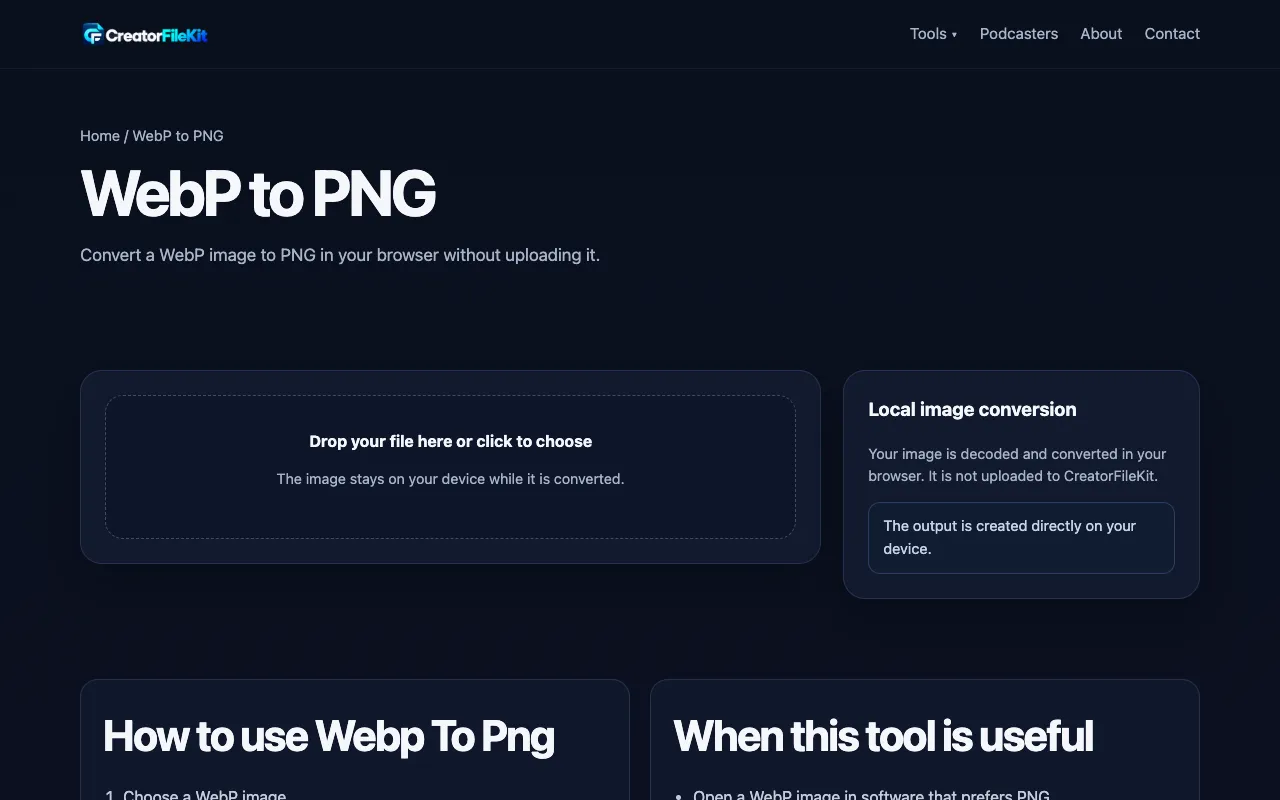
Converts WebP images to PNG with optional APNG output. This tool facilitates the conversion of WebP format images to more universally compatible PNG format. Users can upload their WebP files, select whether they prefer standard PNG or animated APNG output, and download the converted images directly. Ideal for designers needing compatibility across different platforms and users looking to simplify...

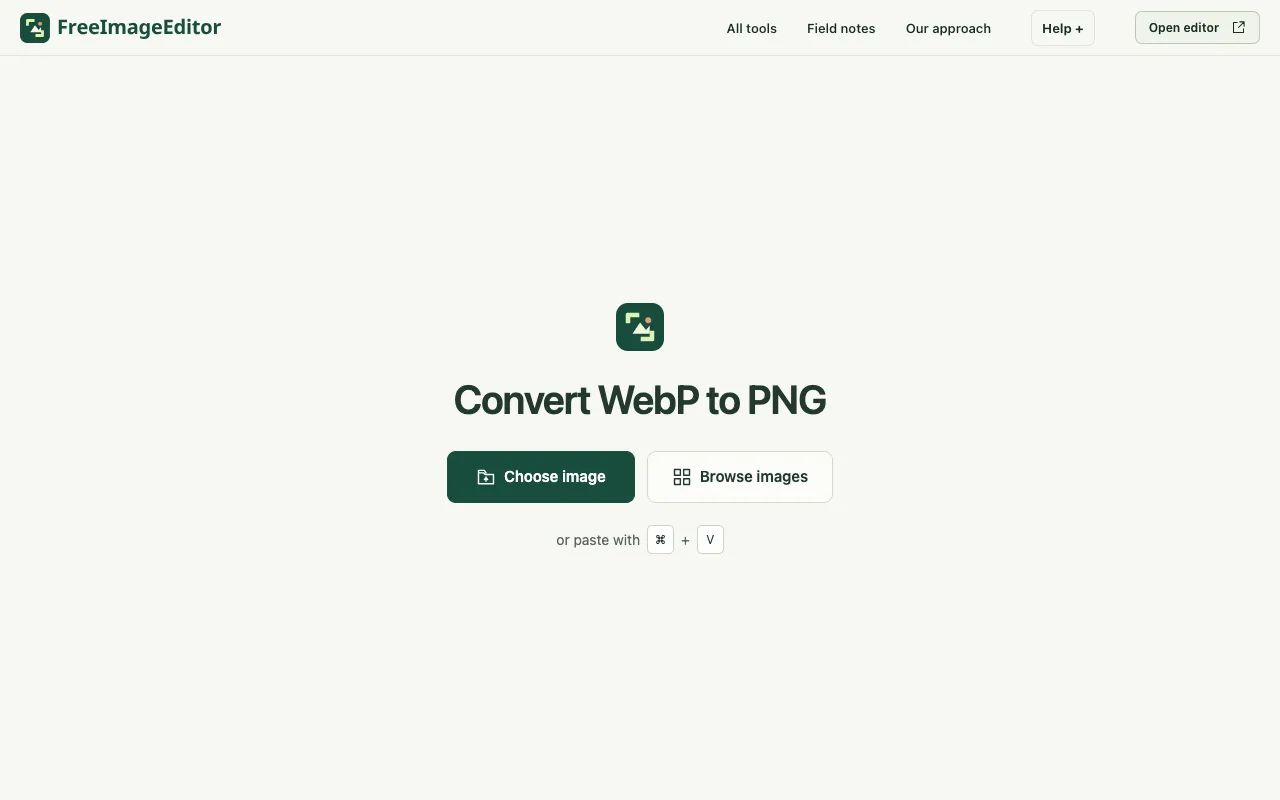
Convert a still WebP to PNG in your browser. Preserve transparent pixels, keep image dimensions and download without ...
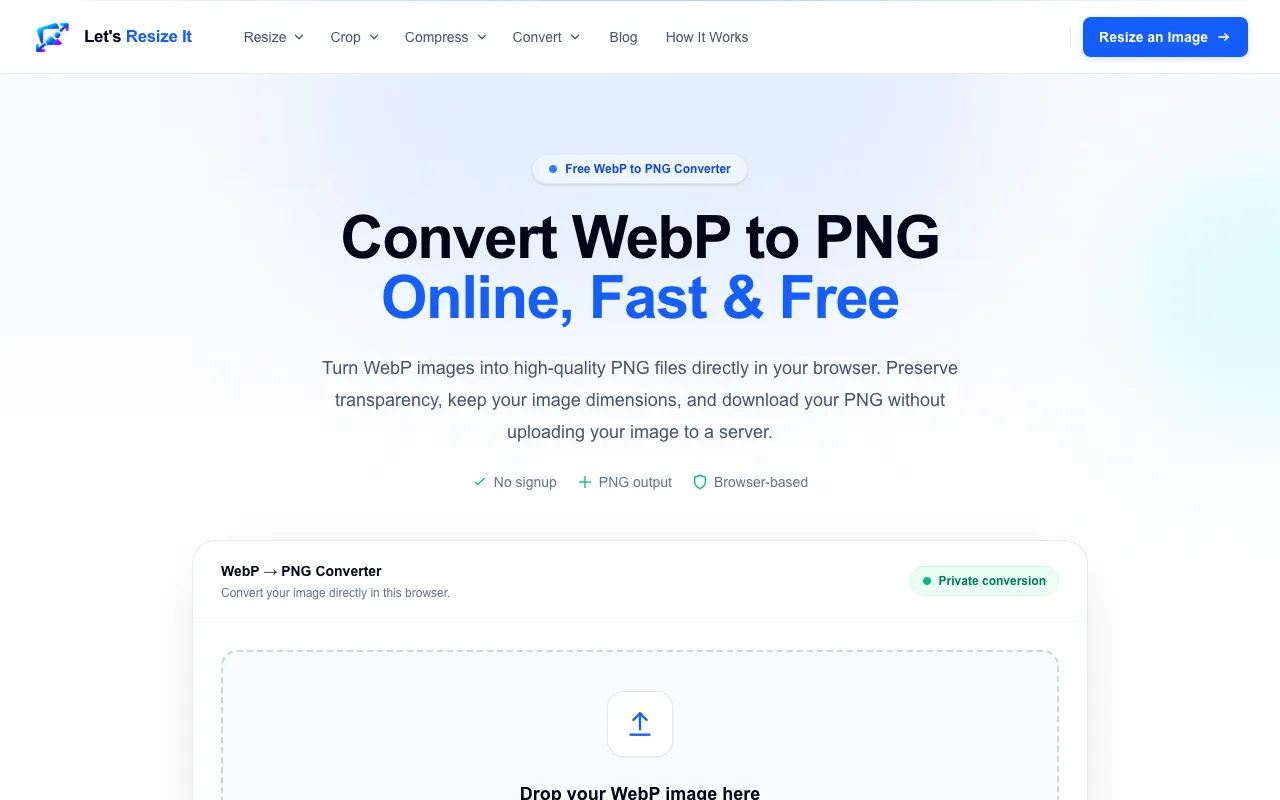
Convert WebP to PNG online for free. Preserve transparency and image quality with our fast browser-based WebP to PNG ...
Side by side
| Tool | Best for | Strengths | Limitations |
|---|---|---|---|
| CreatorFileKit creatorfilekit.com | Privacy-conscious users |
|
|
| Ezgif ezgif.com | Users needing APNG support |
|
|
| Free Image Editor freeimageeditor.io | Still WebP images only |
|
|
| Let's Resize It letsresizeit.com | Quick, local conversions |
|
|
Buyer's guide
When converting WebP to PNG, the key trade-off is privacy versus feature set. If keeping your images off servers matters most, choose a browser-based tool like CreatorFileKit or Let's Resize It. If you need to handle animated WebP files or want explicit file size limits, Ezgif requires uploading but gives you APNG output and a 200MB cap. For single still images where you want no sign-up and transparency preservation, Free Image Editor works entirely in-browser.
Questions