Image Cropper
Crop images to any shape in your browser — freeform, square, circle, or a ready-made ratio such as 16:9 and 4:3. No u...
What Image Cropper does
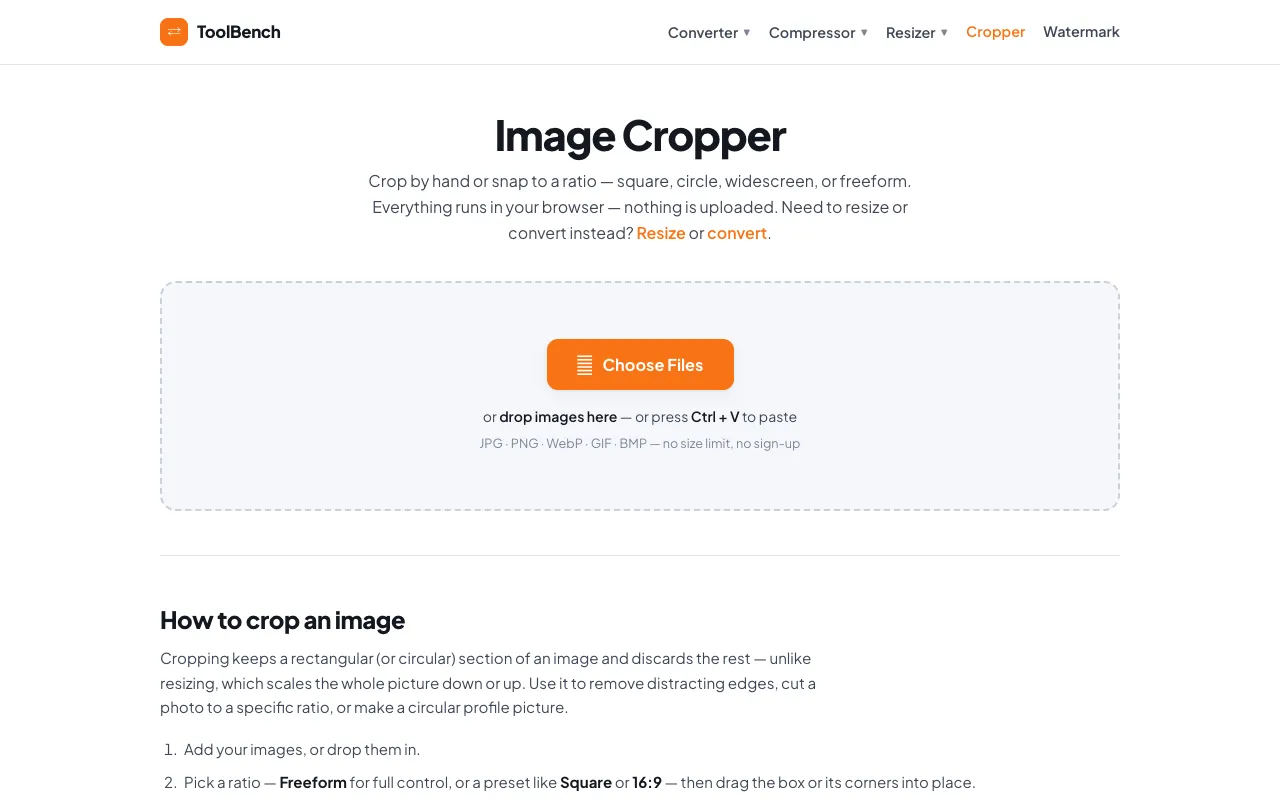
Image Cropper is a browser-based tool that lets users crop pictures without uploading files to a server. It supports free-form dragging or locking to preset ratios like 16:9, 4:3, square, and circle, and handles common formats including JPG, PNG, WebP, GIF, and BMP. Once cropped, images can be downloaded individually or as a ZIP archive. The service emphasizes privacy by processing everything locally and imposes no file size limits or registration requirements.
How to use the MyToolsBench Image Cropper
- 1
Open the Image Cropper page on MyToolsBench
- 2
Choose Files or drop an image onto the workspace, or paste using Ctrl + V
- 3
Select a crop ratio from presets like Square, 4:3, 16:9, Circle, or use Freeform for unrestricted dragging
- 4
Click Apply Crop to process the image, then download the result or grab all files as a ZIP
Best for
Ideal for quick, private cropping tasks such as creating profile pictures, removing distracting edges, or resizing images to specific ratios without leaving the browser.
Limitations
- Cropping permanently discards pixels and cannot be undone within the tool
- No built-in image editing features beyond cropping and batch download
- Aspect-ratio presets are fixed and cannot be customized to arbitrary values
Image Cropper FAQ
- Does Image Cropper store or upload my photos to a server?
- No, all cropping happens locally in your browser using the Canvas API; your images never leave your device.
- Can I crop an image to a custom aspect ratio that isn't listed?
- The tool offers preset ratios like 16:9, 4:3, square, and circle, but does not support entering a custom ratio manually.
- What image formats does Image Cropper accept?
- JPG, PNG, WebP, GIF, and BMP files are supported with no stated size limit.
- How do I crop multiple images at once?
- Use the Batch feature to add a folder of images; the tool will queue each one and walk you through cropping them individually, then allow downloading them all as a ZIP.
More Image Cropper tools
Similar tools
Based on shared tags