Compress PNG
Reduce PNG file size in your browser. Set a target size in KB or MB, adjust quality, resize and strip metadata — your...
What Compress PNG does
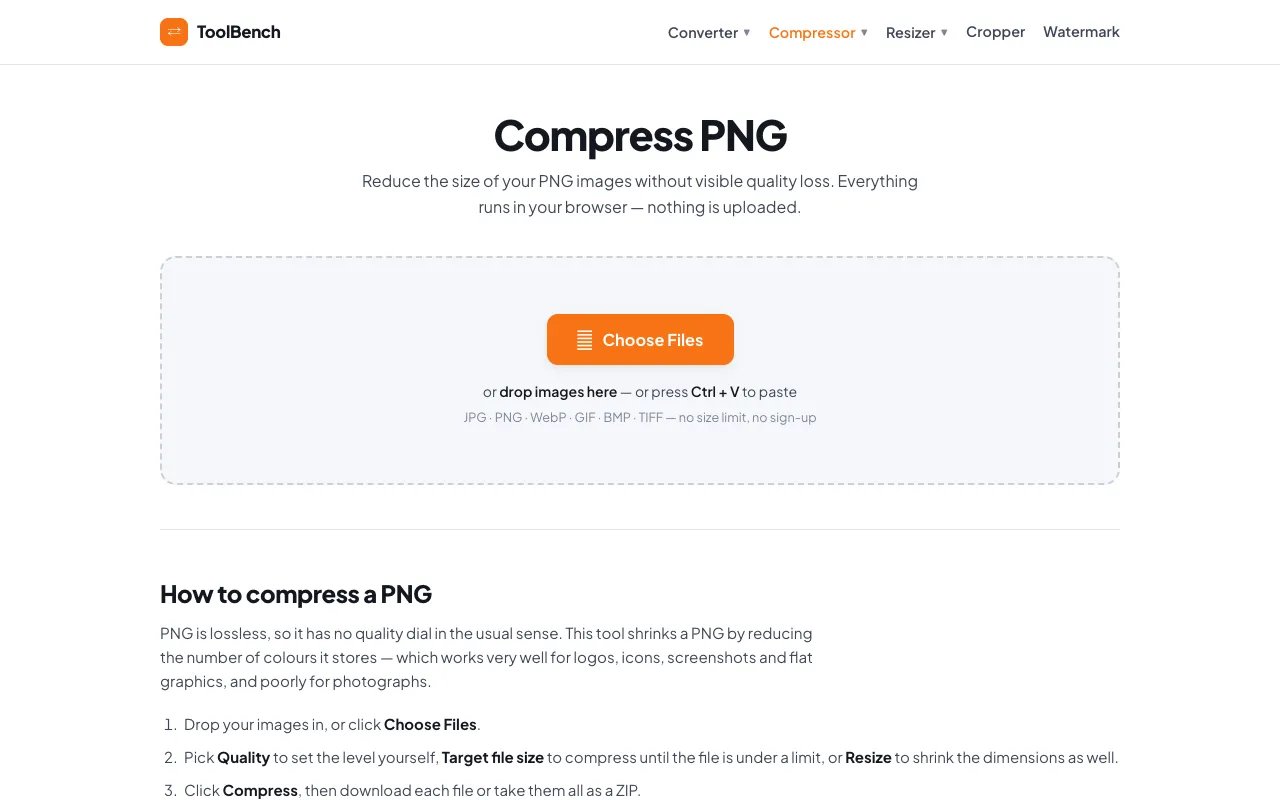
Compress PNG is an online service that reduces PNG file size by optimizing the image's palette and metadata entirely within the user's browser. The result is a smaller file that retains the original visual quality and integrity. Users can upload images by dragging and dropping or pasting via Ctrl+V, and the processed files remain on their device, never being uploaded to a server. The service supports various formats including JPG, PNG, WebP, GIF, BMP, and TIFF without file size limits or requiring sign-up. Beyond simple compression, it offers options to adjust quality, set a target file size in KB or MB, and resize image dimensions. A key feature is the ability to remove EXIF metadata such as camera models, GPS location, and timestamps, which further reduces file size. The interface includes an estimated size slider and a compare view so users can check quality against the original before saving. Results can be downloaded individually or as a combined ZIP archive.
How to use the MyToolsBench Compress PNG
- 1
Upload PNG images by dragging and dropping files or pasting via Ctrl+V into the Compress PNG interface
- 2
Select compression options such as Quality level, Target file size in KB or MB, or Resize dimensions
- 3
Click the Compress button to process the images locally in your browser
- 4
Download individual compressed files or take all results as a combined ZIP archive
- 5
Review the estimated size updates and use the compare view to check quality against the original before saving
Best for
This option suits users who need to reduce PNG file size without uploading sensitive images to a server, particularly those working with logos, icons, screenshots, and flat graphics that benefit from palette optimization.
Limitations
- Compression is most effective for logos, icons, screenshots, and flat graphics; photographs see limited benefit when kept as PNG
- Converting photographs to WebP or AVIF formats will achieve greater size reduction than PNG compression
- Quality adjustments are tailored to the image type and may not offer a manual quality dial in the traditional sense
Compress PNG FAQ
- Are my images uploaded to the server when using Compress PNG?
- No, all compression happens locally in your browser. Your images are never uploaded or sent anywhere, ensuring privacy and no size caps or queues.
- Can I compress photographs effectively using this PNG tool?
- The tool works well for logos, icons, screenshots, and flat graphics. For photographs, converting to WebP or AVIF will save far more space than compressing as PNG.
- What metadata can be removed from my PNG files?
- You can remove EXIF metadata including camera model, GPS location, and timestamps, which contributes to smaller file sizes.
- How do I know if the compressed quality is acceptable before downloading?
- The interface provides an estimated size update as you move sliders and includes a compare view so you can check the quality of the result against the original at full size before saving.
More Compress PNG tools
Similar tools
Based on shared tags