Utility Tools Suite
AINowTools provides a comprehensive collection of over 20 free online utilities designed for everyday productivity an...
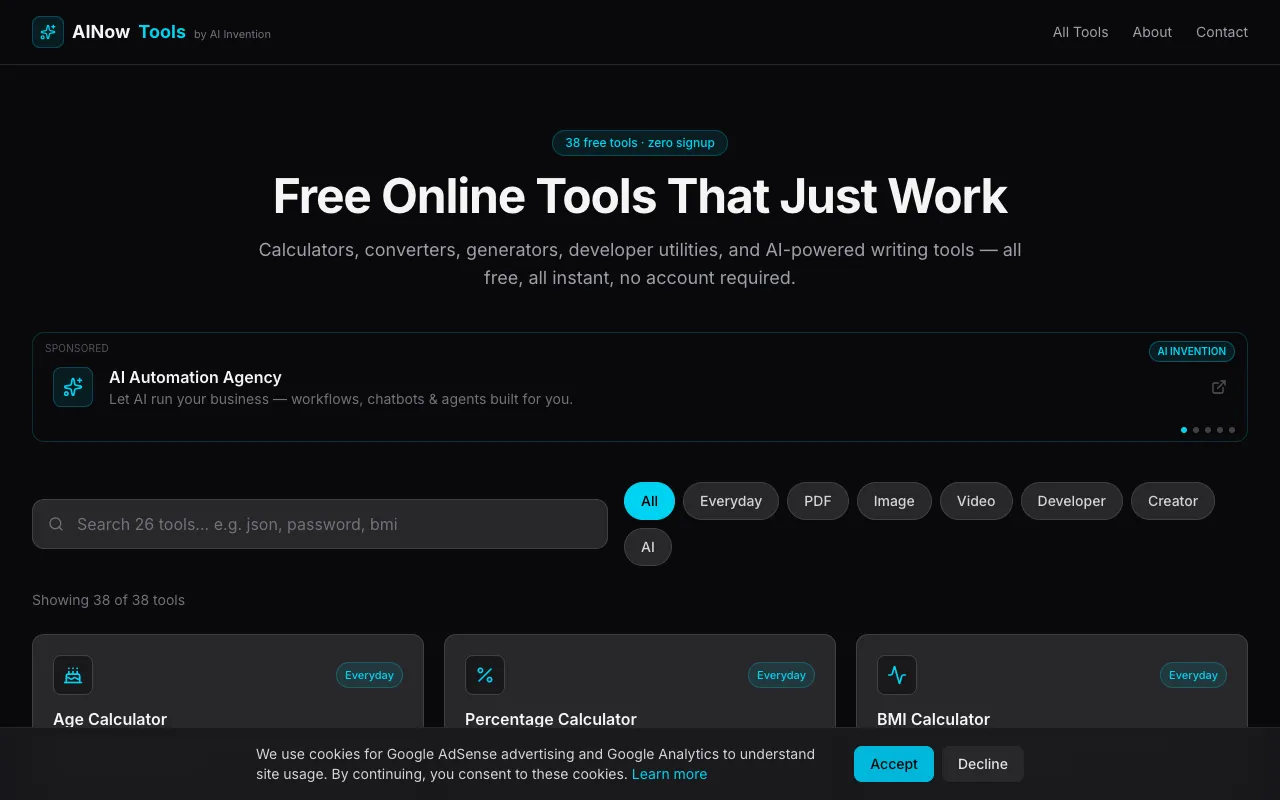
What Utility Tools Suite does
AINowTools is a free online directory of over 20 utilities covering image editing, text manipulation, and quick calculations. Users can compress images, remove backgrounds, generate QR codes and passwords, format JSON, encode in base64, and convert units, all without installing software or creating an account. The results are ready to download or copy immediately after each operation.
How to use the AINowTools Utility Tools Suite
- 1
Open the AINowTools website and select the desired utility from the suite.
- 2
Upload or input your content into the tool's interface, such as an image for compression or text for encoding.
- 3
Adjust any available settings specific to that tool, then initiate the process.
- 4
Review the output displayed on screen and download or copy the result as needed.
- 5
Repeat with other utilities from the suite for additional tasks without leaving the page.
Best for
Everyday users and small business owners who need quick, no‑install solutions for common digital tasks like file compression, code generation, or unit conversion.
Limitations
- Tools are web‑based only, requiring an internet connection.
- No desktop integration or batch processing features mentioned.
- Feature set may be basic compared to dedicated paid software.
Utility Tools Suite FAQ
- Do I need to sign up or pay to use the tools on AINowTools?
- No, all tools are free to use and require no signup or payment; they run directly in your browser.
- Can I use AINowTools on a mobile device or tablet?
- Yes, the tools are browser‑based and should work on any device with an internet connection and a modern browser.
- What file types are supported for image compression and background removal?
- The excerpt does not specify supported formats, but typical image utilities on similar sites accept common types like JPEG, PNG, and WebP.
- Are the results from AINowTools tools permanent or stored on the server?
- Tools process content client‑side or temporarily; results are generated for you to download or copy, but the site does not guarantee long‑term storage.
More Utility Tools Suite tools
Similar tools
Based on shared tags