Email Signature Generator

Provided bySuperpower Resumesuperpowerresume.com

Design a professional HTML email signature for Gmail or Outlook.
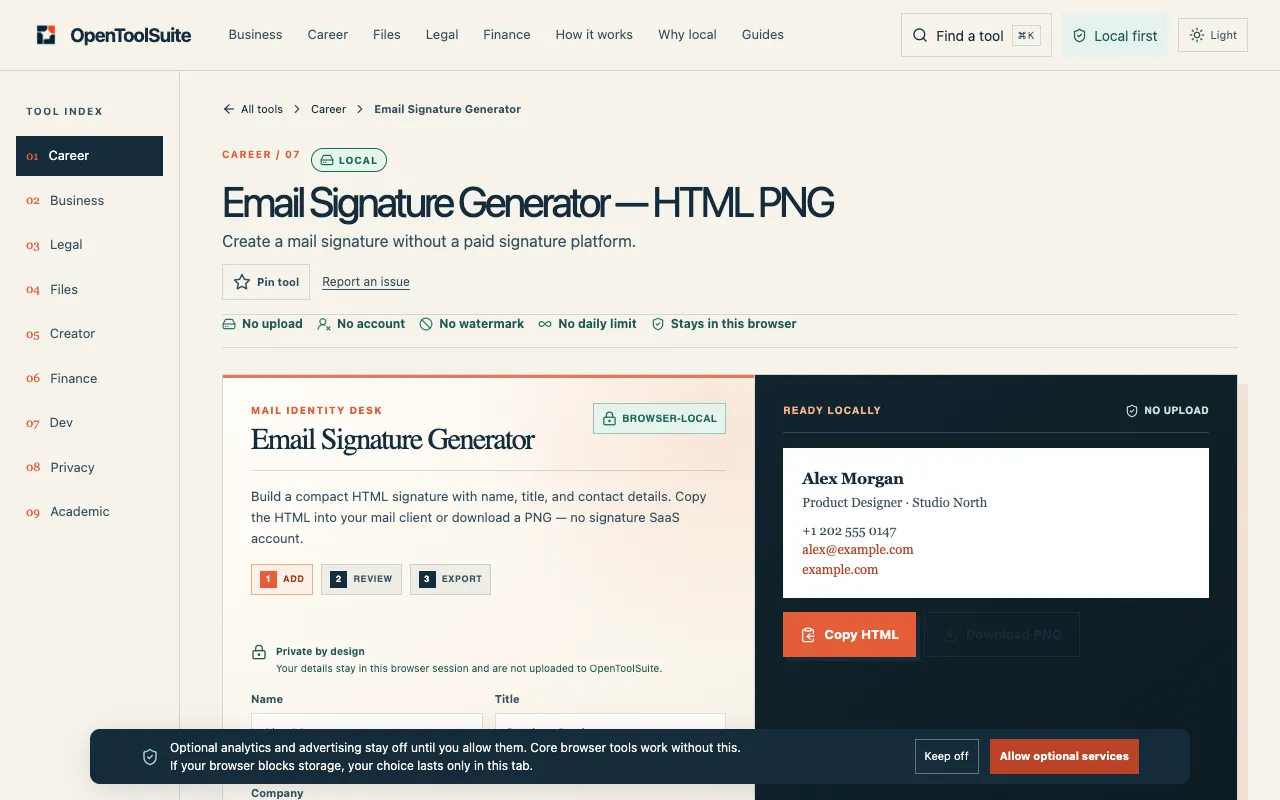
Screenshot of Email Signature Generator on Superpower Resume
superpowerresume.comOpen the live tool →
About this tool

What Email Signature Generator does

The Email Signature Generator on Superpower Resume helps professionals create custom HTML signatures tailored for Gmail and Outlook without manual coding. Users input their contact details, job titles, and social links to produce a polished signature that reflects their personal or company brand. The structured layout ensures visual consistency across different email clients, making every outgoing message look professional and cohesive.

Step by step

How to use the Superpower Resume Email Signature Generator

  1. 1

    Open the Email Signature Generator on Superpower Resume

  2. 2

    Enter your name, job title, email address, phone number, and relevant social media links

  3. 3

    Select your preferred email platform (Gmail or Outlook) from the available options

  4. 4

    Review the generated HTML signature preview and copy the code for integration

  5. 5

    Paste the copied signature code into your email client's signature settings

Is it right for you

Best for

Busy professionals and job seekers who need a quick, code-free way to create a consistent, branded email signature for Gmail or Outlook.

Limitations

  • Generated signature requires manual pasting into email client settings
  • Customization is limited to the fields and options provided by the generator
  • No direct integration with email platforms; signature must be copied and applied manually
Questions

Email Signature Generator FAQ

Can I use the generated signature on both Gmail and Outlook?
Yes, the tool is designed to produce HTML signatures compatible with both Gmail and Outlook, though you will need to paste the code into each platform's signature settings separately.
Do I need any technical skills to use this tool?
No technical skills are required; the generator provides a user-friendly interface where you simply fill in your information and the tool produces the HTML code for you.
What contact information should I include in my email signature?
You should include your name, job title, email address, phone number, and any relevant social media or professional links you want recipients to see.
Is the signature design responsive for mobile devices?
The generated HTML signature is designed to maintain visual consistency, but mobile responsiveness may vary depending on the email client's rendering capabilities.