Email Signature Generator
Build a professional email signature with name, title, contact, and optional logo. Copy HTML or download a PNG withou...
What Email Signature Generator does
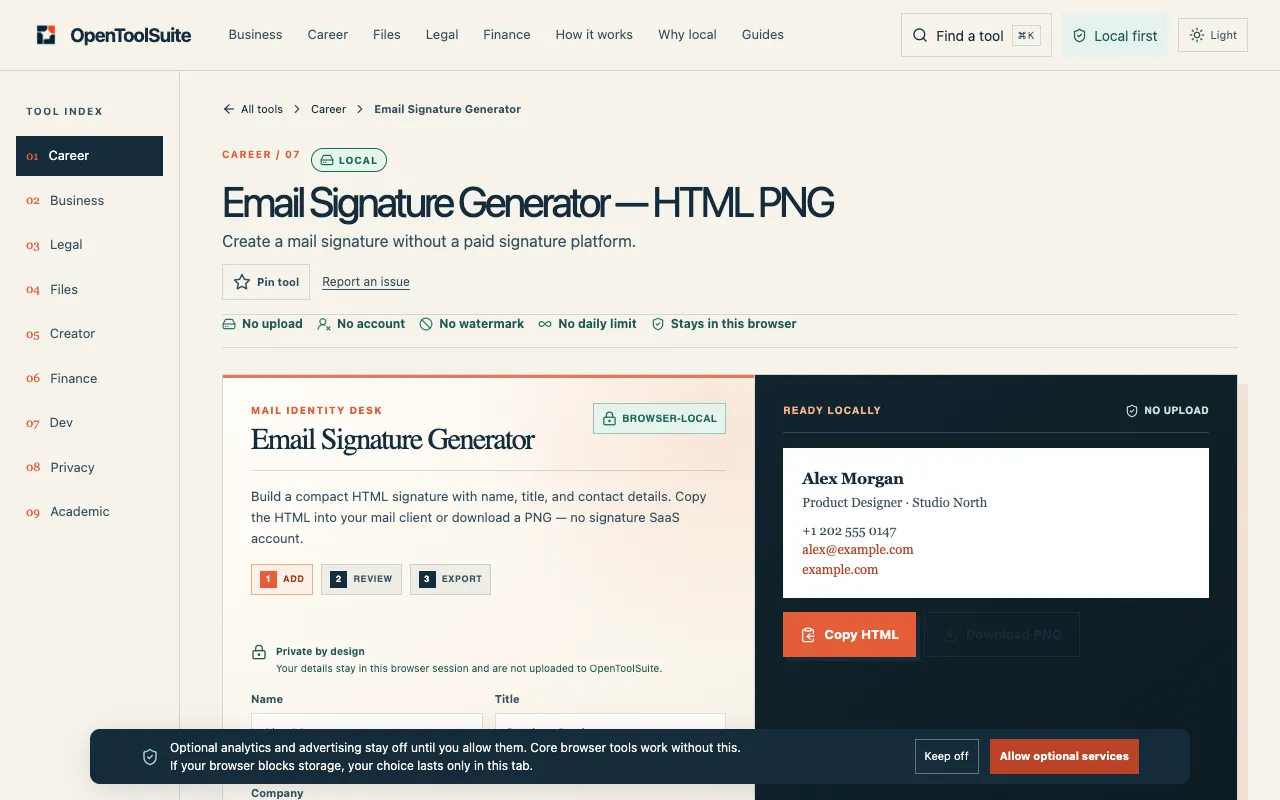
The Email Signature Generator on OpenToolSuite helps professionals create a polished, consistent presence in every message. Users enter their name, job title, and contact details, then choose to copy an HTML block or download a PNG image of the signature. The tool is designed specifically for major platforms like Gmail and Outlook, allowing anyone to build a custom signature without needing a paid service or a SaaS account. It focuses on simplicity: fill in the fields, grab the code or image, and you are ready to go. What you get is a ready-to-use signature file that reflects your personal brand, ready to paste into your email client or use as an image where HTML is not supported.
How to use the OpenToolSuite Email Signature Generator
- 1
Enter your real name, job title, and the contact paths you want in every message
- 2
Add an optional logo file if you have one; the tool reads it in the browser
- 3
Copy the generated HTML code or download the PNG signature file
- 4
Paste the HTML into your mail client or insert the PNG into emails that only accept images
- 5
Send a test message to preview how the signature appears in your specific webmail editor
Best for
This option suits busy professionals and small teams who need a quick, free way to standardize their email presence across Gmail or Outlook without paying for a signature platform or creating a SaaS account.
Limitations
- Some webmail editors strip formatting; check a sent-mail preview before rolling it out
- The tool does not connect to your mailbox or add a tracking pixel
- Results depend on the webmail client's ability to render HTML and CSS correctly
Email Signature Generator FAQ
- Does Email Signature Generator connect to my mailbox?
- No. You copy HTML or a PNG into your own mail client; the tool does not integrate with any email service.
- Will every webmail keep the styles?
- No. Some editors strip formatting; it is important to check a sent-mail preview before rolling the signature out.
- Is the logo uploaded to a server?
- No. An optional logo is read in this browser to build the signature; it is not uploaded or stored.
- Can I use this for a small team of coworkers?
- Yes. The tool allows you to create a matching signature for a small team by entering consistent contact details for each member.