35 tools
Flips rows and columns of a CSV table, transforming its orientation from horizontal to vertical or vice versa. Ideal for developers needing to rearrange data for analysis or integration with other systems. Useful for anyone working with tabular data in CSV format who requires flexibility in how their information is presented or used.
Truncates values in chosen CSV columns to a maximum length, facilitating easier data processing and storage by removing unnecessary characters from long strings. Developers, analysts, and data managers would use Truncate CSV Columns when dealing with large datasets containing verbose fields that can bloat file sizes or cause issues in subsequent data analysis tools. By reducing the length of text values, users can optimize their CSV files for more efficient handling, storage, and processing.
Cleanses CSV data by removing unwanted leading and trailing whitespace from selected columns. Users upload their existing CSV file to process dirty or inconsistent datasets, then specify exactly which columns require trimming. The tool executes this cleanup operation in the background and allows users to download the newly prepared, clean version of the file instantly for continued use. Developers and data analysts utilize this utility when preparing raw data for advanced tasks such as database integration or complex statistical analysis. It ensures that data inputs are standardized by eliminating subtle whitespace errors that often cause issues with parsing or matching records. Using this tool saves time and maintains high data quality before any critical downstream processing begins.
Sorts rows by the values in one or more CSV columns. Users can upload their CSV file, select the column(s) to sort by, and choose ascending or descending order. Ideal for data analysis, reporting, and organizing large datasets efficiently. Developers, researchers, and anyone needing to manipulate CSV data will find this tool invaluable. It saves time manually sorting data and ensures consistency across columns.
Strips double-quote characters from all CSV fields, making it easier to import data into various applications without errors. Helps users clean up CSV files for better compatibility with different software programs. Ideal for developers preparing data for analysis or integration, ensuring smoother workflows and more accurate results.
Wraps all CSV fields in double quotes, transforming plain CSV data into properly formatted files for applications requiring quoted strings. Developers and data analysts often need to standardize CSV files for compatibility with various software tools. By wrapping each field in double quotes, this tool ensures consistency and prevents common parsing errors, making it easier to import data into databases or perform further analysis.
Swaps the field-quoting character in CSV files to a different one, allowing users to customize their data formatting for compatibility or personal preference. Developers, data analysts, and anyone working with CSV files will find this tool helpful when they need to standardize quote characters across multiple datasets, ensuring consistency and proper parsing in various applications.
Checks a CSV for structural errors and reports them. Validates CSV offers an easy way to ensure your comma-separated values file is free of formatting issues, such as missing commas or incorrect data types. Users who work with large datasets, programmers integrating CSV data into applications, and anyone dealing with data export from spreadsheets will find this tool invaluable. It saves time by identifying errors before they cause problems in further processing or analysis.
Identifies incomplete records within CSV files by scanning datasets for missing values across defined columns. The tool processes uploaded CSV data, automatically flagging any rows that contain gaps or null entries. Users can easily review these highlighted incomplete records to determine which fields need attention and what data is required before the file can be used for advanced operations or analysis. Developers, data analysts, and researchers utilize this utility when validating raw datasets. Ensuring data integrity is crucial because missing values can lead to flawed calculations, skewed reports, or errors during integration into other systems. Using this checker helps users quickly clean and validate their input files, guaranteeing a higher quality dataset for subsequent processing stages.
Fills missing data values within CSV files by replacing blank records with user-defined placeholders. Users simply upload their incomplete spreadsheet file, select a consistent placeholder value such as "N/A", "0", or "Unknown," and the tool automatically processes all columns to ensure every empty cell is populated. This function maintains the original structure of the data while systematically filling in gaps across the entire dataset. Data analysts and developers use this utility when preparing messy datasets for analysis, reporting, or database migration. By ensuring consistent values are present everywhere, users can prevent errors that arise from missing fields, guaranteeing a cleaner and more reliable foundation for subsequent computations. This process is essential for maintaining data integrity before any critical business intelligence work begins.
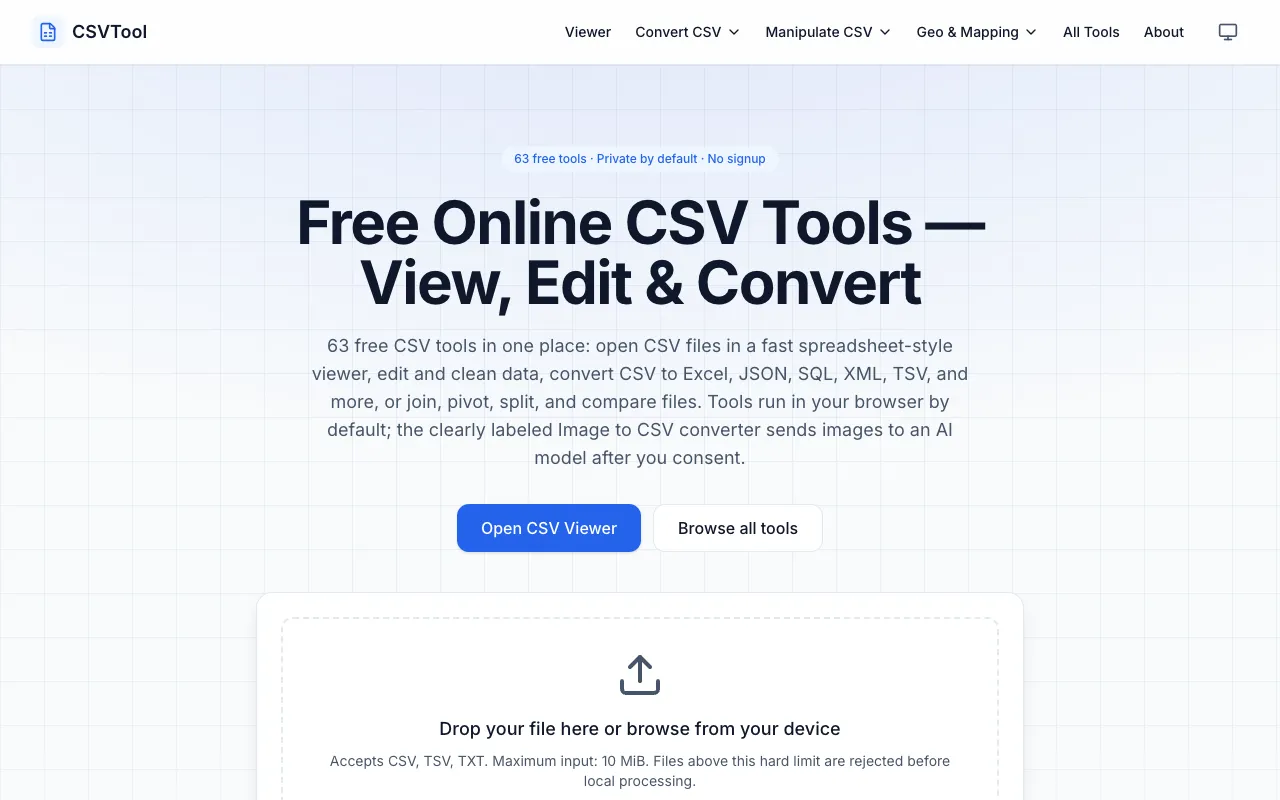
CSVTool is a comprehensive, browser-based suite of 63 free utilities designed for working with CSV files. It provides essential tools including a CSV viewer, editor, and converters that transform CSV data into multiple formats including Excel, JSON, and SQL. Beyond basic conversion, the suite includes advanced data manipulation capabilities such as joining multiple files, pivoting data, splitting records, and comparing datasets. All processing happens entirely within your browser with complete privacy—no account signup is required and your data never leaves your device. The extensive collection covers the entire workflow of CSV operations, from simple viewing and editing to complex transformations and comparative analysis.