Diff Checker
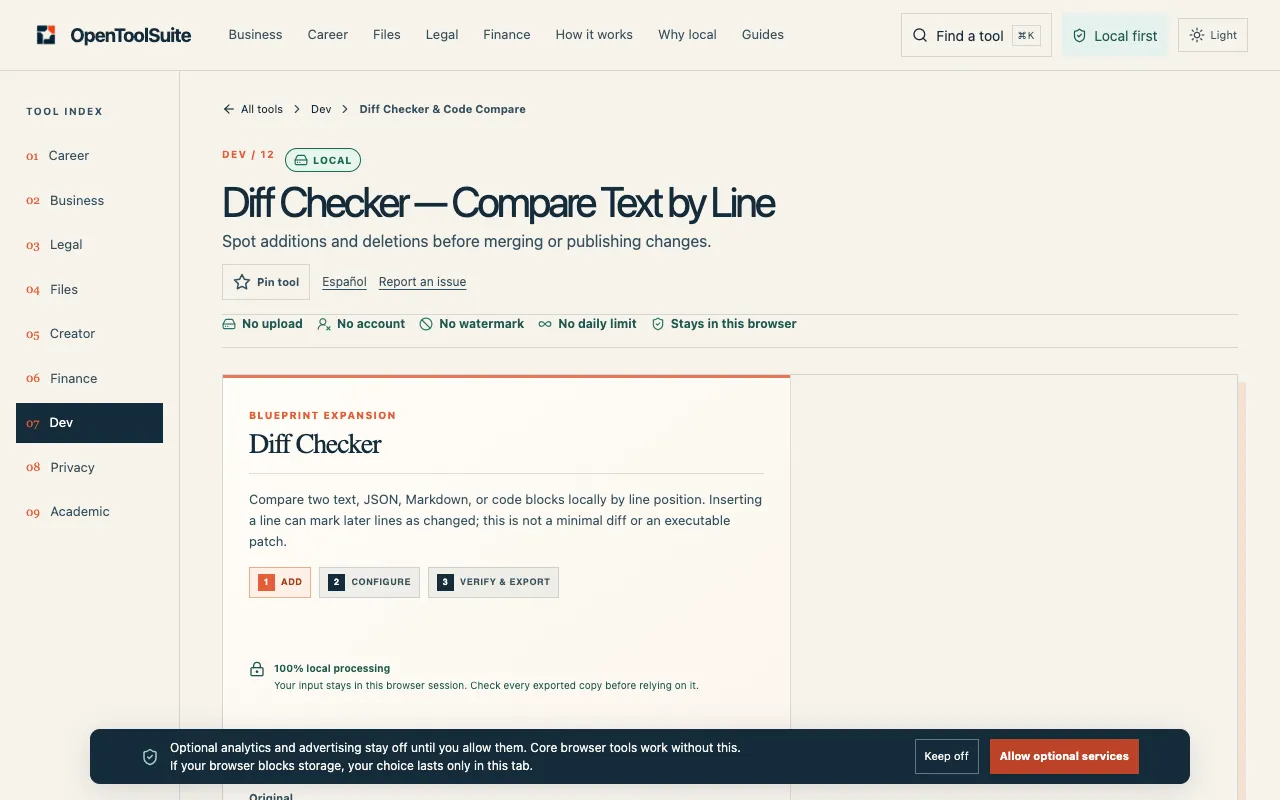
Compare two text or code versions locally by line position. Review spaces and value changes, copy the result or downl...
What Diff Checker does
Diff Checker on OpenToolSuite compares two text or code versions locally by line position, displaying equal lines with a two-space indent and changes marked with plus or minus signs. Users paste earlier text into the Original field and revised text into the Modified field to see a plain-text comparison that highlights added, removed, or altered lines. The result can be copied or downloaded as a TXT file, and no upload to an external server is required since processing happens within the browser. The tool also includes a worked example showing how a simple config change from timeout=30 to timeout=45 appears, helping users understand the output format before applying it to their own documents.
How to use the OpenToolSuite Diff Checker
- 1
Paste the earlier version of your text into the Original field.
- 2
Paste the revised version into the Modified field.
- 3
Review the side-by-side output where equal lines start with two spaces, removed lines start with −, and added lines start with +.
- 4
Copy the comparison result or download it as a plain-text TXT file.
- 5
Use the example input to verify the tool's line-by-line matching behavior before processing your own files.
Best for
Developers, system administrators, and anyone comparing multiple versions of documents, code snippets, or configuration files who need a quick, local diff without uploading sensitive data to a remote service.
Limitations
- Line-by-line comparison only; does not detect rearranged paragraphs or structural changes.
- Spaces within lines, accents, letter case, and punctuation are treated as significant differences.
- Results are estimates based on line position and may shift if lines are inserted or deleted in the middle of a file.
Diff Checker FAQ
- Why are many lines reported as different after I add just one line?
- Because the tool compares lines by position; inserting a line shifts the numbering of all subsequent lines, causing them to be marked as different even if their content remains unchanged.
- Does the tool handle different file encodings or line endings?
- Windows CRLF and Unix LF line endings are normalised automatically, but spaces within lines, accents, letter case, and punctuation remain significant and will be flagged as differences.
- Can I use Diff Checker to compare formatted documents like Word files or PDFs?
- No, the tool only accepts plain text input; it compares raw line-by-line content and does not support formatted documents or binary files.
- Is the comparison result a patch file I can apply to the original text?
- No, the output is a plain-text display of differences only; it is not an executable patch and cannot be applied to reconstruct the modified version.
More Diff Checker tools
Similar tools
Based on shared tags