Word counter
Count words, characters, and estimated reading time in text.
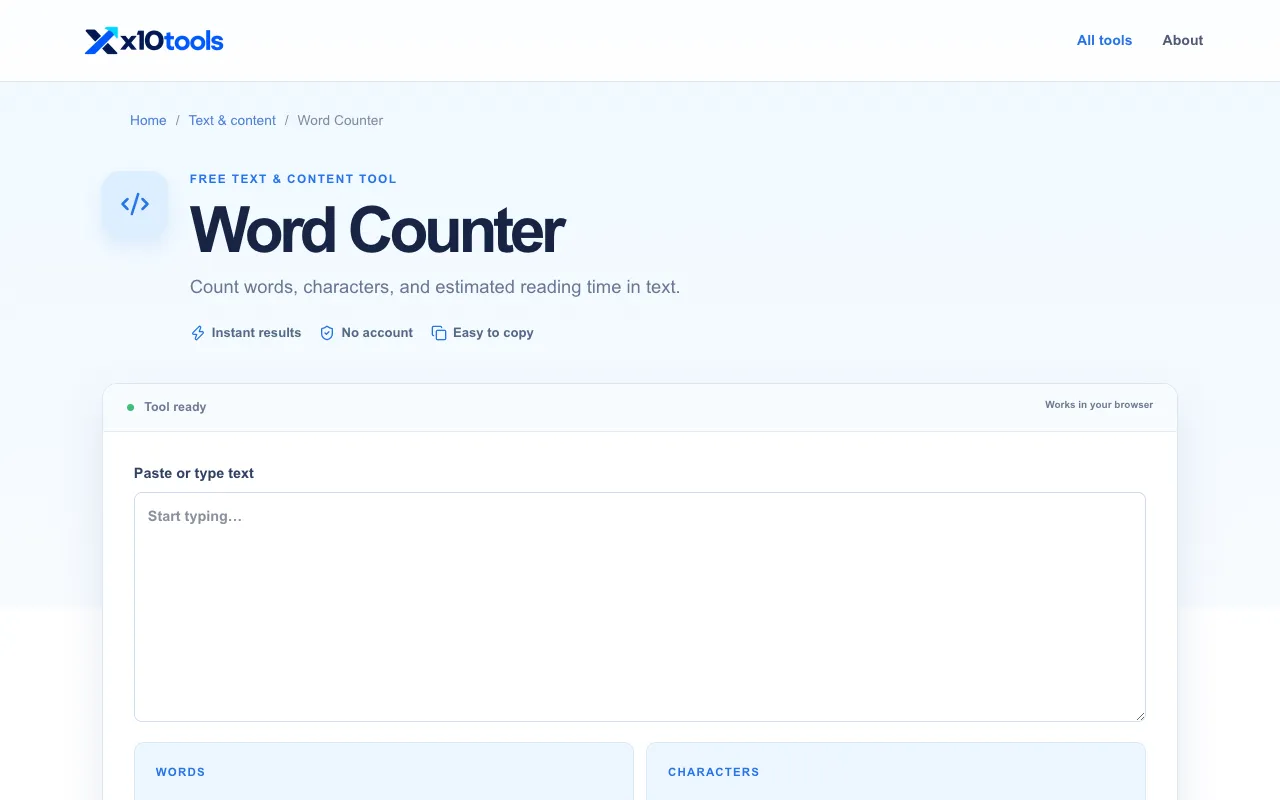
What Word counter does
The Word Counter on X10Tools calculates the number of words, characters, and estimated reading time for any pasted text. Users receive immediate results showing word count, character count, and a reading time estimate, which helps with editing, writing, and meeting length requirements for articles, captions, applications, and social posts. The tool runs entirely in the browser, requires no account, and allows easy copying of results for reuse.
How to use the X10Tools Word counter
- 1
Paste or type the desired text into the Word Counter input area on X10Tools
- 2
Review the automatically updated results displaying Words, Characters, and Reading time
- 3
Copy the result or adjust the inputs for another count
- 4
Use the tool repeatedly to check writing limits as you edit
Best for
Writers and editors who need a quick, account-free way to check word, character, and reading time limits while drafting articles, captions, applications, or social posts.
Limitations
- Results are estimates and may vary with formatting
- The page includes advertisements
- No unit switching or advanced text analysis beyond basic counts
Word counter FAQ
- Is the Word Counter on X10Tools free to use?
- Yes, the tool is free and works instantly in your browser without requiring an account.
- Does the tool store my pasted text?
- No, the Word Counter works entirely in your browser; your input is not stored or sent to a server.
- Can I count characters and reading time as well as words?
- Yes, the tool displays word count, character count, and an estimated reading time for the entered text.
- What types of writing is the Word Counter best for?
- It is useful for checking limits on articles, captions, applications, and social posts as you edit.
More Word counter tools
Similar tools
Based on shared tags