Word Counter
Counts words, characters, sentences and paragraphs live, plus LLM token counts for AI prompts, letter-frequency stati...
What Word Counter does
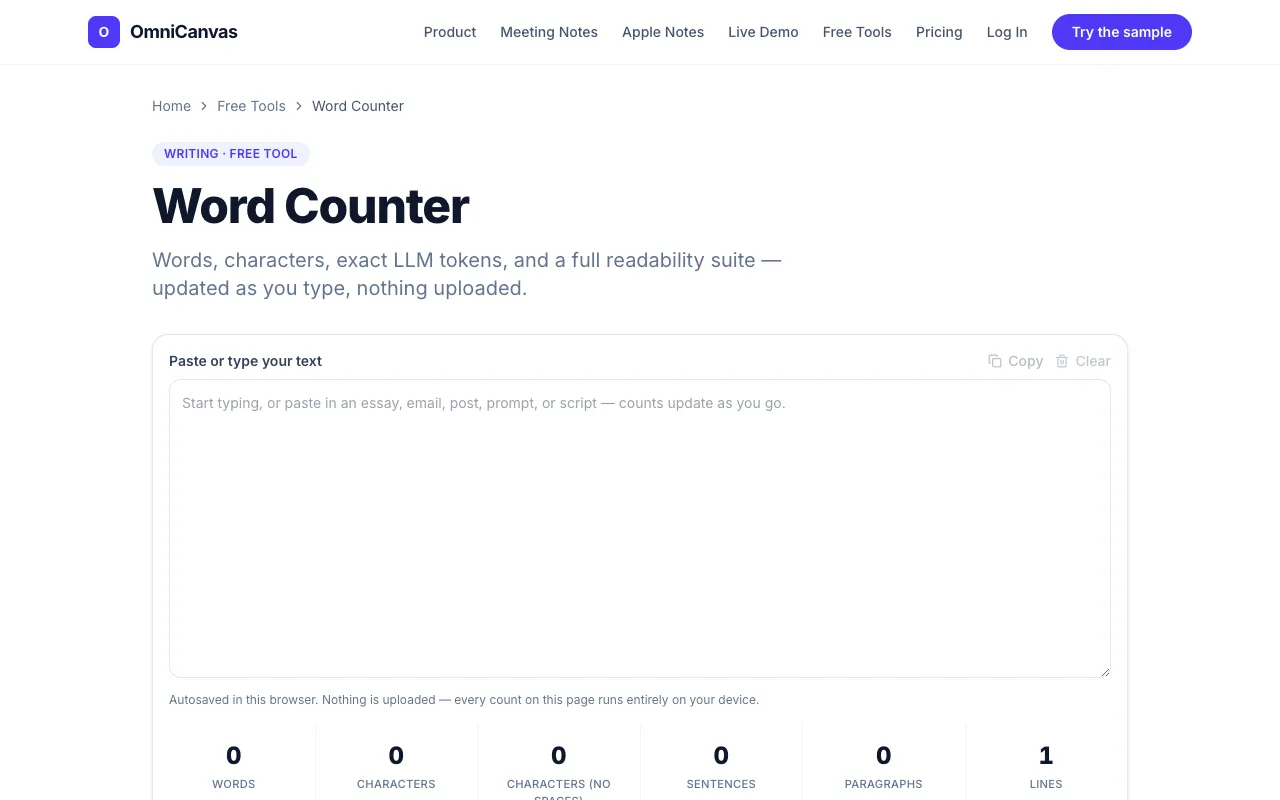
A word counter that calculates the number of words in any given text. Users simply paste their text into the designated area, and the tool automatically counts and displays the word count, helping users with editing, writing, and content creation by providing an accurate word count to ensure they meet length requirements. Beyond basic counting, the tool offers a comprehensive suite of writing analytics, including character counts with and without spaces, sentence and paragraph counts, LLM token counts for AI prompts, letter-frequency statistics, six readability formulas, keyword density, case conversion, text cleanup, and a writing goal tracker. All processing happens entirely in the browser, ensuring privacy and speed regardless of text length.
How to use the OmniCanvas Word Counter
- 1
Paste or type your text into the input area on the OmniCanvas word counter page
- 2
View the live word count and character totals displayed at the top of the interface
- 3
Expand optional panels to access LLM token counts, readability formulas, keyword density, and other analytics
- 4
Use the autosave feature or manually save your draft to the OmniCanvas canvas for permanent organization
Best for
Writers and content creators who need detailed text analytics beyond a simple word count, particularly those working with AI prompts, evaluating readability, or organizing drafts within a broader canvas environment.
Limitations
- Advanced analytics panels are collapsed by default and must be manually opened to compute
- Full functionality requires an OmniCanvas account for saving and syncing across devices
- Readability formulas and token counts are estimates based on standard algorithms
Word Counter FAQ
- Does the word counter work offline or does it require an internet connection?
- The tool runs entirely in your browser, so no data is sent to a server, but an internet connection is needed to load the OmniCanvas page initially.
- Can I count words in a very long document, like a book manuscript?
- There is no limit on how much text you can paste; the counter processes manuscripts the same way it handles short prompts, though heavier panels may be collapsed by default to keep the page fast.
- How are LLM token counts calculated, and are they accurate for my specific model?
- The tool provides exact LLM token counts for AI prompts using standard estimation methods, though accuracy may vary depending on the specific tokenizer used by your target model.
- What happens if I close the browser tab accidentally?
- Your draft autosaves to this browser as you type, so accidentally closing the tab does not cost you the work you have already entered.
More Word counter tools
Similar tools
Based on shared tags