Character counter
Count characters, words, lines, and characters without spaces.
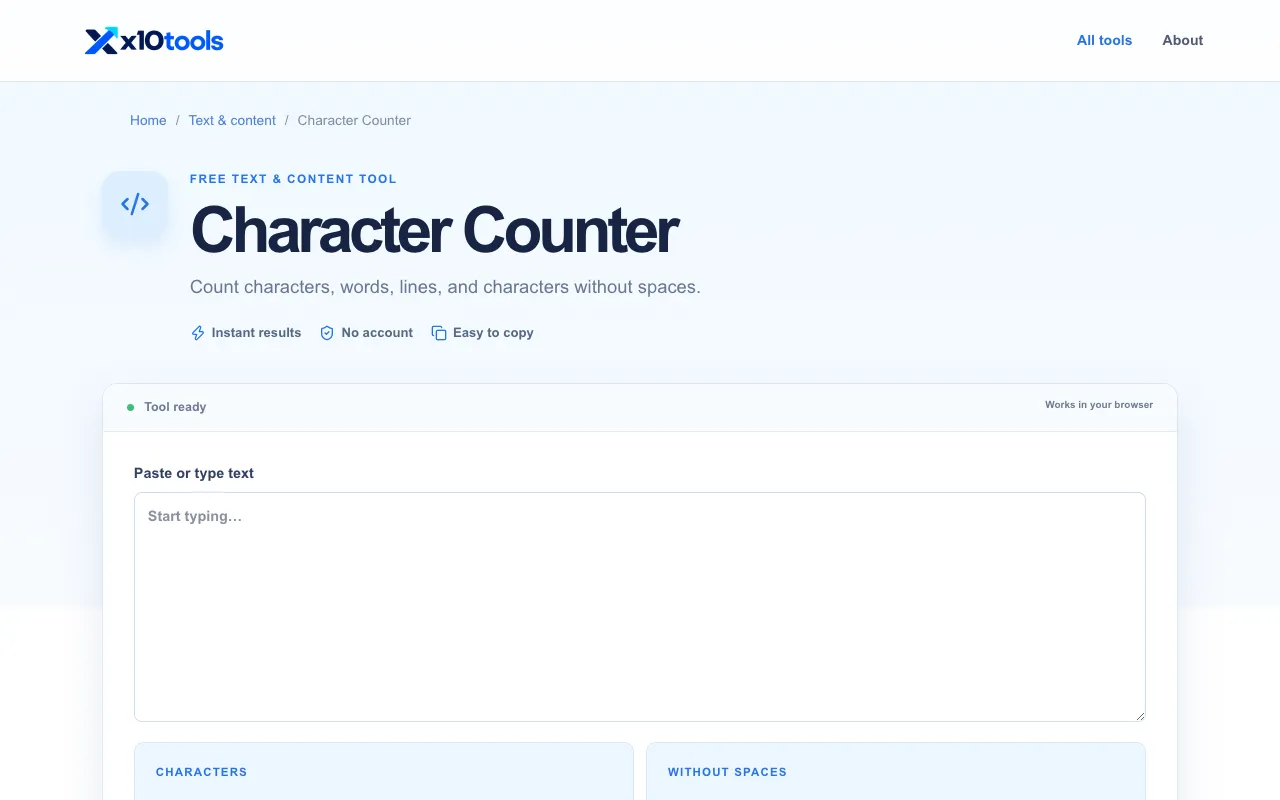
What Character counter does
The Character Counter on X10Tools calculates the number of characters, words, lines, and characters without spaces instantly from any pasted or typed text. Users receive four separate counts that help them verify limits for forms, title tags, posts, or messages with strict requirements. The tool operates entirely in the browser, requiring no account or software installation to get results.
How to use the X10Tools Character counter
- 1
Paste or type the desired text into the input field on X10Tools Character Counter
- 2
Click the "Count" button or press Enter to trigger the calculation
- 3
Review the instant results showing characters, words, lines, and characters without spaces
- 4
Copy the output or adjust the inputs for a new count
Best for
Writers, marketers, and anyone needing quick, accurate character and word counts to meet form, title, or post limits without installing software.
Limitations
- Results are estimates based on the browser's text rendering
- The page includes an advertisement that may distract from the tool
- No option to switch between different character counting units or modes
Character counter FAQ
- Is the Character Counter on X10Tools free to use?
- Yes, the tool is free and requires no account or subscription to count characters, words, lines, or characters without spaces.
- Does X10Tools store the text I paste into the Character Counter?
- No, the tool works entirely in your browser; your input is not sent to or stored on the X10Tools server.
- What counts are provided by the X10Tools Character Counter?
- The tool provides four counts: total characters, total words, total lines, and characters excluding spaces.
- Can I use the Character Counter on X10Tools for title tags or social media posts?
- Yes, it is useful when a form, title tag, post, or message has a strict character limit, helping users verify they stay within requirements.
More Character counter tools
Similar tools
Based on shared tags