01

01
Inventive HQ
inventivehq.com
Test regular expressions online with live matching, pattern explanations, and a built-in regex library. Supports Java...
Tests regular expressions using a pattern library and provides explanations for matches. Users can input text and regex patterns to see if there are any matches, with detailed explanations for each match found. Developers and IT professionals looking to test and debug regex patterns would find this tool useful. It allows them to quickly verify if their regular expressions are working as expected,...
Test regular expressions online with live matching, pattern explanations, and a built-in regex library. Supports Java...

Tests regular expressions with real-time match highlighting and capture-group inspection.

Tests regular expressions against sample input with live highlighting of matches and capture groups, supporting all c...
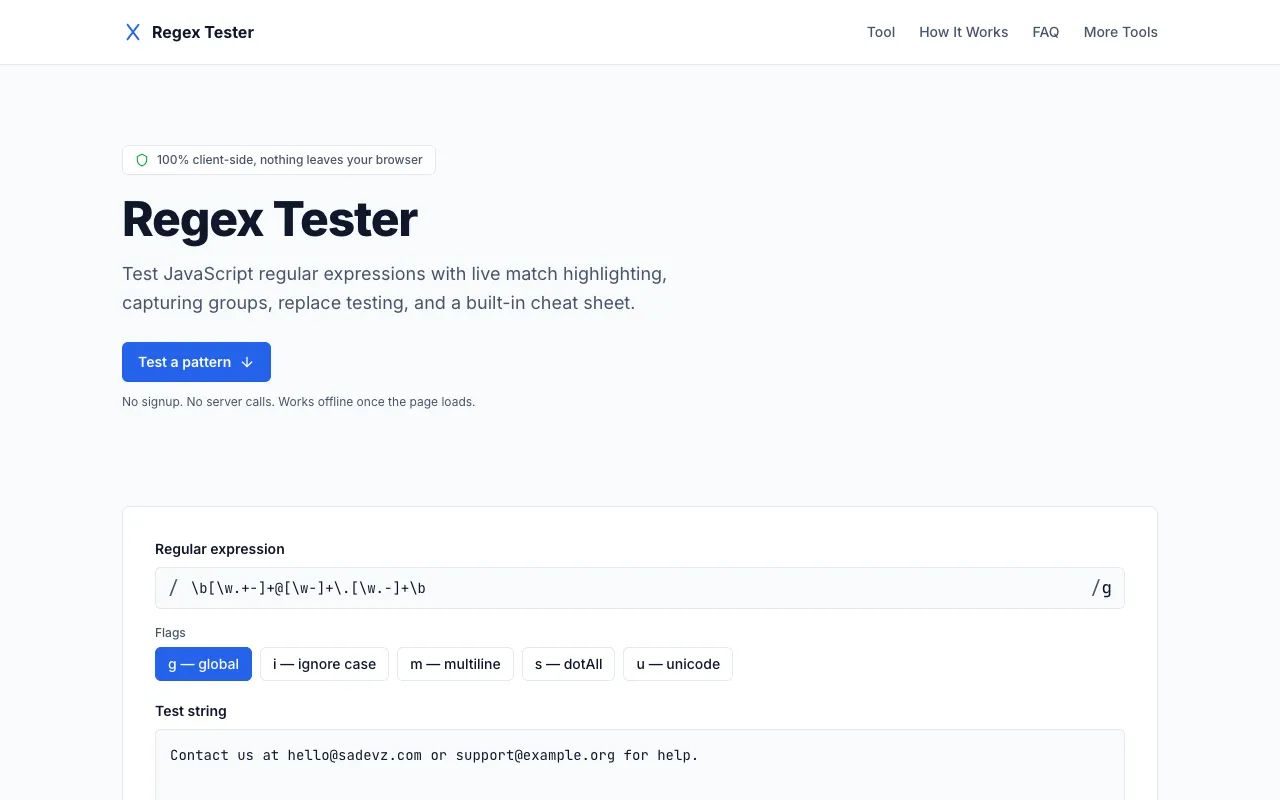
Regex Tester provides a free online environment for developers to test and validate regular expression patterns again...

Tests regular expressions across PCRE, JavaScript, Python, Go, Java, .NET, and Rust flavours with live highlighting, ...
Side by side
| Tool | Best for | Strengths | Limitations |
|---|---|---|---|
| Inventive HQ inventivehq.com | JavaScript, Python, Go users |
|
|
| DevBolt devbolt.dev | Privacy-focused real-time testing |
|
|
| IT Tools it-tools.tech | All common flag modifiers |
|
|
| Sadevz sadevz.com | Developers who want offline testing |
|
|
| regex101 regex101.com | Multi-flavour regex testing and debugging |
|
|
Buyer's guide
When picking a regex tester, first consider which regex flavour your pattern uses — PCRE, JavaScript, Python, or another — and choose a tool that matches that flavour to avoid unexpected behaviour. If privacy is a priority and you cannot send any data outside your browser, DevBolt or Sadevz are the only options that run entirely client-side. For most people, the breadth of supported flavours and the built-in learning resources make regex101 the most practical daily driver, while DevBolt wins for strictly private, zero-server interactions.
Questions