DNS Lookup
The DNS Lookup tool checks DNS records for any domain, supporting queries for A, AAAA, CNAME, MX, NS, TXT, and SOA re...
What DNS Lookup does
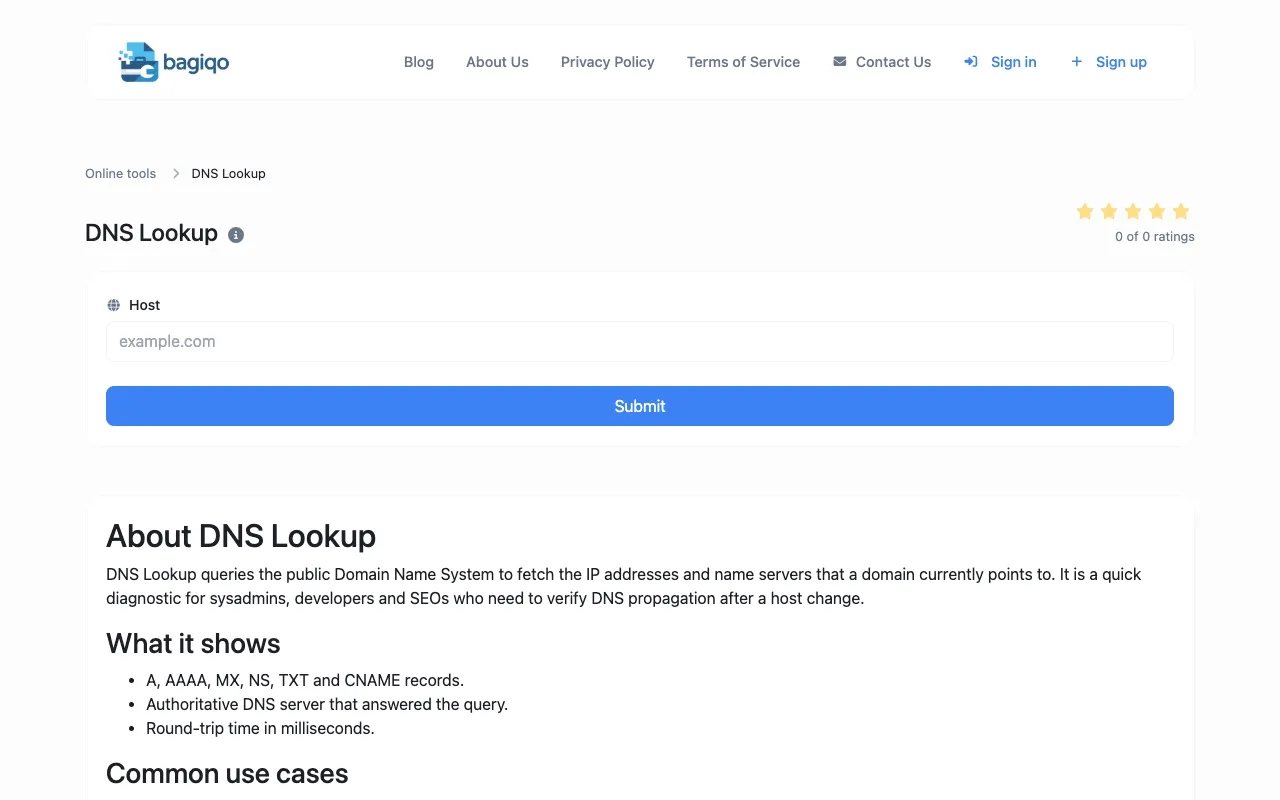
DNS Lookup on Bagiqo queries the public Domain Name System to retrieve IP addresses and name servers for any domain. Users receive a breakdown of A, AAAA, CNAME, MX, NS, TXT, and SOA records, along with the authoritative DNS server that answered the query and a round-trip time in milliseconds. The tool is designed for quick diagnostics by sysadmins, developers, and SEOs who need to verify DNS propagation after a host change or investigate connectivity issues. It also supports common use cases such as confirming record propagation, checking mail server points, verifying SPF, DKIM, and DMARC TXT records, and diagnosing why a website may appear offline in certain regions.
How to use the Bagiqo DNS Lookup
- 1
Enter the domain name you want to investigate into the input field
- 2
Click the Submit button to query the public Domain Name System
- 3
Review the returned records including A, AAAA, CNAME, MX, NS, TXT, and SOA entries
- 4
Note the authoritative DNS server and round-trip time for propagation analysis
Best for
Network administrators, developers, and SEO professionals who need to verify DNS propagation, troubleshoot email deliverability, or diagnose domain connectivity issues without specialized software.
Limitations
- DNS lookups reflect cached answers from upstream resolvers
- Recently edited records may not propagate immediately; repeat queries after a few minutes
- Results are estimates and may vary based on resolver location
DNS Lookup FAQ
- How long does it take for DNS changes to propagate worldwide?
- Propagation times vary depending on the TTL (time-to-live) value set for the record and the frequency of updates by Internet service providers, but it can take anywhere from a few minutes to 48 hours for full global propagation.
- What do the different DNS record types mean?
- A records map a domain to an IPv4 address, AAAA maps to IPv6, CNAME creates an alias to another domain, MX directs email to a mail server, NS specifies the authoritative name servers, TXT holds arbitrary text used for verification like SPF or DKIM, and SOA defines the primary authoritative server and administrative contact for the zone.
- Can this tool help me check if my email configuration is correct?
- Yes, by querying MX, SPF, DKIM, and DMARC TXT records, you can verify that your domain is properly configured to send and receive email, and that authentication policies are in place to prevent spoofing.
- Why do results sometimes differ from what I see in my own network?
- DNS lookups use cached answers from upstream resolvers, so results may reflect stored data rather than the current authoritative state. Using a public resolver or clearing your local cache can help ensure you are seeing the most recent records.
More DNS Lookup tools
Similar tools
Based on shared tags