Video to GIF
Use Video to GIF to convert files or data into the format required by your next step. Check the exported result for f...
What Video to GIF does
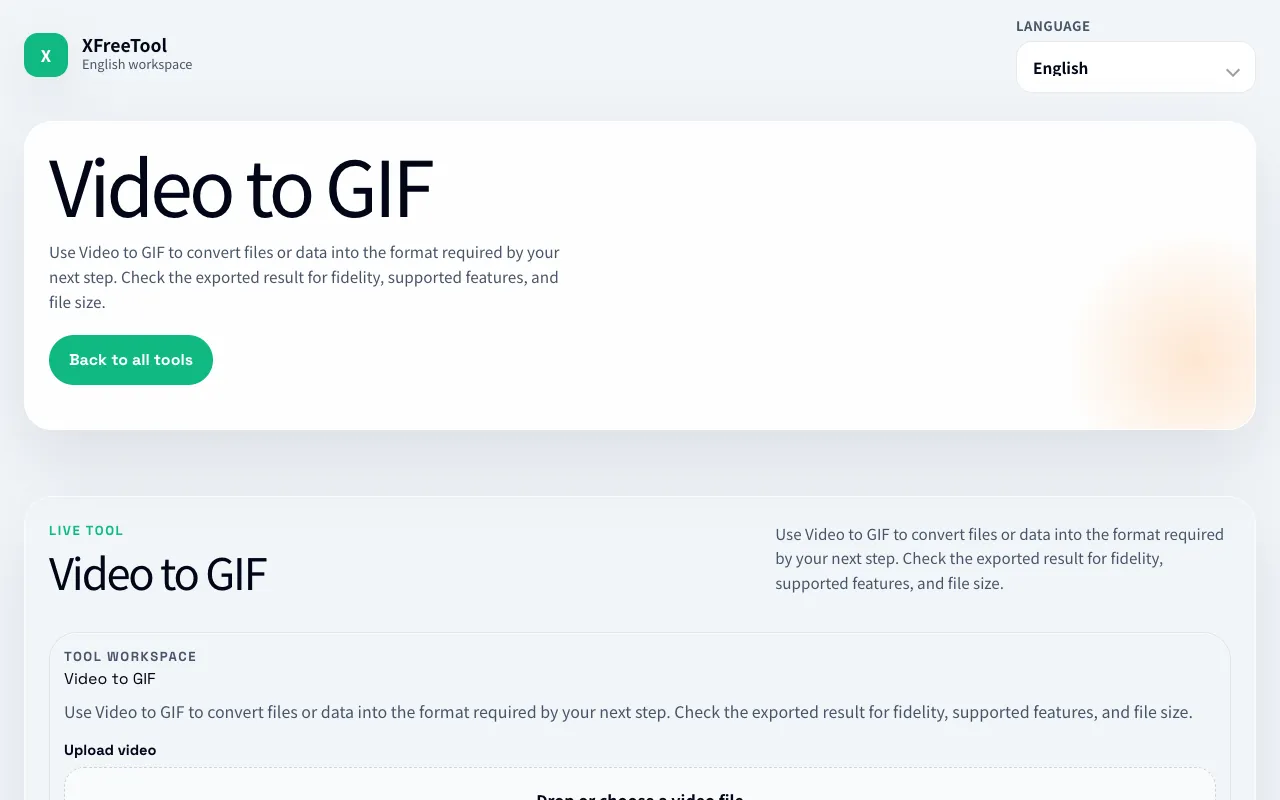
Video to GIF on XFreeTool is a straightforward converter that turns uploaded video clips into animated GIFs. Users upload a file, set a start and end time, choose frames per second, and define a maximum width to control the output size. The result is a compact, shareable animation suitable for social media or messaging, with options to adjust the color palette and speed during the process.
How to use the XFreeTool Video to GIF
- 1
Upload a video file by dragging or choosing from your local storage.
- 2
Set the start time (in seconds) and end time (in seconds) to select the clip segment you want to convert.
- 3
Adjust the FPS (frames per second) and maximum width to balance quality and file size.
- 4
Click the Export or Generate button to create the GIF.
- 5
Download the resulting GIF file to your device.
Best for
Social media users and content creators who need quick, compact animated snippets from longer videos without installing software.
Limitations
- File size limits may apply depending on the source video length and selected settings.
- Output quality depends on the original video and chosen FPS/width parameters.
- No advanced editing features beyond trimming, speed, and palette adjustments.
Video to GIF FAQ
- Can I convert a very long video into a GIF without losing quality?
- Longer videos result in larger GIFs; trimming the clip to the desired segment and lowering the FPS helps manage file size and maintain acceptable quality.
- Does the tool support adding captions or stickers to the GIF?
- The interface focuses on trimming, FPS, width, and color palette; caption or sticker overlays are not listed as available options.
- Are converted GIFs stored on XFreeTool’s servers?
- The excerpt indicates the encoded GIF is generated locally and not uploaded to the server, but it is good practice to download and save the result immediately.
- What should I do if the exported GIF looks choppy or has wrong colors?
- Increase the FPS setting or adjust the maximum width and color palette options before re‑exporting to improve smoothness and color fidelity.
More Video to GIF tools
Similar tools
Based on shared tags