Video to GIF Converter
Converts MP4 and other video formats into animated GIFs with comprehensive editing and customizable output controls. ...
What Video to GIF Converter does
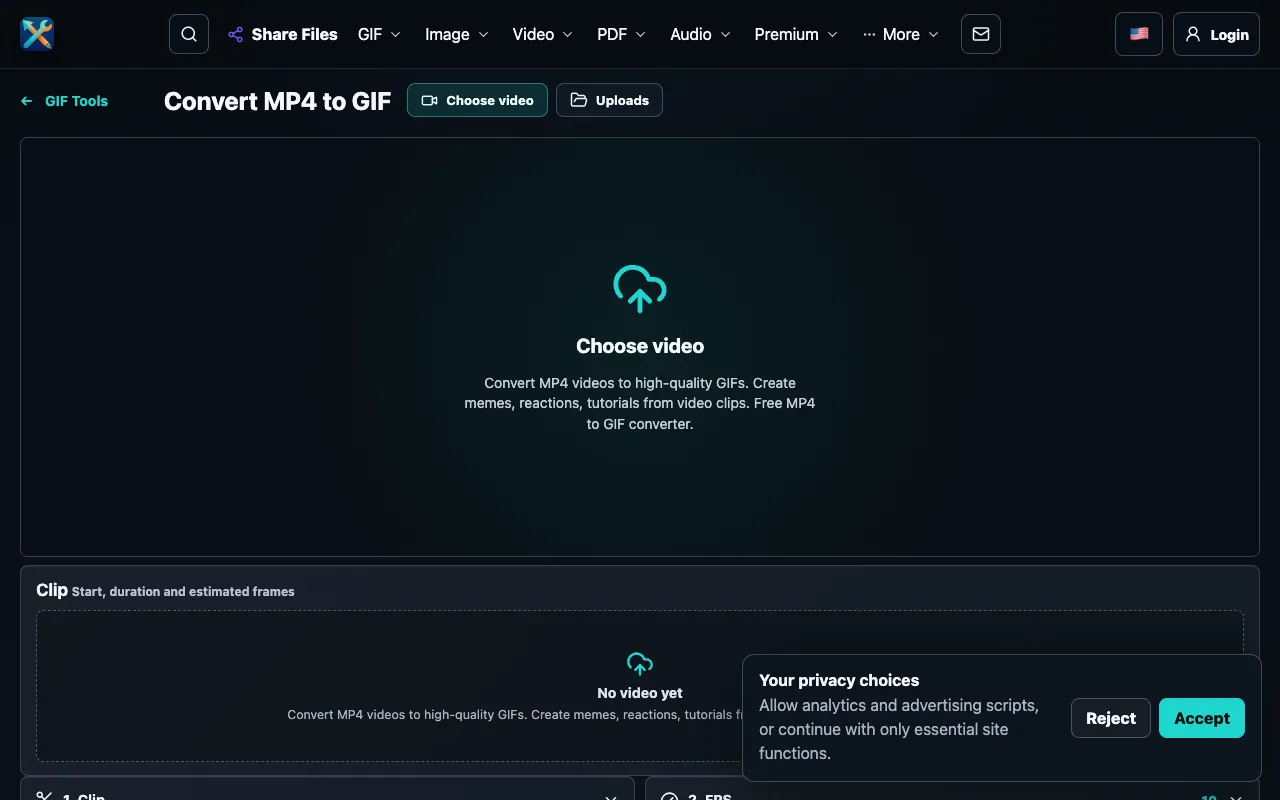
The Video to GIF Converter on ConvertAndEdit transforms short video clips into animated GIFs ready for social media sharing. Users upload a video file and receive a processed GIF as output. The tool supports MP4 and other common video formats, allowing users to extract and convert specific segments rather than the entire file. The result is a lightweight animated file suitable for platforms that favor GIF format.
How to use the ConvertAndEdit Video to GIF Converter
- 1
Upload an MP4 or supported video file to the converter
- 2
Set the start time and duration to select the exact segment to convert
- 3
Choose a frame rate between 5 and 30 FPS to control animation speed
- 4
Select a width preset (240–640px) or keep the original dimensions
- 5
Adjust color palette, quality, and dithering settings, then convert and download the GIF
Best for
Users who need to convert short, specific segments of videos into optimized GIFs for social media, messaging, or meme creation without processing entire files.
Limitations
- File size increases with higher frame rates and larger width presets
- Output quality settings may require adjustment to balance fidelity and file size
- No account or software installation required, but browser-dependent
Video to GIF Converter FAQ
- Which video formats does the converter support?
- The tool converts MP4 and other common video formats into animated GIFs.
- Can I trim my video before converting it to a GIF?
- Yes, the converter includes trim controls that let you set a start time and duration to select exactly which part of the video to convert.
- How do frame rate and width affect the resulting GIF?
- Lower frame rates and smaller widths produce smaller files suitable for reactions and chat, while higher settings preserve more motion and detail but create larger output files.
- Is there a preview feature to see adjustments before converting?
- Real-time preview updates display results as each setting is adjusted, allowing users to fine-tune the output before final conversion.
More Video to GIF Converter tools
Similar tools
Based on shared tags