SSL Lookup
The SSL Lookup tool inspects and verifies SSL/TLS certificate details for any domain or hostname. Users can view cert...
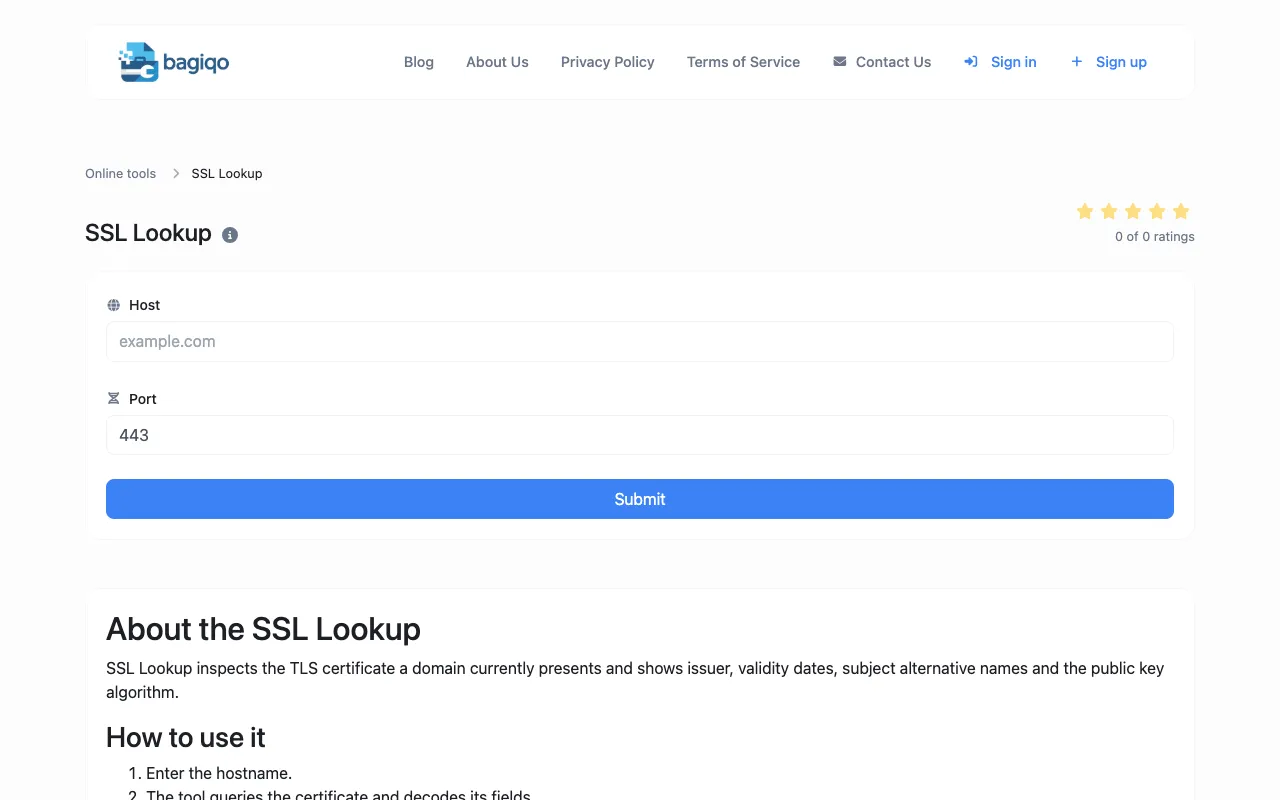
What SSL Lookup does
The SSL Lookup tool inspects and verifies SSL/TLS certificate details for any domain or hostname. Users can view certificate validity dates, issuer information, subject details, certificate chain, and overall security configuration in one comprehensive report. The tool decodes the certificate fields and presents the chain of trust, allowing users to confirm that renewals completed correctly, audit which subdomains a wildcard cert covers, and verify that intermediate certificates are properly installed.
How to use the Bagiqo SSL Lookup
- 1
Enter the hostname into the SSL Lookup field
- 2
Submit the query to retrieve the certificate details
- 3
Review the displayed validity dates, issuer, subject, and chain information
- 4
Use the results to confirm renewal completion or verify intermediate certificate installation
Best for
Webmasters, developers, and IT professionals who need to verify SSL certificate installation, monitor expiration dates, or troubleshoot certificate-related issues for any domain.
Limitations
- Results depend on the target domain's current certificate state
- No unit conversion or additional network diagnostics provided
SSL Lookup FAQ
- What information does the SSL Lookup tool provide about a domain's certificate?
- The tool shows issuer, validity dates, subject details, subject alternative names, the public key algorithm, and the full certificate chain to verify installation completeness.
- How can I use SSL Lookup to check if a certificate renewal was successful?
- Enter the domain after renewal and compare the new validity dates and issuer information against the previous certificate to confirm the update took effect.
- Can SSL Lookup verify that intermediate certificates are correctly installed?
- Yes, the tool displays the certificate chain, allowing you to confirm that all intermediate certificates are present and properly linked to the root.
- What should I do if the SSL Lookup shows an expired or invalid certificate?
- Verify the domain's DNS settings, ensure the certificate has been issued and uploaded to the server, and check that the correct port is open for the tool to query the live certificate.
Similar tools
Based on shared tags