Morse Code Translator
Read Morse is a privacy-first web application designed for Morse code translation and decoding. It allows users to de...
What Morse Code Translator does
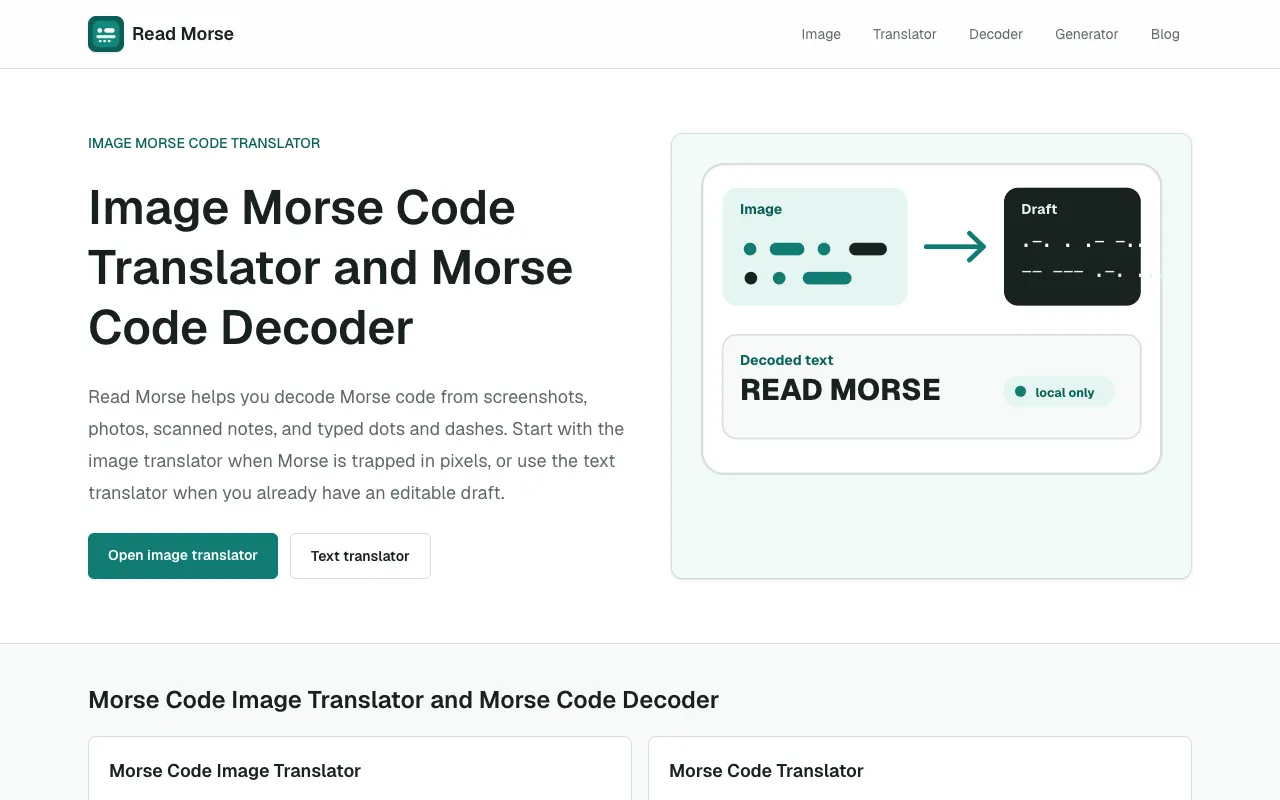
Morse Code Translator on Read Morse converts messages between plain text and Morse code instantly. Users input their text or Morse code and receive the corresponding translation, making it suitable for hobbyists, learners, and communication scenarios where Morse proficiency is needed. The service handles both directions of conversion without requiring account registration. Read Morse distinguishes itself as a privacy-first web application that processes image-based Morse code decoding entirely within the browser. Users can translate Morse code from screenshots, scans, puzzle images, and photos without uploading private content to external servers, ensuring data remains local and secure. This local processing capability sets it apart from many competing translators that rely on server-side handling. The platform also supports text-to-Morse and Morse-to-text conversion for learning, puzzles, and hobbyist use cases.
How to use the Read Morse Morse Code Translator
- 1
Open the Morse Code Translator on Read Morse
- 2
Enter text or Morse code into the input field
- 3
Select translation direction (text to Morse or Morse to text)
- 4
View the converted output instantly displayed on screen
Best for
Ideal for hobbyists, amateur radio operators, and learners who need a private, browser-based tool that can decode Morse code from images without uploading files to external servers.
Limitations
- No unit conversion between different Morse code variants
- Image decoding may be limited by photo quality or complexity
- Features focused on translation rather than advanced ham radio functionalities
Morse Code Translator FAQ
- Can I use Morse Code Translator offline?
- Yes, Read Morse is a privacy-first web application that processes all image decoding and translation entirely within your browser, requiring no internet connection after the page loads.
- Does the tool support decoding Morse code from photos or screenshots?
- Yes, the platform allows users to decode Morse code from screenshots, scans, puzzle images, and photos directly in the browser without uploading them to servers.
- Is account registration required to use the Morse Code Translator?
- No, Read Morse prioritizes privacy by not requiring any account signup; users can access all translation features immediately.
- Can I translate both text to Morse and Morse to text?
- Yes, the tool supports bidirectional conversion, allowing users to input either plain text or Morse code dots and dashes to receive the corresponding translation.
More Morse Code Translator tools
Similar tools
Based on shared tags