ROAS Calculator
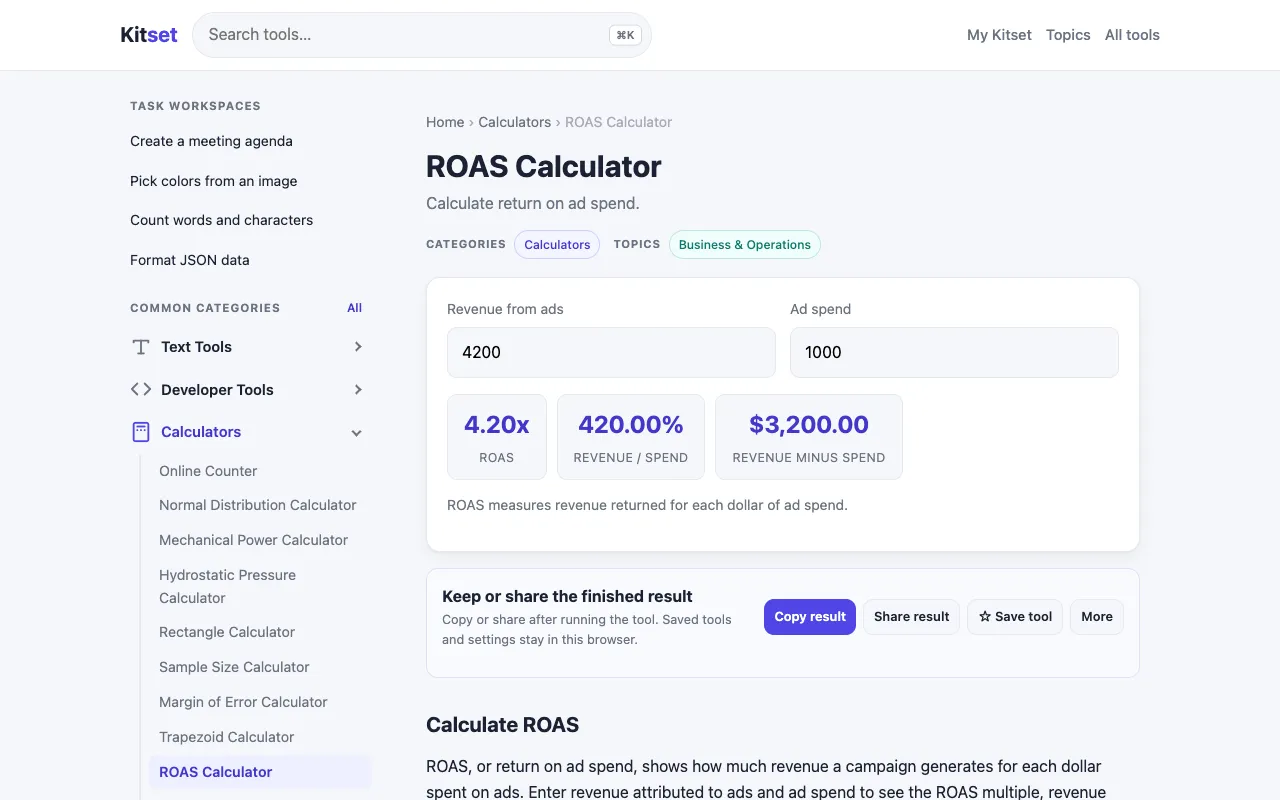
Calculate ROAS from ad revenue and ad spend. Shows return multiple, revenue percentage and revenue minus spend.
What ROAS Calculator does
A ROAS Calculator helps entrepreneurs and marketers determine the effectiveness of their advertising investment. Users input their ad campaign's total revenue and expenses, and the calculator outputs the return on ad spend as a percentage, along with the return multiple and the net revenue after subtracting spend. This provides a clear snapshot of whether an ad campaign is generating profit or loss. Kitset's version of the ROAS Calculator offers a straightforward interface focused on the core inputs of revenue and cost. The output displays the calculated ROAS percentage, the return multiple, and the revenue minus spend, giving users a comprehensive view of their campaign's financial performance in one place. Compared to other ROAS calculators, Kitset's tool is presented as part of a broader suite of business growth resources, potentially offering a more integrated experience for users already exploring the platform's other marketing and organizational features. The design appears geared toward quick assessment without unnecessary complexity, making it accessible for those needing a fast read on ad efficiency.
How to use the Kitset ROAS Calculator
- 1
Enter the total revenue generated from your ad campaign into the revenue field
- 2
Input the total amount spent on the ad campaign into the cost/spend field
- 3
View the calculated ROAS percentage, return multiple, and net revenue (revenue minus spend) displayed instantly
- 4
Use the results to evaluate the effectiveness and profitability of your advertising investment
- 5
Adjust the input numbers to explore different scenarios and optimize campaign performance
Best for
Entrepreneurs and marketers who need a quick, clear assessment of ad campaign profitability without complex formulas or data entry.
Limitations
- Results are based on the input numbers provided and do not account for organic traffic or other revenue streams
- The tool provides a snapshot based on current inputs rather than ongoing campaign tracking
- No unit switching or advanced segmentation features are mentioned in the available material
ROAS Calculator FAQ
- What does ROAS stand for and how is it calculated?
- ROAS stands for Return on Ad Spend. It is calculated by dividing the revenue generated from your ads by the total amount spent on those ads, then multiplying by 100 to get a percentage.
- Can this calculator help me decide if my ads are profitable?
- Yes, by comparing the revenue output against the spend input, the calculator shows the ROAS percentage and the revenue minus spend, allowing you to quickly see if your campaign is returning more than it costs.
- Do I need to include other business expenses in the input fields?
- No, the calculator typically uses ad revenue and ad spend as the primary inputs. Other business expenses would be separate from the advertising cost figure entered.
- Is the ROAS percentage the only metric I should look at for campaign success?
- While ROAS is a key efficiency metric, it is best used alongside other data such as conversion rates, customer acquisition cost, and overall business profit margins for a complete picture.
More ROAS Calculator tools
Similar tools
Based on shared tags