Marketing & GrowthFree Tool

CTR Calculator

Provided byOmni Calculatoromnicalculator.com

Our CTR calculator helps you to assess the performance of your online advertisements.
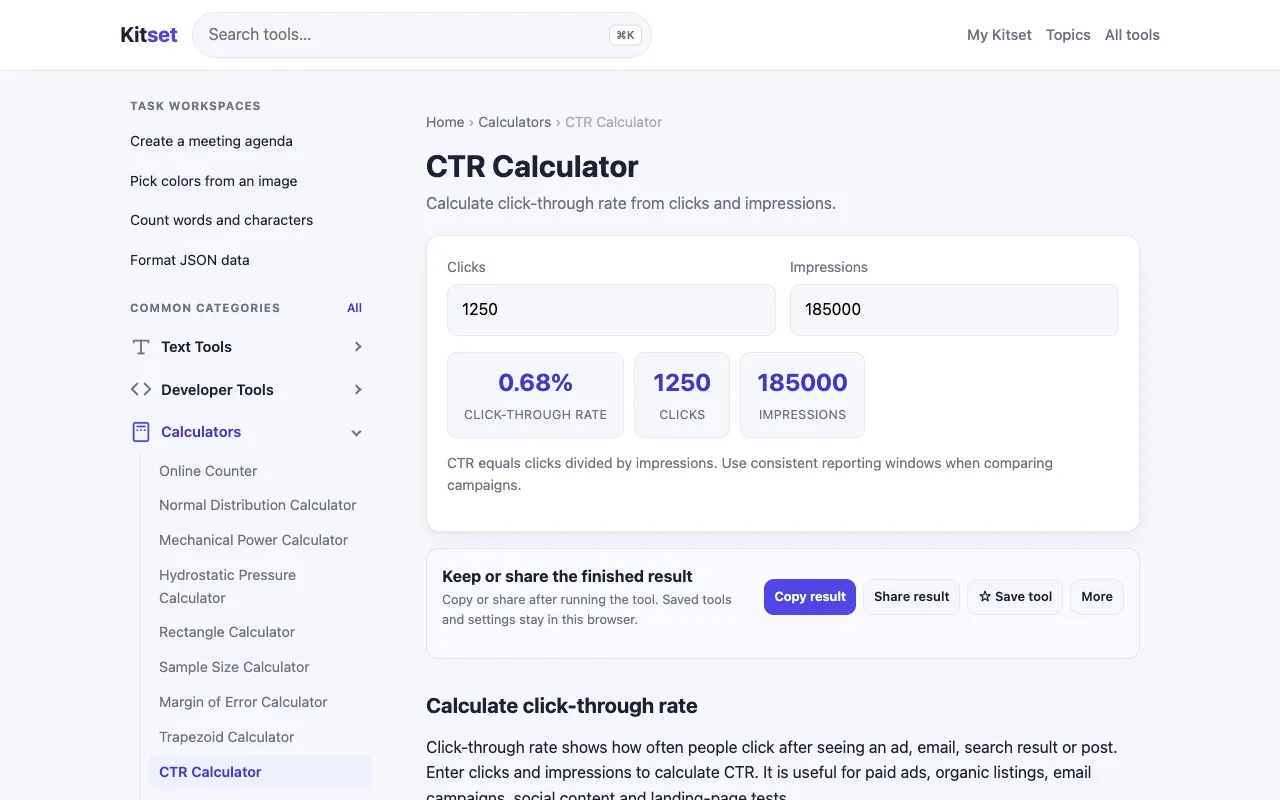
Screenshot of CTR Calculator on Omni Calculator
omnicalculator.comOpen the live tool →
About this tool

What CTR Calculator does

The CTR Calculator on Omni Calculator determines the click-through rate for online advertisements by dividing the number of clicks by the total number of impressions and expressing the result as a percentage. Users input their specific metrics to receive an immediate efficiency score, which serves as a standard benchmark for evaluating how effectively an ad captures audience attention and drives interaction. This straightforward calculation removes the need for manual math, allowing marketers to quickly assess campaign health. The Omni Calculator version distinguishes itself through a clean, minimal interface that focuses exclusively on the two required inputs—clicks and impressions—without unnecessary distractions. While the live page excerpt was unavailable, the tool’s design philosophy emphasizes clarity and speed, providing a direct percentage output that users can apply across various platforms, from social media ads to email campaigns, making it a reliable reference point for performance tracking.

Step by step

How to use the Omni Calculator CTR Calculator

  1. 1

    Enter the total number of clicks your advertisement received

  2. 2

    Enter the total number of impressions (times the ad was displayed)

  3. 3

    View the calculated click-through rate displayed as a percentage

  4. 4

    Compare the result against industry benchmarks for your specific platform

  5. 5

    Use the percentage to identify underperforming ads and optimize future campaigns

Is it right for you

Best for

Digital marketers, advertisers, and content strategists who need a quick, accurate way to calculate click-through rates without manual computation or complex formulas.

Limitations

  • CTR benchmarks vary significantly by industry and platform, so a single percentage may not indicate universal success
  • The tool provides a snapshot metric and does not account for conversion quality or post-click behavior
  • No built-in historical tracking; users must input data manually for ongoing performance monitoring
Questions

CTR Calculator FAQ

What is a good click-through rate for online ads?
A good CTR varies by industry and platform, but generally, a rate between 1% and 3% is considered average for display ads, while search ads often see higher percentages. The calculator provides the raw percentage; interpreting it requires context specific to your campaign goals.
Can I use this calculator for email marketing metrics?
Yes, the CTR formula applies to email campaigns as well. Enter the number of clicks and the number of emails delivered (or opened, depending on your tracking method) to determine your email click-through rate.
Does the calculator account for multiple clicks from the same user?
The tool calculates based on the raw numbers you provide. If a single user clicks an ad multiple times, those clicks are counted individually against the total impressions, which may inflate the percentage.
Is CTR the only metric I should track for ad performance?
No, CTR measures initial engagement but does not guarantee conversions. For a complete picture of ad effectiveness, combine CTR data with conversion rate, cost per click, and return on ad spend.
Keep Exploring

Similar tools

Based on shared tags