WebP to GIF
Use WebP to GIF to convert files or data into the format required by your next step. Check the exported result for fi...
What WebP to GIF does
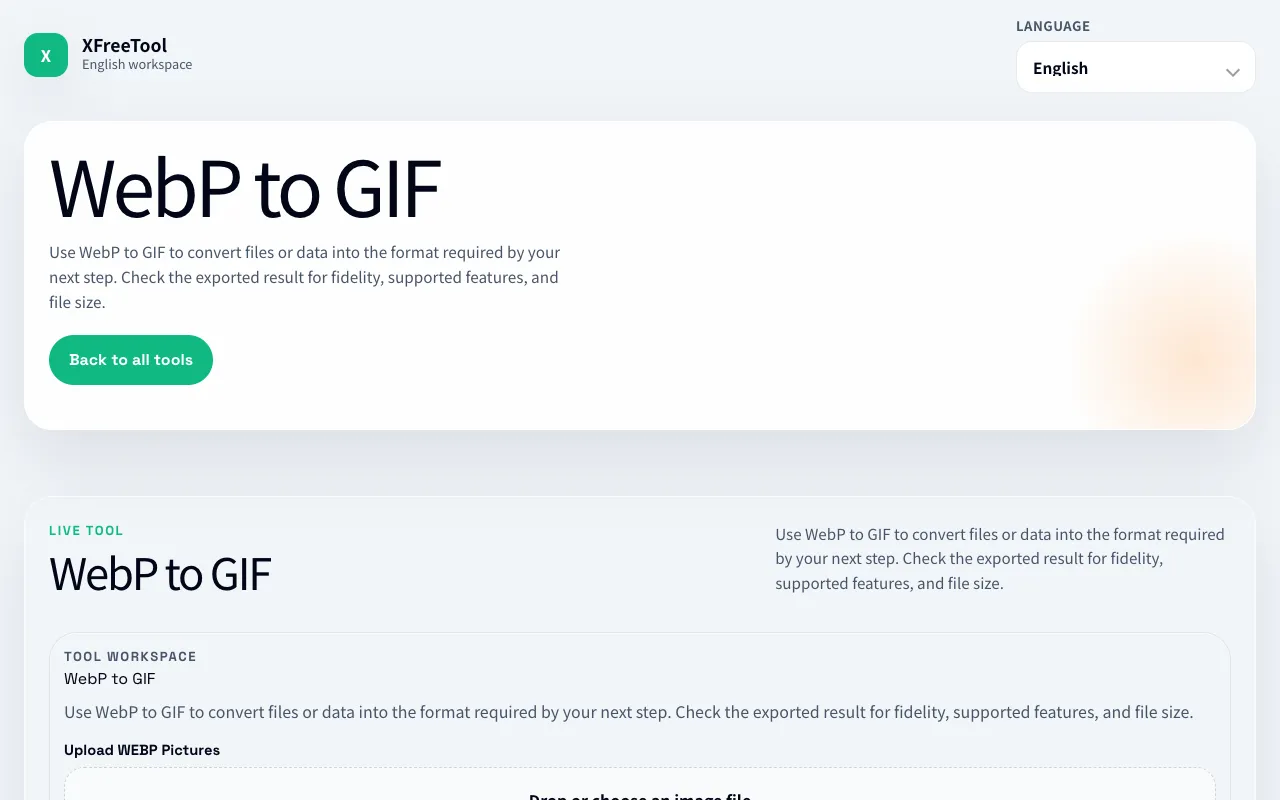
WebP to GIF at XFreeTool is a straightforward online converter that turns animated WebP files into animated GIFs. Users upload a WebP file and receive a downloadable GIF ready for sharing on platforms that do not support WebP. The service handles the conversion process automatically, preserving the animation while changing the file format. It is designed for anyone who needs to repurpose WebP animations for broader compatibility without installing software. The interface focuses on simplicity, allowing users to drag and drop a file and start the conversion with minimal clicks. The output GIF can then be used in social media, websites, or messaging apps that have limited WebP support. The tool is part of XFreeTool's broader suite of free online utilities, offering a no-cost alternative to desktop converters. It requires no registration or software installation, making it accessible from any device with a web browser.
How to use the XFreeTool WebP to GIF
- 1
Go to the WebP to GIF page on XFreeTool
- 2
Drag and drop your WebP file into the upload area or click to browse your device
- 3
Wait for the tool to process the animation and convert it to GIF format
- 4
Review the preview and adjust any settings if available
- 5
Download the resulting GIF file to your device
Best for
Designers, bloggers, and social media users who need to share animated WebP content on platforms or apps that do not support the WebP format.
Limitations
- Conversion quality may vary depending on the complexity of the original WebP animation
- File size limits may apply for very large WebP animations
- Advanced GIF options such as frame rate or color palette control are not available
WebP to GIF FAQ
- Can I convert multiple WebP files at once?
- The tool currently processes one WebP file per conversion. You would need to repeat the process for additional files.
- Will the animation quality be preserved after conversion?
- The converter aims to maintain the animation, but some quality loss may occur depending on the original WebP file's complexity and the GIF format's limitations.
- Is there a file size limit for the WebP upload?
- Specific file size limits are not listed; very large animations may take longer to process or could be restricted by the site's upload constraints.
- Do I need to create an account to use the converter?
- No account or registration is required. The service is free to use directly from the website.
More WebP to GIF tools
Similar tools
Based on shared tags