Resize Image to 1080x1080
Resize an image to exactly 1080x1080 pixels online for free. Create square JPG, PNG, or WebP images for Instagram, so...
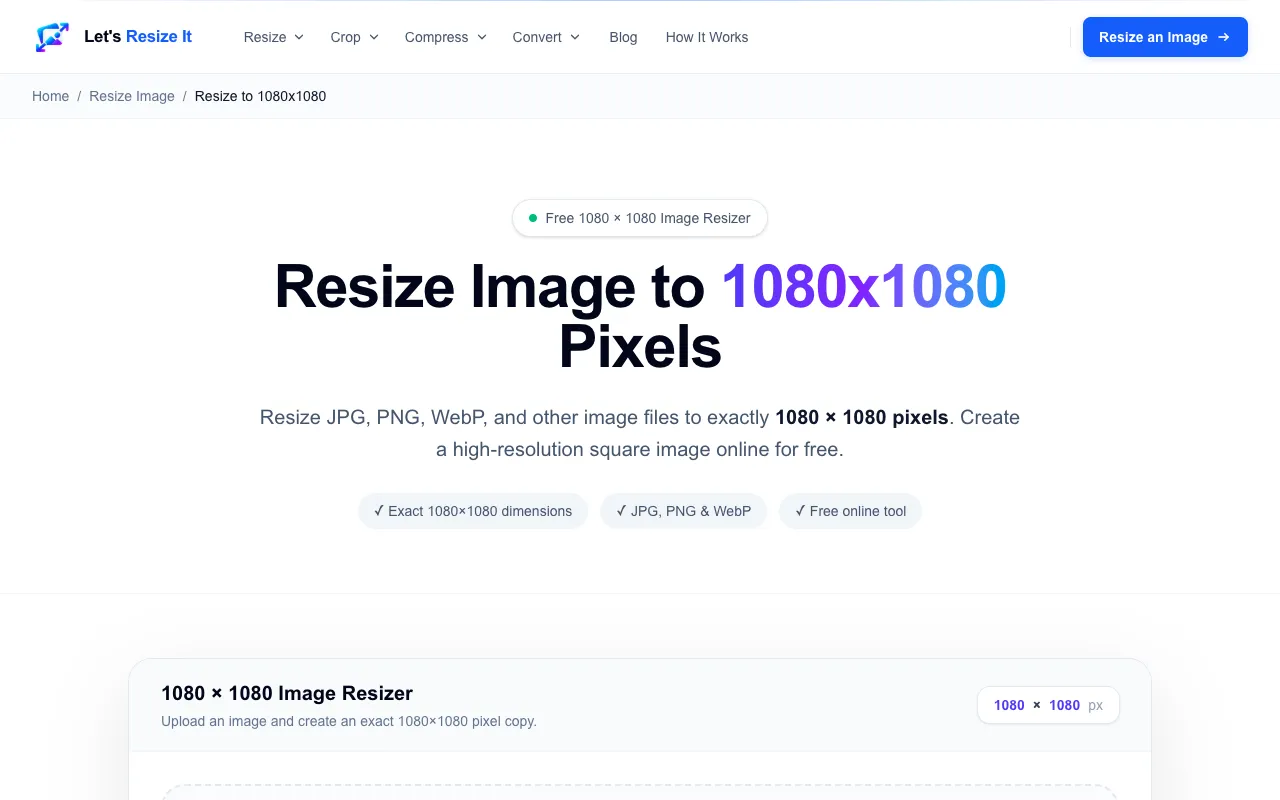
What Resize Image to 1080x1080 does
Resize Image to 1080x1080 is a free online tool that creates exact 1080×1080 pixel square images from JPG, PNG, or WebP files. Users get a high-resolution square output suitable for Instagram feed posts, profile pictures, social media graphics, marketing materials, and website content without installing any software. The service focuses on the specific 1080×1080 dimension, which provides enough resolution for many digital uses while maintaining a 1:1 aspect ratio.
How to use the Let's Resize It Resize Image to 1080x1080
- 1
Upload your image by dragging it onto the drop zone or browsing from your device
- 2
The page is already configured to create an exact 1080×1080 pixel image, so no additional settings are needed
- 3
Process the image and download the finished square result to your device
Best for
Best for social media users and content creators who need exact 1080×1080 pixel square images for Instagram feeds, profile pictures, and other 1:1 format platforms without paying for editing software.
Limitations
- No unit switching available beyond the fixed 1080×1080 target size
- Results depend on the uploaded image's original dimensions and quality
- Only supports JPG, PNG, and WebP file formats
Resize Image to 1080x1080 FAQ
- Will my image quality be preserved when resized to 1080x1080?
- The tool creates an exact 1080×1080 pixel copy, so quality depends on your original image. Larger source images will retain more detail, while smaller images may appear stretched to fill the square dimensions.
- Can I resize images other than JPG or PNG files?
- The tool supports JPG, PNG, and WebP formats. Other file types may need to be converted before uploading to the resizer.
- Is the resized image ready to upload directly to Instagram?
- Yes, the output is a square 1080×1080 pixel image in JPG, PNG, or WebP format, which matches Instagram's recommended dimensions for feed posts and profile pictures.
- Do I need to create an account to use this tool?
- No account is required. The resizing happens entirely in your browser, and you can download the result immediately after processing.
More Resize Image to 1080x1080 tools
- 01Free Image Editorfreeimageeditor.io
Resize any picture to an exact 1080 × 1080 square for a social post, profile picture or product tile. Crop to 1:1, ex...
- 02MyToolsBenchmytoolsbench.com
Resize any image to 1080x1080 pixels — the square format used for Instagram feed posts and profile pictures. Runs ent...
Similar tools
Based on shared tags