01
01
OmniCanvas
omnicanvasnotes.com
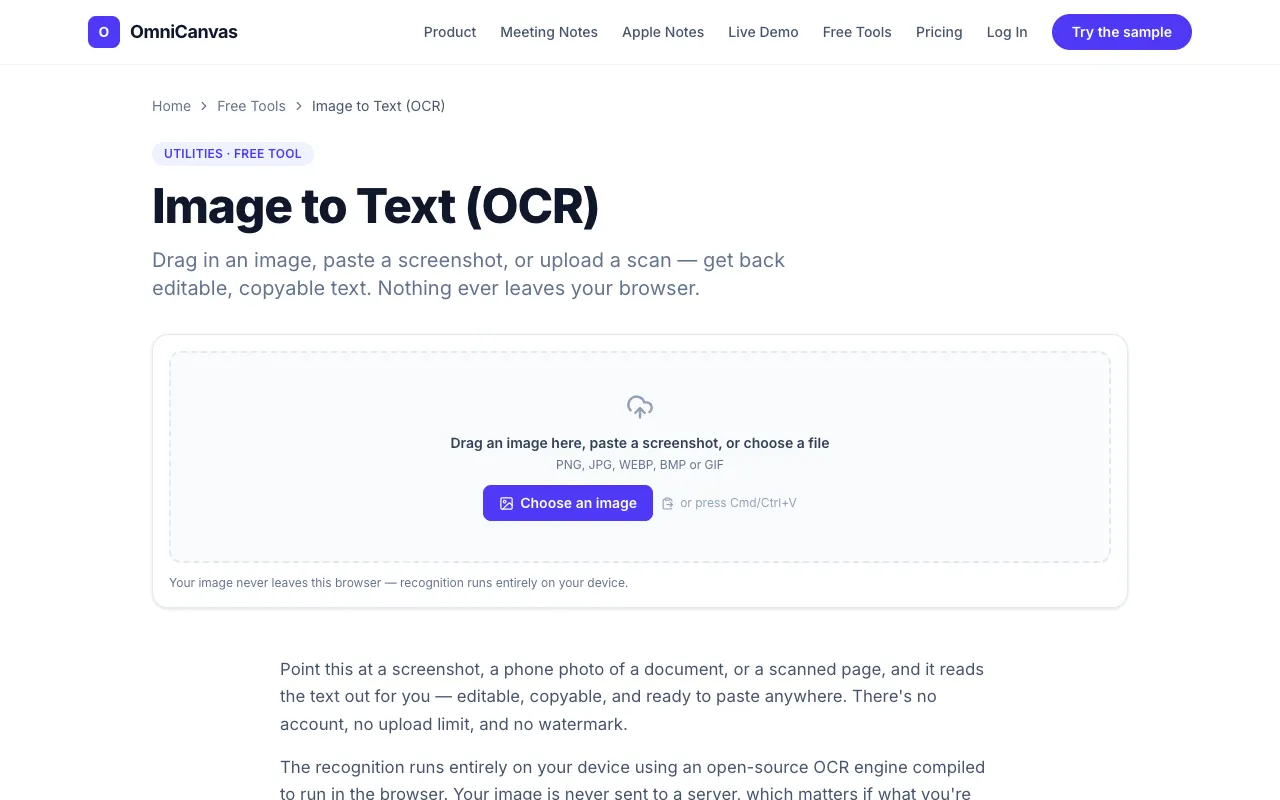
Pull the text out of a screenshot, photo or scan. Drag in an image or paste one from the clipboard and the OCR runs i...
Extracts text from images using OCR technology. Converts scanned documents, photos of text, and other image-based content into editable text, making it easily searchable and editable. Helps users quickly access information trapped in images, such as receipts, forms, contracts, and old photographs, saving time on manual data entry. Ideal for businesses needing to digitize paper records, students...
Pull the text out of a screenshot, photo or scan. Drag in an image or paste one from the clipboard and the OCR runs i...

Side by side
| Tool | Best for | Strengths | Limitations |
|---|---|---|---|
| OmniCanvas omnicanvasnotes.com | Privacy-conscious users needing quick OCR |
|
|
| XConvert xconvert.com | Users who need broad format support |
|
|
Buyer's guide
If privacy is your top priority, choose a tool that runs OCR locally in your browser so your image never leaves your device. If you need to process many different file types or want the fastest possible results and are comfortable uploading your image, a server-based tool may be more suitable.
Questions