Favicon Generator
PNG to Favicon is a free online favicon generator that converts images into complete favicon packages for modern webs...
What Favicon Generator does
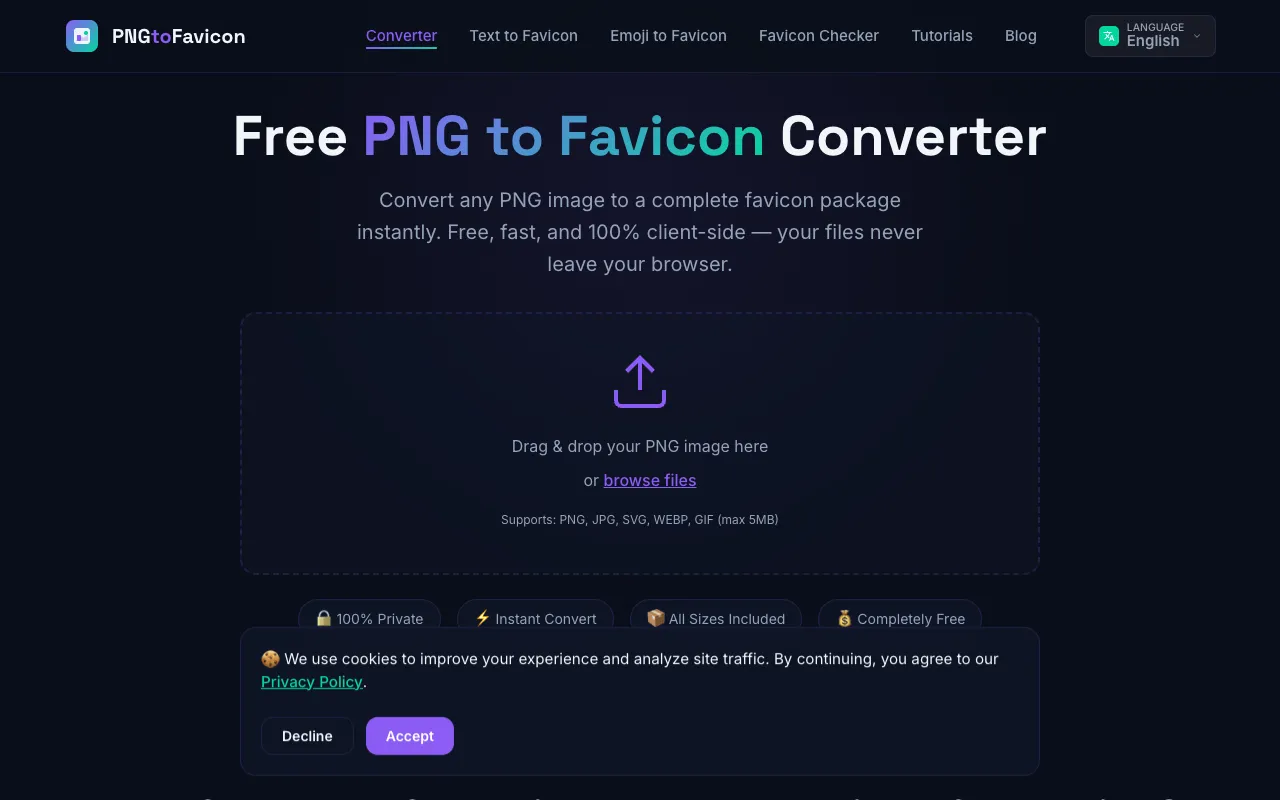
PNG to Favicon converts uploaded images into a complete set of browser-ready favicon files. Users receive an ICO file along with PNG variants for standard resolutions (16x16, 32x32, 48x48), Apple Touch Icons (180x180), and Android/Chrome icons (192x192, 512x512), plus a site.webmanifest file. The service supports PNG, JPG, SVG, WEBP, and GIF files up to 5MB, and all processing happens client-side in the browser, keeping images private. The generated package includes ready-to-copy HTML <link> tags for immediate integration into a website's head section.
How to use the PNG to Favicon Favicon Generator
- 1
Upload a PNG, JPG, SVG, WEBP, or GIF file (under 5MB) by dragging it onto the page or browsing your device
- 2
Select desired output options such as background color, corner rounding, or transparency settings
- 3
Click the Convert button to generate the full favicon package instantly
- 4
Preview the resulting icons at various sizes before downloading
- 5
Download the complete package as a ZIP file or copy the provided HTML <link> tags for website integration
Best for
Developers, designers, and marketers who need a quick, privacy-respecting favicon package without server uploads, especially those supporting multiple device sizes and progressive web apps.
Limitations
- No unit switching between metric and imperial measurements
- Results depend on the quality and resolution of the uploaded source image
- Advanced editing features are limited to basic corner rounding and background color adjustments
Favicon Generator FAQ
- Will my uploaded image be stored or uploaded to a server?
- No, PNG to Favicon processes all images entirely client-side in your browser using HTML5 Canvas. Your files never leave your device, ensuring your brand assets remain private.
- What image formats and sizes does the tool support?
- The tool supports PNG, JPG, SVG, WEBP, and GIF files up to 5MB. It generates multiple output sizes including 16x16, 32x32, 48x48, 180x180, 192x192, and 512x512 pixels, plus an ICO file and site.webmanifest.
- Can I use the generated favicons for a progressive web app (PWA)?
- Yes, the tool includes 192x192 and 512x512 Android/Chrome icons along with a site.webmanifest file in the download package, making it suitable for PWA implementation.
- What HTML code is provided for integrating the favicon into a website?
- The generator provides ready-to-copy <link> tags for apple-touch-icon, favicon-32x32, favicon-16x16, and site manifest, which can be pasted directly into the <head> section of your website's HTML.
More Favicon Generator tools
Similar tools
Based on shared tags