Leet Speak Translator
Leet Translator provides instant conversion between English and leet speak (1337 speak), offering three distinct tran...
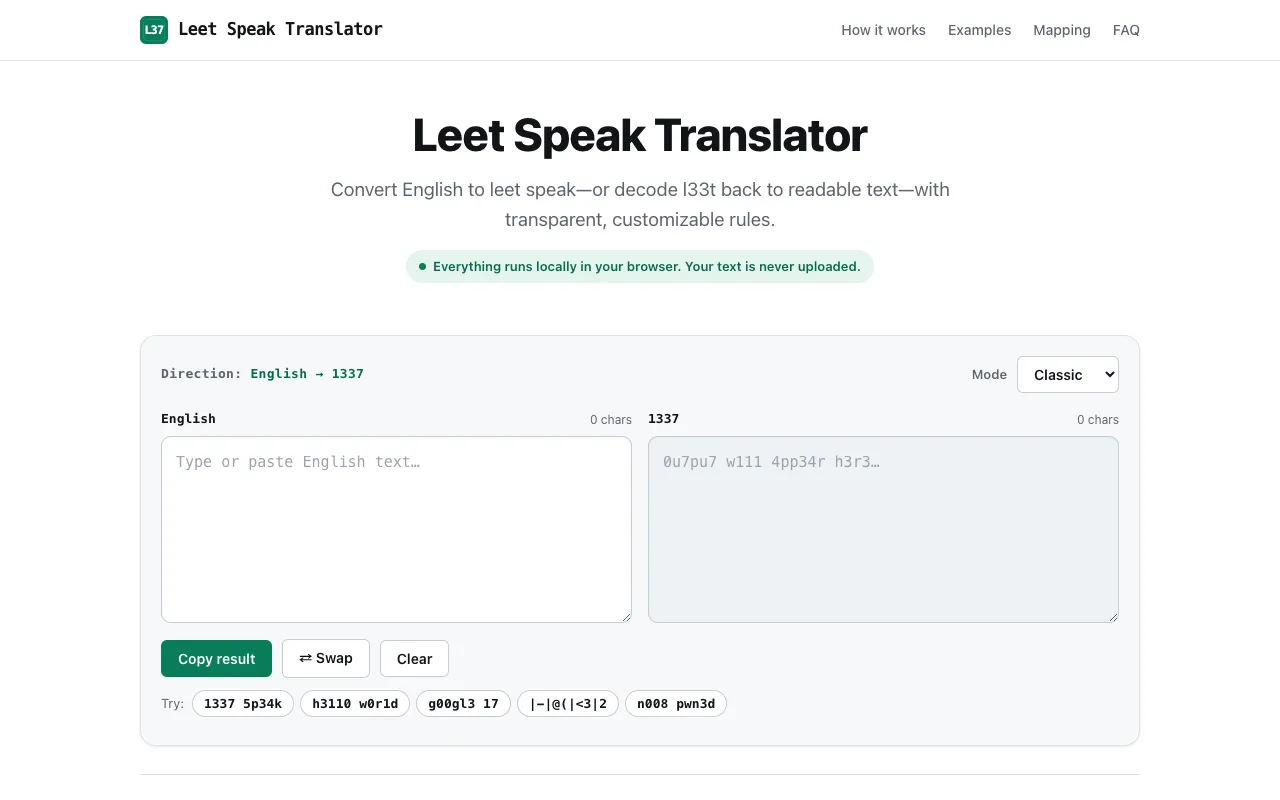
What Leet Speak Translator does
Leet Translator is a browser-based tool that converts plain text into leet-speak and back again. Users enter their message and choose one of three conversion modes: Light mode makes subtle character substitutions, Classic mode offers the traditional leet experience, and Extreme mode maximizes substitution for full text transformation. The output appears instantly, and because the process runs entirely in the browser, no account sign-up is required. The result can be copied directly for use in gaming, social media, or creative projects.
How to use the Leet Translator Leet Speak Translator
- 1
Open Leet Translator and locate the input field
- 2
Enter or paste the text you want to convert
- 3
Select the desired conversion direction (regular to leet or leet to regular)
- 4
Choose among Light, Classic, or Extreme substitution intensity
- 5
Copy the generated leet-speak output from the result area
Best for
Gamers and social media users who want to create playful, encoded usernames or messages without needing to install software or register an account.
Limitations
- Conversion intensity is fixed per mode with no fine-tuned customization
- Extreme mode may produce output that is difficult for general readers to interpret
- No option to save conversion history or preferences between sessions
Leet Speak Translator FAQ
- Can I convert leet-speak back to normal text?
- Yes, the tool supports bidirectional conversion. Select the leet-to-regular direction and paste your encoded message to receive the decoded plain text.
- Does the tool work offline?
- The conversion runs entirely in your browser, so an internet connection is only needed to load the page initially; once loaded, you can use the tool without further connectivity.
- Are there character limits for the input text?
- The material does not specify a character limit, but very long passages may take slightly longer to process depending on your device.
- Is the leet output compatible with all platforms?
- The substituted characters are standard Unicode symbols that display on most websites and apps, though some platforms may filter or render them differently.
More Leet-speak Translator tools
Similar tools
Based on shared tags