Screen Testing Suite
DisplayCheck provides comprehensive browser-based diagnostic testing for monitors and display devices of all kinds. U...
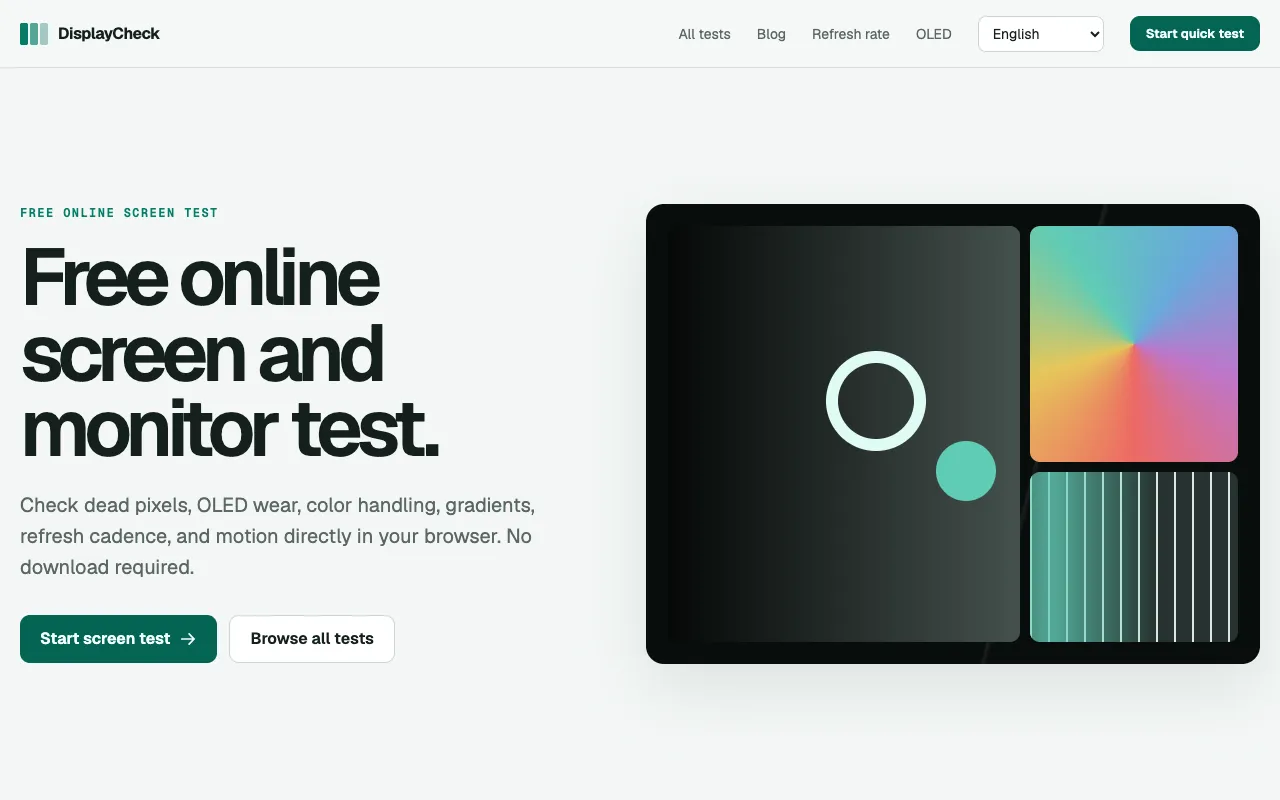
What Screen Testing Suite does
DisplayCheck is a browser-based screen testing suite that lets users diagnose common monitor issues without installing software. The tool produces fullscreen test patterns that reveal dead pixels, OLED burn-in, color gradient problems, refresh rate consistency, and motion ghosting. Each test runs locally in the browser and provides clear explanations of what to look for, delivering a practical assessment of display health and performance.
How to use the DisplayCheck Screen Testing Suite
- 1
Open DisplayCheck in a modern desktop browser
- 2
Select the specific test you want to run from the test list
- 3
Allow the test to fill your screen with its pattern
- 4
Observe the displayed colors, gradients, or motion for anomalies
- 5
Close the test tab when finished to return to the main suite
Best for
People who want a quick, free way to check their monitor’s basic health and performance without downloading software or creating an account.
Limitations
- Results depend on browser and operating system behavior
- Some advanced measurements may be estimates rather than precise calibrations
- Fullscreen patterns occupy the entire screen, requiring you to exit before using other apps
Screen Testing Suite FAQ
- Do I need to install anything to use DisplayCheck?
- No, all tests run directly in your browser with no download or installation required.
- Can DisplayCheck detect every display problem?
- It covers common issues like dead pixels, burn-in, color banding, and motion ghosting, but browser limitations mean some precise measurements may not be possible.
- Will the test patterns affect my monitor long-term?
- The tests use temporary fullscreen patterns; they do not permanently alter your display, but prolonged use of static patterns on OLED screens could contribute to burn-in, so limit exposure time.
- Is DisplayCheck free to use?
- Yes, the service is free online with no subscription or payment required to run the tests.
Similar tools
Based on shared tags