2 tools
A comprehensive browser-based diagnostic center providing 32 focused tools for testing computer hardware and peripherals directly in your browser. The suite includes dedicated tools for testing displays, keyboards, mice, game controllers, microphones, speakers, and webcams. Users can verify that all their input devices and audio/visual peripherals are functioning correctly and behaving as expected without needing to install any additional software. Ideal for users experiencing device issues, building a new computer setup, or simply wanting to verify that their hardware is working properly. The tools run entirely in the browser, making diagnostics quick and accessible from any device. Each tool is designed to isolate and test a specific device type or input method, enabling straightforward identification of hardware problems or behavioral anomalies.
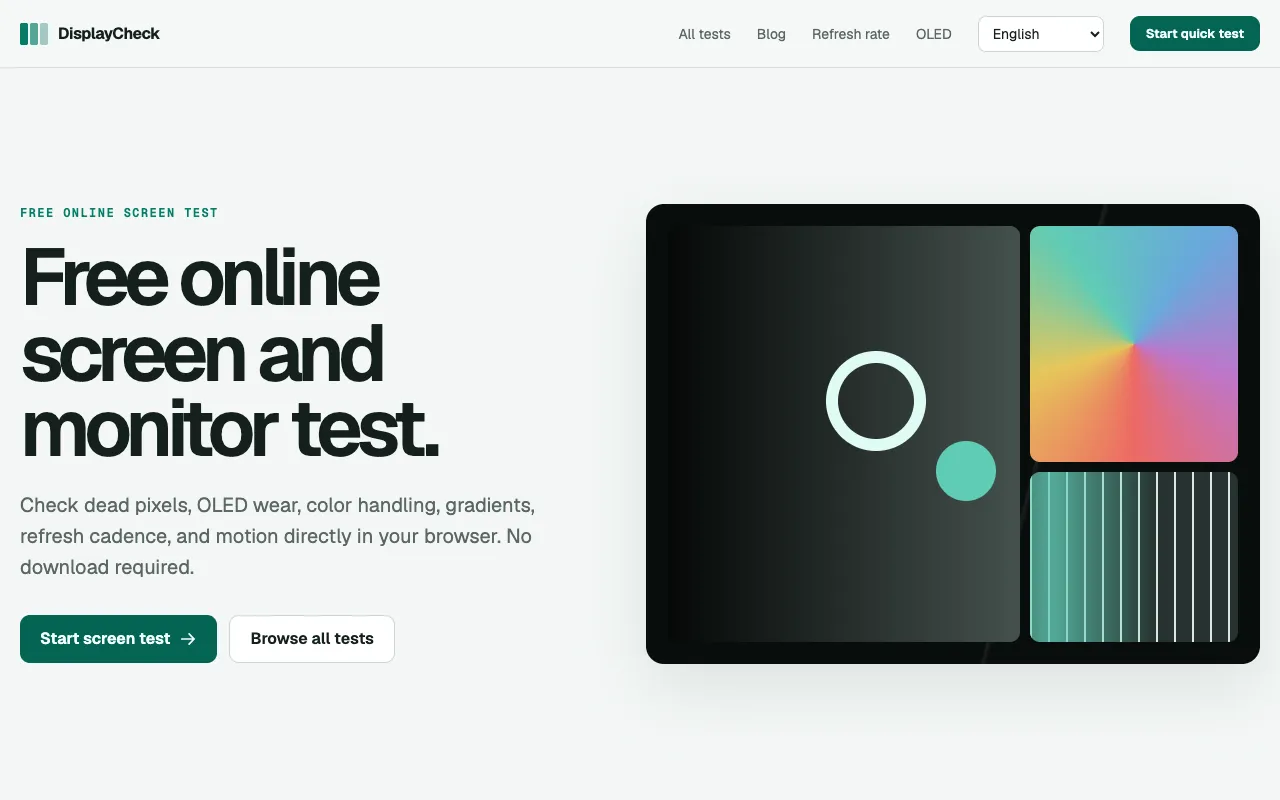
DisplayCheck provides comprehensive browser-based diagnostic testing for monitors and display devices of all kinds. Users can run tests for common hardware issues including dead pixels, OLED burn-in patterns, color accuracy and handling across the full spectrum, refresh rate performance and consistency, HDR capabilities and tone mapping, and image ghosting and motion artifacts. The service covers both functional hardware diagnostics and comprehensive visual quality assessment metrics for display performance. No software installation or downloads are required. Simply open the tool in any web browser to access the complete testing suite immediately. It works on any device with a screen that supports standard web technologies, making it accessible for desktop monitors, laptop displays, tablets, and mobile devices. The browser-based approach delivers results without setup overhead.