Certificate Generator
Sertifikamatik is a free online tool for generating certificates in bulk using automated data import and custom templ...
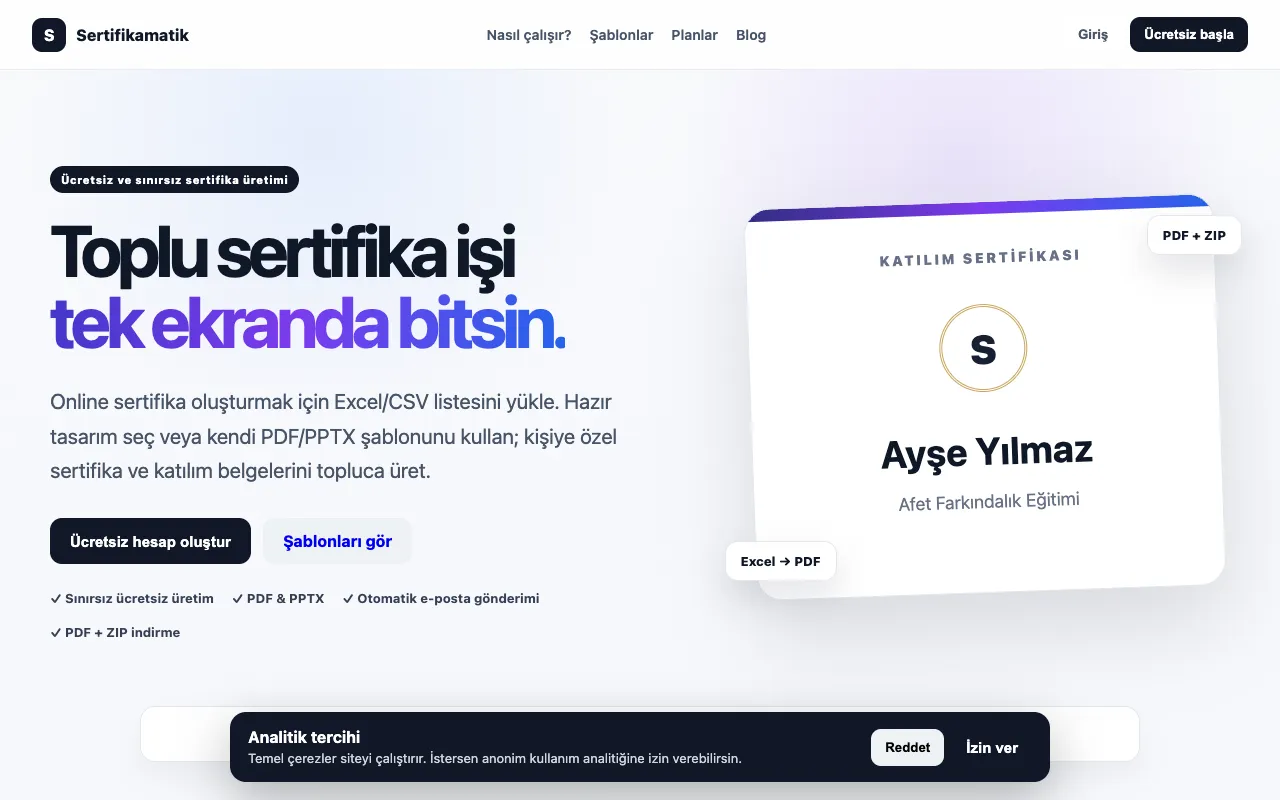
What Certificate Generator does
Sertifikamatik is a free online tool for generating certificates in bulk using automated data import and custom templates. Users can upload their own PDF, PowerPoint, PNG, or JPG template, or select from a library of ready-made certificate designs. The tool supports importing participant data from Excel or CSV files, which it uses to automatically populate each certificate with names, course titles, completion dates, and other customizable details, saving significant time on manual certificate creation. Perfect for training programs, online courses, corporate events, certifications, and educational programs.
How to use the Sertifikamatik Certificate Generator
- 1
Upload a certificate template as PDF, PowerPoint, PNG, or JPG, or choose a ready-made design from the library
- 2
Import participant data by uploading an Excel or CSV file containing names and details
- 3
Map the data fields to the corresponding positions on the template
- 4
Generate and download the batch of personalized certificates instantly
- 5
Export the results as PDF or image files for distribution or printing
Best for
Training coordinators, course instructors, and event organizers who need to produce large numbers of customized certificates quickly without manual design work.
Limitations
- No unit switching or language localization beyond template text
- Advanced design editing may require familiarity with PDF or image editing tools
- Bulk generation depends on the stability of the uploaded data file
Certificate Generator FAQ
- Can I use my own certificate design template?
- Yes, you can upload your own PDF, PowerPoint, PNG, or JPG template, or choose from the library of ready-made designs provided by Sertifikamatik.
- What data formats are accepted for bulk certificate generation?
- The tool accepts Excel or CSV files for importing participant data, which is then used to automatically populate each certificate with names, course titles, and completion dates.
- Is there a limit on how many certificates I can generate at once?
- The material does not specify a maximum batch size, but the tool is designed for bulk generation suitable for training programs, courses, and corporate events.
- Can I edit the text on each certificate after generation?
- The tool automatically populates certificates using the imported data; any text edits would require modifying the original template or re-running the generation process with updated data.
More Certificate Generator tools
Similar tools
Based on shared tags