Certificate Generator
Create a completion or training certificate with recipient, program, date, and issuer. Download a landscape PDF local...
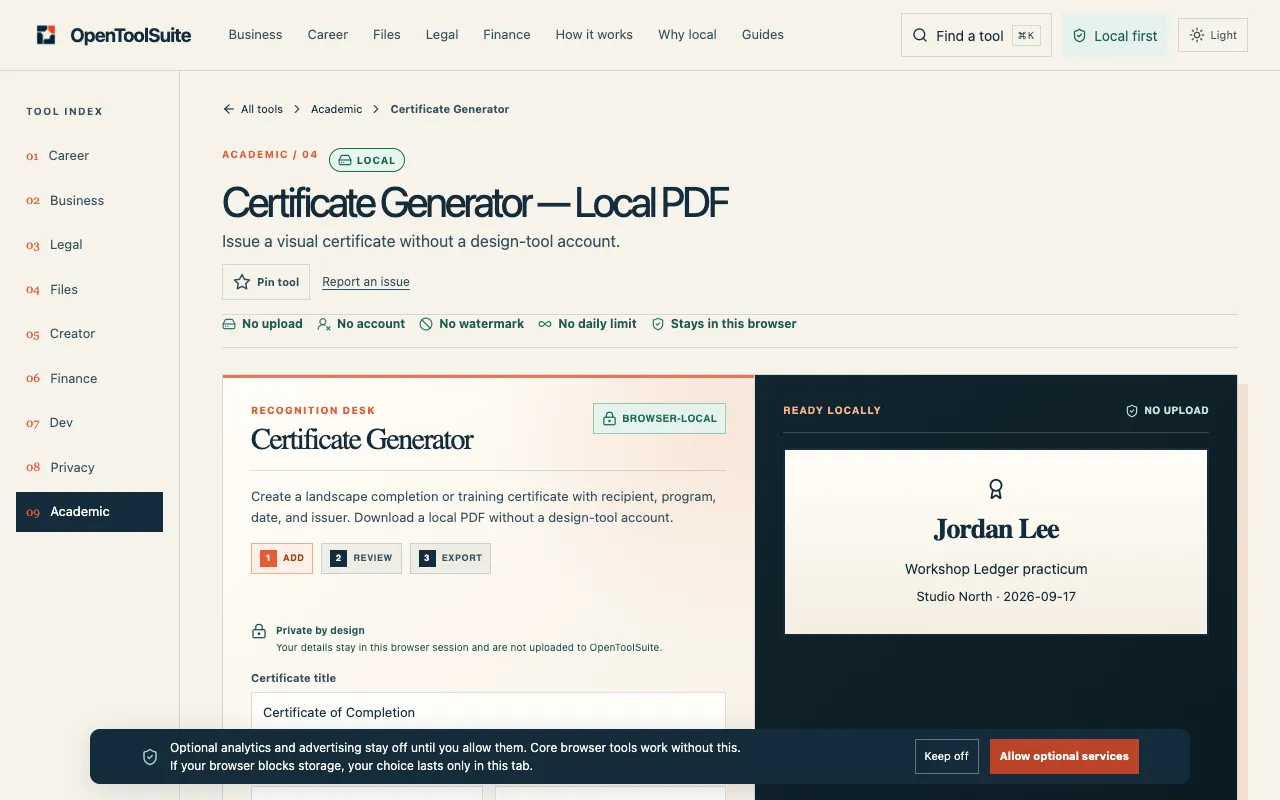
What Certificate Generator does
Certificate Generator is a free online tool on OpenToolSuite that lets users create completion or training certificates without needing a design-tool account or adding watermarks. Users can upload their own PDF, PowerPoint, PNG, or JPG template, or choose from a library of ready-made designs, and then insert recipient details, program name, date, and issuer information. The final output is a downloadable landscape PDF that can be inspected locally before use. The tool emphasizes simplicity by keeping the process entirely within the browser, allowing users to verify the formatted result against their original source before submitting or filing it. This makes it suitable for quick certificate creation where account-free operation and clean output are priorities.
How to use the OpenToolSuite Certificate Generator
- 1
Open the Certificate Generator tool on OpenToolSuite and choose a template from the library or upload your own PDF, PowerPoint, PNG, or JPG file.
- 2
Enter the recipient name, program title, date, and issuer details into the provided fields to populate the certificate fields.
- 3
Review the live formatted output displayed on the page to check layout, text placement, and overall appearance against your original template.
- 4
Download the landscape PDF locally to your device once the formatting checks out, keeping the original file until you confirm the new file meets your standards.
- 5
Inspect the downloaded PDF against official standards or syllabus requirements before sending, publishing, or filing it for official use.
Best for
This option suits educators, trainers, and event organizers who need to issue completion or training certificates quickly without accessing design software accounts or dealing with watermarks, especially when bulk generation with custom dat
Limitations
- No guarantee the output will match every school or publisher's official scale or citation manual requirements
- Result quality depends entirely on the facts typed or the file selected by the user
- Does not create a complete permanent record; every field must be reviewed against the source or syllabus
Certificate Generator FAQ
- Will Certificate Generator match every school or publisher's official format?
- No. The tool does not automatically conform to every school or publisher's specific scale, citation manual, or credential rules, so users must confirm the official requirements before submitting the certificate.
- Is a Certificate Generator result a complete record?
- No. The output should be reviewed every field against the source or syllabus, as the tool does not generate a complete permanent record on its own.
- Can I use my own template design with Certificate Generator?
- Yes. Users can upload their own PDF, PowerPoint, PNG, or JPG template, or select from a library of ready-made certificate designs available in the tool.
- Does the output include any watermarks or require a design-tool account?
- No. Certificate Generator allows users to download a landscape PDF locally without a design-tool account or any watermarks on the output file.
More Certificate Generator tools
Similar tools
Based on shared tags