URL Parser
Inspect URL with URL Parser. It helps surface readable fields and errors for debugging, validation, and compatibility...
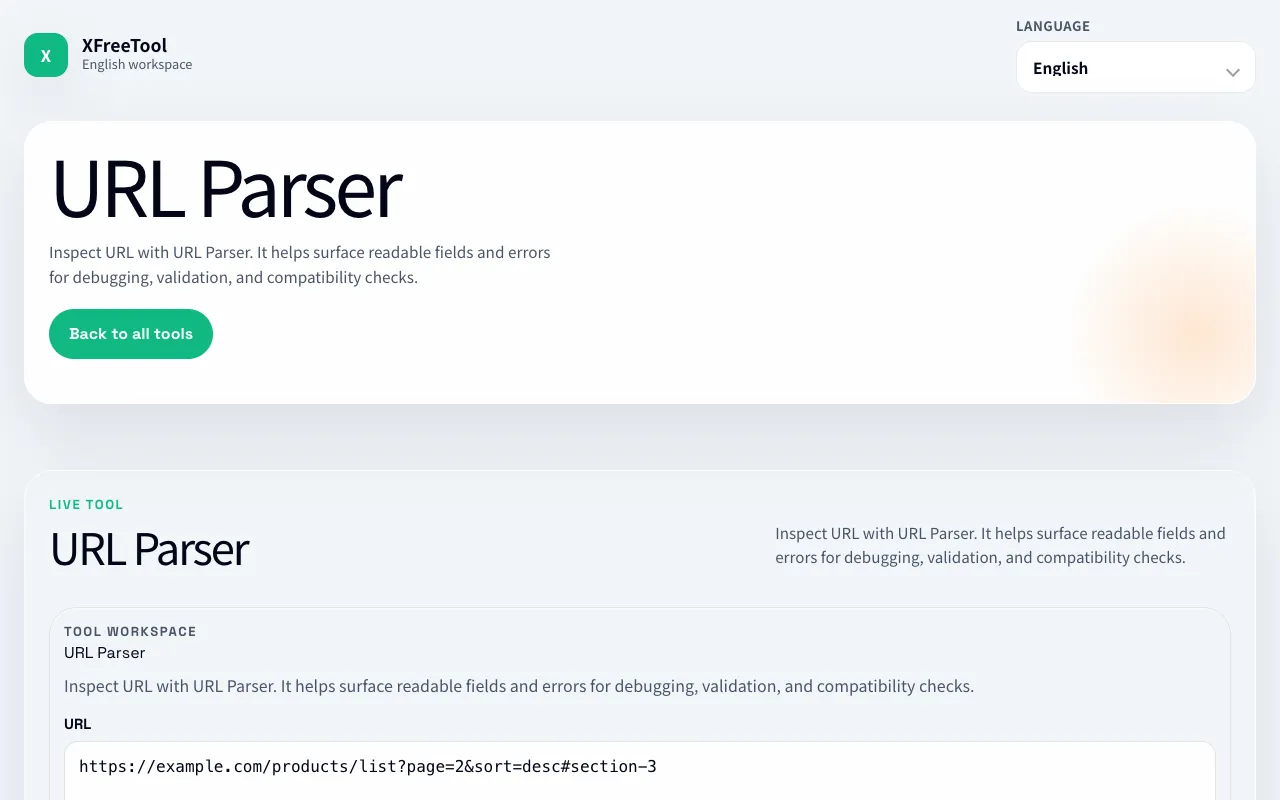
What URL Parser does
The URL Parser tool breaks down any web address into its fundamental parts—scheme, host, port, path, query parameters, and hash—presenting each component in a clear, readable format. Users input a full URL and receive a structured view that separates the protocol from the domain, identifies repeated query keys, and isolates the fragment identifier. This makes it straightforward to examine how a URL is constructed or to debug issues with API endpoints and web links. The tool is designed for quick inspection without requiring technical setup or account creation.
How to use the XFreeTool URL Parser
- 1
Paste a complete URL into the input field on the XFreeTool URL Parser page
- 2
Click the Parse button to decompose the URL into its component parts
- 3
Review the displayed fields for scheme, host, port, path, query parameters, and hash
- 4
Use the parsed output to analyze structure, troubleshoot API calls, or compare URL formats
Best for
Developers and technical users who need to quickly dissect URL structure for debugging, API work, or understanding how links are built, especially when examining repeated query parameters or fragment identifiers.
Limitations
- Parsing does not verify that a URL is authorized or reachable
- Results are estimates and do not confirm security or validity
- No unit switching or format conversion options beyond the parsed components
URL Parser FAQ
- Is a URL fragment sent to the server?
- Normally no. The fragment follows # and is handled by the client; it is not part of the HTTP request target sent to the server.
- Can a query parameter appear more than once?
- Yes. Applications may interpret repeated keys differently, so preserve the target service's documented behavior.
- Does parsing detect malicious URLs?
- No. Treat parsed URLs as untrusted input and validate allowed schemes, hosts, ports, and redirect destinations in application code.
- Does the tool confirm a URL is reachable?
- No. Parsing does not confirm that a URL is authorized or reachable; check the final behavior in the browser or target service after making a change.
More URL Parser tools
Similar tools
Based on shared tags