CSV ↔ JSON Converter
Convert simple CSV and JSON data in your browser, review the result, and copy or download it without uploading sample...
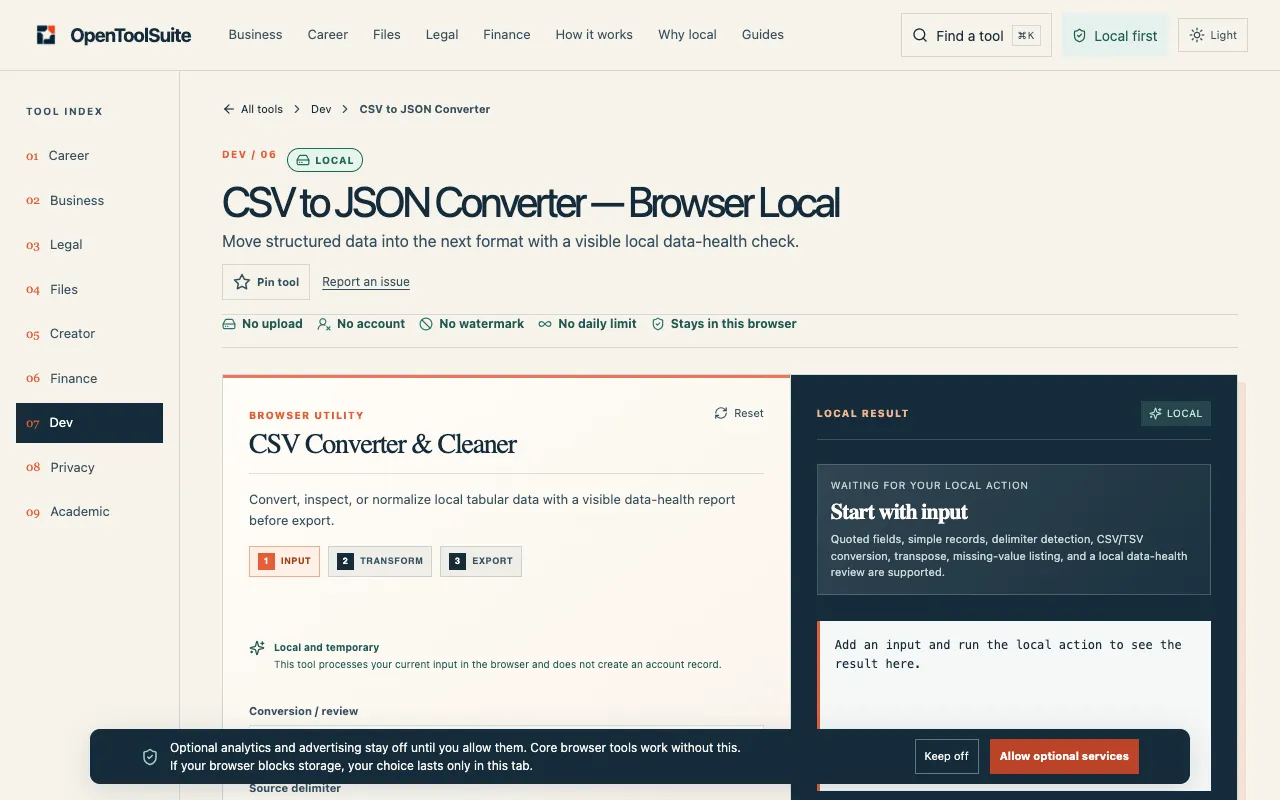
What CSV ↔ JSON Converter does
CSV to JSON Converter is a browser-based tool that transforms tabular data into JSON and back again without sending files to a server. Users receive a clean conversion result that they can copy, download, or compare side-by-side with the original input. The tool supports CSV, TSV, and JSON formats and includes a visible data-health check that flags headers, blank cells, and uneven rows so the output can be verified before it leaves the page. OpenToolSuite’s version distinguishes itself by keeping all processing local to the browser. While other converters in the same task group may require uploads or offer limited delimiter options, this tool lets users inspect headers, adjust column handling, and review the transformed structure before copying or downloading. The interface emphasizes a quick check-then-use workflow rather than an upload-then-wait model, and it integrates with other OpenToolSuite utilities for users who need to chain conversions.
How to use the OpenToolSuite CSV ↔ JSON Converter
- 1
Paste a short CSV, TSV, or JSON sample into the converter field.
- 2
Run the local transformation and review the live result, including headers, blanks, and uneven rows.
- 3
Copy the converted output or download it as a file.
- 4
Verify the result against the original source before using it in a project or passing it to another tool.
- 5
If needed, move to another OpenToolSuite tool for the next step instead of starting over on an upload-based converter.
Best for
Developers, analysts, and anyone working with raw data who needs a quick, local conversion between CSV and JSON without uploading sensitive files to a server.
Limitations
- Results depend on the accuracy of the input data; syntax errors in the original will pass through.
- No unit or type conversion is performed—formatting stays as typed.
- The tool is designed for simple data sets; very large or deeply nested structures may require additional handling.
CSV ↔ JSON Converter FAQ
- Is the data I paste into CSV to JSON Converter sent to a server?
- No. Transformations run entirely in the current browser session, and OpenToolSuite does not upload records to a server for this action.
- Can I trust the output for production use?
- The output is only as reliable as the input; users should review the result, check headers and blanks, and verify syntax before publishing or filing it.
- What happens if my CSV has uneven rows or missing headers?
- The tool includes a visible data-health check that flags uneven rows and blank cells, allowing you to inspect and adjust the conversion before copying or downloading.
- Do I need to create an account to use the converter?
- No. The tool works directly in the browser without requiring an account or an upload queue.
More CSV ↔ JSON Converter tools
Similar tools
Based on shared tags