CSV ↔ JSON Converter

Provided byDevBoltdevbolt.dev

Converts between CSV and JSON with custom delimiters and column handling.

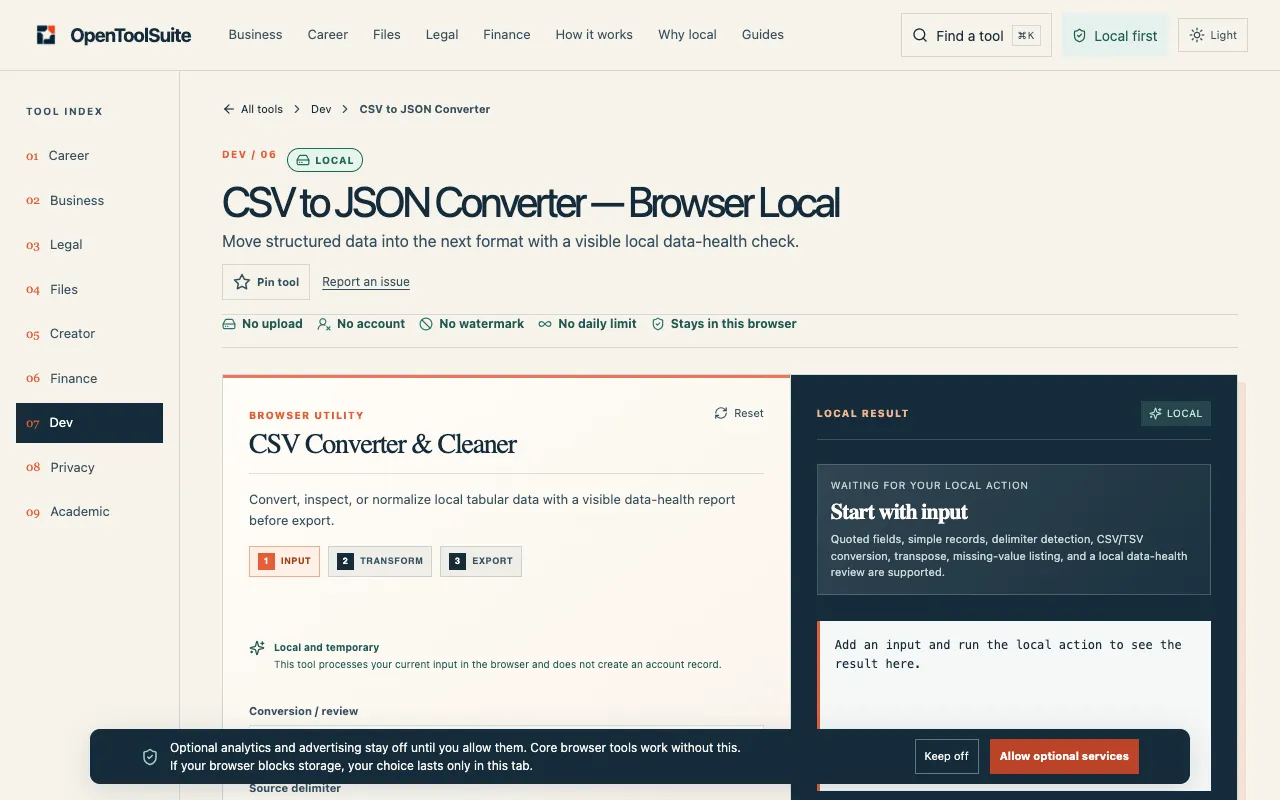
Screenshot of CSV ↔ JSON Converter on DevBolt
devbolt.devOpen the live tool →
About this tool

What CSV ↔ JSON Converter does

The CSV ↔ JSON Converter on DevBolt transforms data between Comma Separated Values and JavaScript Object Notation formats. Users input raw data and receive a structured output, converting spreadsheet rows into JSON objects or flattening JSON arrays into tabular columns. The service handles quoted fields, commas within values, and custom delimiter settings, ensuring accurate conversion for complex datasets while maintaining data integrity across format boundaries.

Step by step

How to use the DevBolt CSV ↔ JSON Converter

  1. 1

    Paste CSV data or a JSON array into the input field on DevBolt

  2. 2

    Select desired delimiter (comma, tab, semicolon, or pipe) and indentation preference

  3. 3

    Click Convert to process the transformation instantly in the browser

  4. 4

    Review the output, which displays converted data with proper structure and formatting

Is it right for you

Best for

Developers, analysts, and anyone working with raw data who needs to convert between spreadsheet and JSON formats, particularly when dealing with quoted fields, custom delimiters, or nested commas that standard converters might mishandle.

Limitations

  • No unit switching between measurement systems
  • Results depend on correct CSV quoting for fields containing commas
  • Custom delimiter options may require user knowledge of appropriate separator characters
Questions

CSV ↔ JSON Converter FAQ

Does the converter handle CSV files with commas inside quoted fields?
Yes, the tool processes quoted fields with commas, newlines, and escaped quotes, but users must wrap values like San Francisco, CA in double quotes to prevent column shifting.
Can I convert JSON back to CSV if my data has nested objects?
The converter flattens objects into columns for JSON to CSV conversion, but nested objects are stringified rather than expanded into separate columns.
Is my data sent to a server when I use this converter?
No, all conversion processing runs client-side in your browser; no data is sent over the network, keeping your information private.
What delimiter options are available besides comma?
The tool supports custom delimiters including tab, semicolon, and pipe in addition to standard comma, allowing flexibility for different data formats like TSV or custom separators.
Keep Exploring

Similar tools

Based on shared tags