Symbol Copier
A comprehensive searchable collection of 2,723 special characters that can be instantly copied to clipboard. The char...
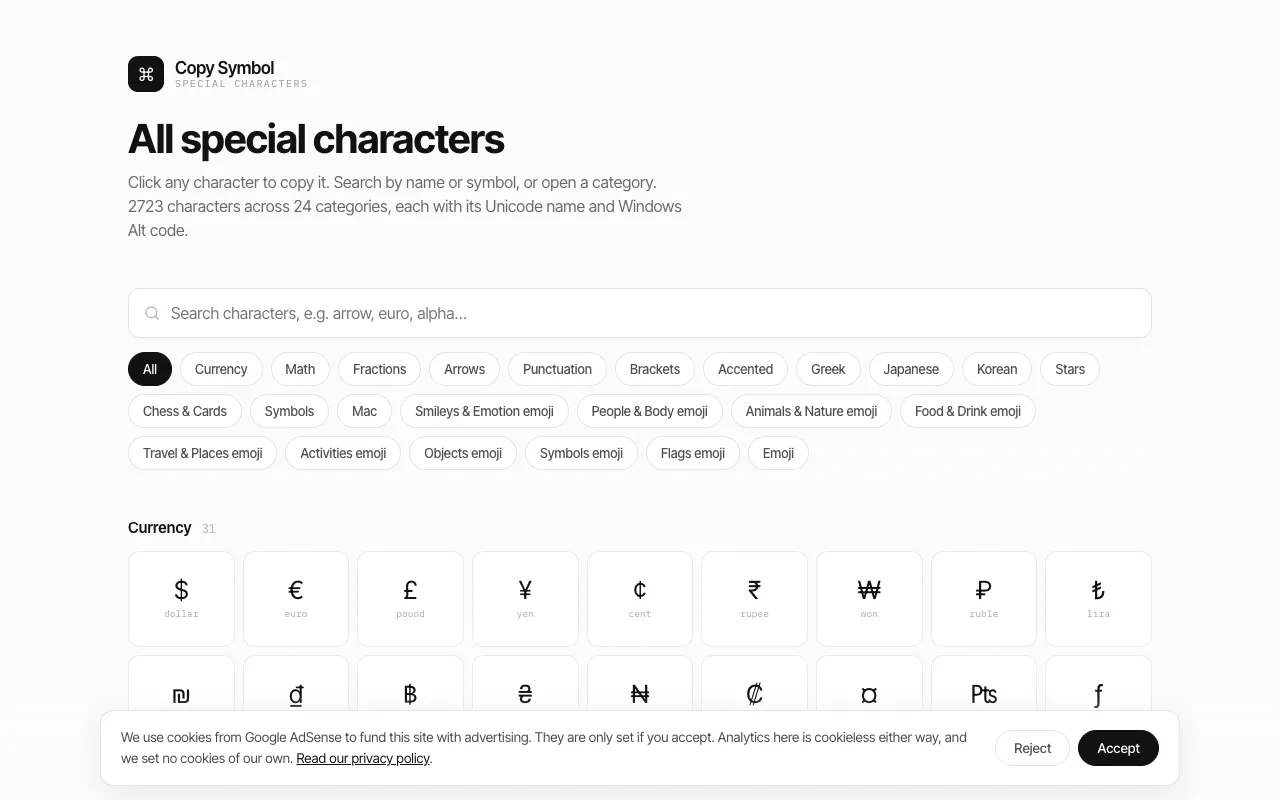
What Symbol Copier does
Symbol Copier is a searchable catalog of 2,723 special characters spanning mathematical symbols, currency signs, directional arrows, accents, punctuation variants, Greek letters, and emoji. Users can browse organized categories or use the search feature to find specific characters needed for academic writing, international communications, creative design, or technical documentation. The result is a single character ready for instant clipboard copy and paste.
How to use the Copy Symbol Symbol Copier
- 1
Open the Symbol Copier site and select a category from the sidebar or use the search bar to find a specific symbol
- 2
Click on any character in the list to highlight it and reveal a copy button
- 3
Click the copy button to place the symbol on your clipboard
- 4
Paste the symbol into your document, post, or design project
Best for
Writers, designers, and developers who need quick access to a wide variety of special characters without navigating multiple apps or remembering complex Alt codes.
Limitations
- No built-in unit or font preview for symbols
- Search results depend on exact character names
- Clipboard access requires user interaction; no bulk copy feature listed
Symbol Copier FAQ
- Can I search for symbols by name or keyword?
- Yes, the site includes a search feature that lets you find specific characters by typing keywords related to their name or category.
- Are the symbols free to use in personal and commercial projects?
- The collection is provided as a free reference tool; individual symbol usage rights should be verified against the specific font or source where the character originates.
- Does the site show how to type symbols using keyboard shortcuts?
- Each symbol entry displays alternative input methods such as Alt codes or keyboard combinations when available.
- Can I copy multiple symbols at once?
- The interface appears to support copying one character at a time; no bulk copy functionality is documented in the available material.
Similar tools
Based on shared tags