Productivity Tools Suite
Productivity Timer offers a suite of free online timing and productivity tools designed to help you manage your work ...
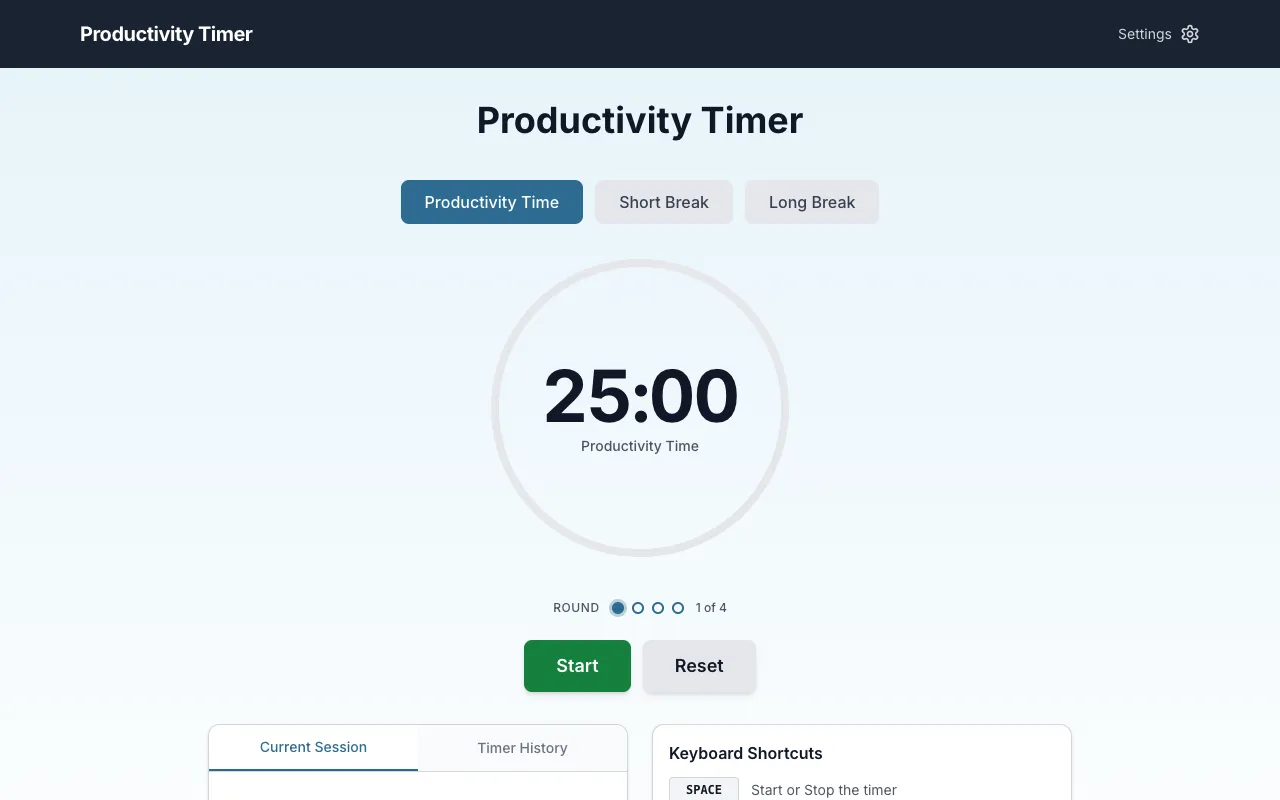
What Productivity Tools Suite does
Productivity Timer provides a browser-based suite of free timing tools designed to help users manage work and focus. The collection includes a Pomodoro timer for structured work sessions, a countdown timer for deadlines, a stopwatch for elapsed time, and a task estimator for planning. All tools require no signup and are instantly accessible from any device. The Pomodoro timer defaults to 25-minute focus intervals with adjustable short and long breaks, while the interface displays current session details, timer history, and productivity units. The site also offers a task estimator to help plan work based on estimated durations.
How to use the Productivity Timer Productivity Tools Suite
- 1
Open the Productivity Timer website and select the desired timer type from the suite
- 2
Set the preferred duration using the customizable fields for focus, short break, or long break periods
- 3
Click Start to begin the timer and focus on the task at hand until the alarm sounds
- 4
Use the Reset or Stop controls to end the session and view results in the timer history
- 5
Review completed sessions, marks, and productivity units to track focus patterns over time
Best for
Individuals seeking a simple, no-login Pomodoro-style timer to structure work intervals and track focus habits across any device.
Limitations
- Customization options may require familiarity with the settings menu
- Results and productivity units are estimates based on user-marked sessions
- No integration with external task management or calendar applications
Productivity Tools Suite FAQ
- Can I adjust the focus and break times in the Pomodoro timer?
- Yes, Productivity Timer includes a settings option where you can customize the focus, short break, and long break durations to fit your particular needs and concentration period.
- Do I need to create an account to use the timing tools?
- No, all tools on Productivity Timer are browser-based and require no signup or login, making them instantly accessible from any device.
- What happens after I complete a focus session?
- When the timer sounds, you can place a mark on a piece of paper or use the interface to track the session, which contributes to your productivity units and timer history for that round.
- Can I share or save my timer results?
- Yes, the timer includes Share and Copy functions to post or copy your completed session results, and the interface maintains a timer history of your focus rounds.
Similar tools
Based on shared tags