Stopwatch
Free fullscreen stopwatch with flip-clock digits. Press Start fullscreen, pause or reset in this tab. Esc exits. Noth...
What Stopwatch does
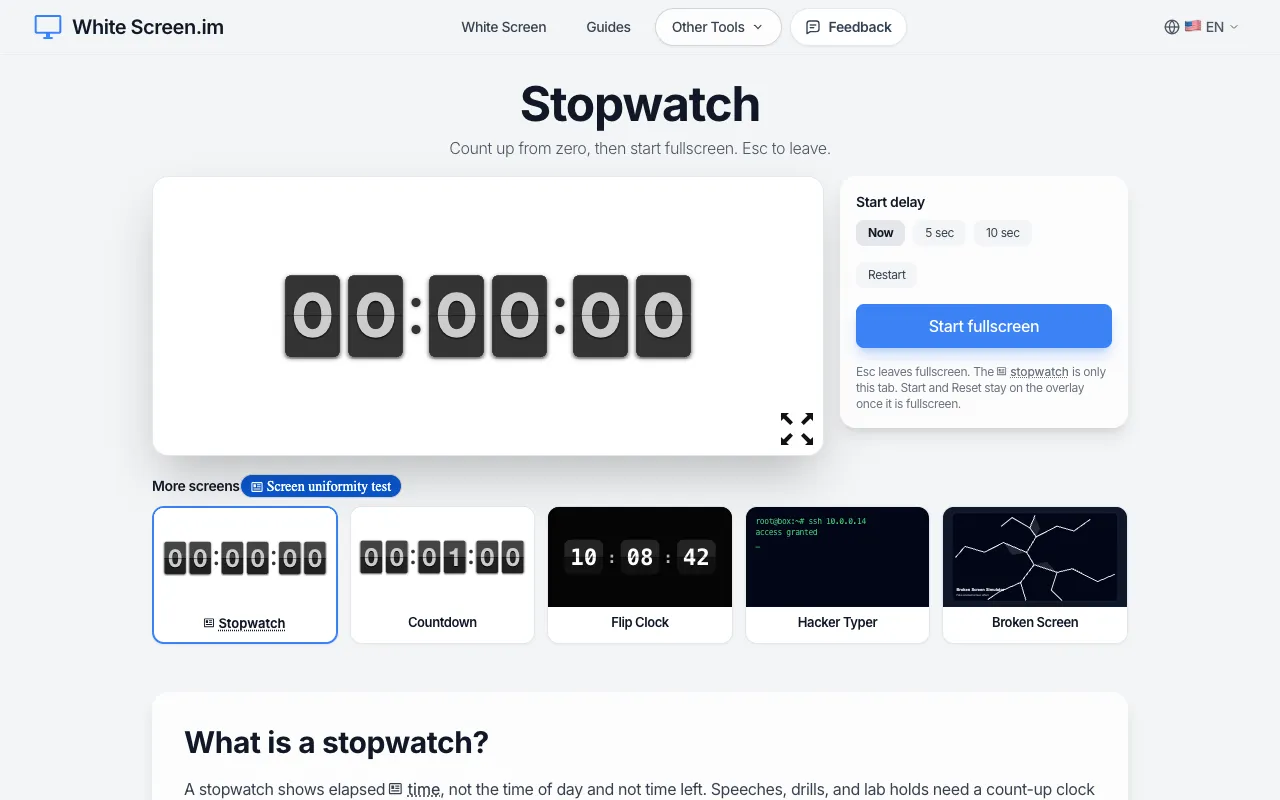
A free fullscreen stopwatch with flip-clock digits that counts elapsed wall-clock time in the current browser tab. Users can enter a name for their stopwatch and click Start to begin timing; pressing Stop displays the total duration in hours, minutes, seconds, and milliseconds. The interface offers a clean, distraction-free count-up display without installing anything on the device.
How to use the White Screen Stopwatch
- 1
Enter a name for your stopwatch and click Start to begin timing
- 2
Press Stop when done to see the total duration in hours, minutes, seconds, and milliseconds
- 3
Use the Reset button to return the clock to 00:00:00 and start again
- 4
Press Esc to exit fullscreen mode and close the tab when finished
Best for
Ideal for users who need a simple, fullscreen count-up timer for speeches, drills, or lab holds without software installation.
Limitations
- Results are estimates based on browser tab activity
- No unit switching between hours/minutes/seconds
- Pause and Reset do not synchronize with the operating system clock
Stopwatch FAQ
- Can I use the stopwatch on a mobile device?
- Yes, but if the phone keeps the address bar visible, rotating to landscape mode is required for fullscreen display, which is a browser limitation rather than a tool fault.
- Does the stopwatch keep time if I switch to another tab?
- No, the overlay counts elapsed wall-clock time only while the current tab is active; switching tabs pauses the timer.
- Is there a way to add a delay before the stopwatch starts?
- Yes, the site offers an optional start delay of 5 or 10 seconds if you need time to put the laptop down or face the room before timing begins.
- What happens if I accidentally close the tab?
- Closing the tab ends the stopwatch entirely; the timer does not persist outside the browser session.
More Stopwatch tools
Similar tools
Based on shared tags