01

Calculates elapsed time using a digital format, starting and stopping as needed. Enter a name for your stopwatch, then click 'Start' to begin timing. Press 'Stop' when done, and see the total duration displayed in hours, minutes, seconds, and milliseconds. Helps users measure time accurately for various purposes, such as cooking recipes, exercising, or completing tasks efficiently. Ideal for...

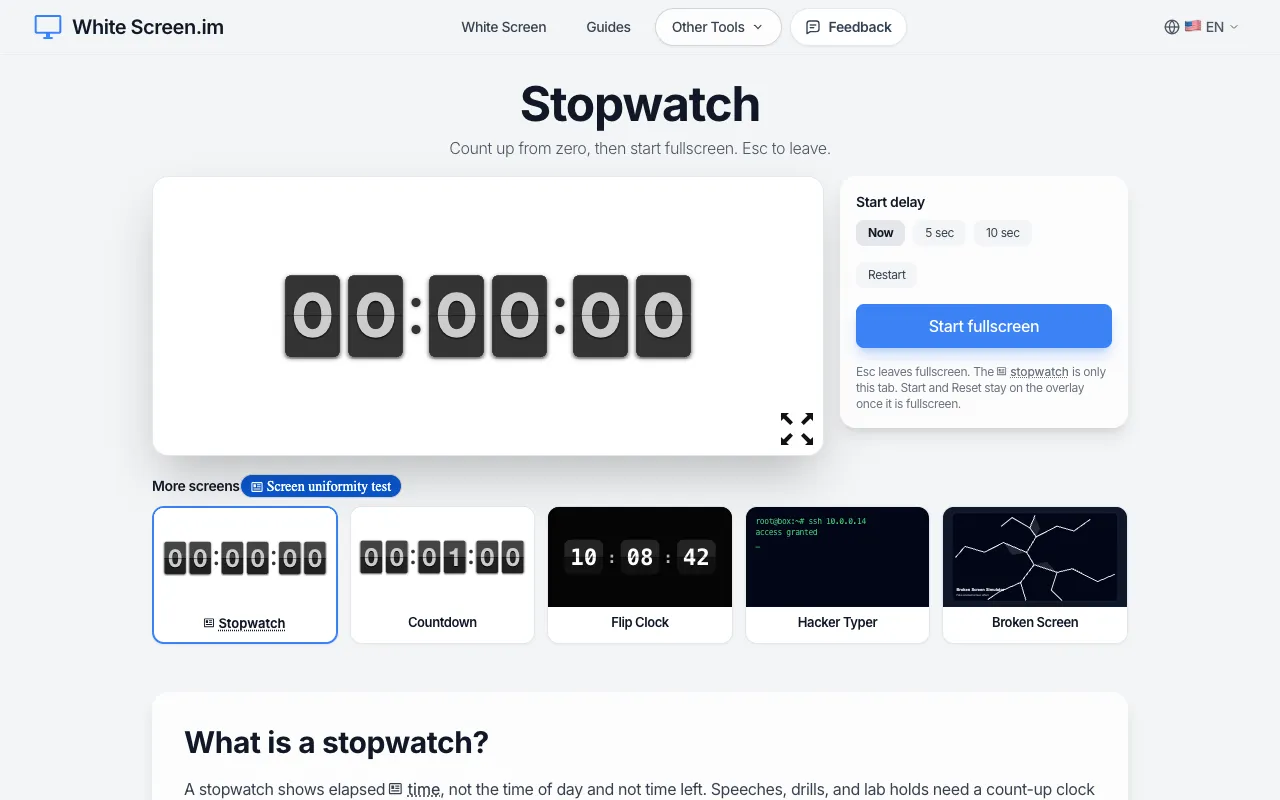
Free fullscreen stopwatch with flip-clock digits. Press Start fullscreen, pause or reset in this tab. Esc exits. Noth...
Side by side
| Tool | Best for | Strengths | Limitations |
|---|---|---|---|
| RapidTables rapidtables.com | Quick timing without lap splits |
|
|
| TimeAndDate timeanddate.com | Lap timing and millisecond precision |
|
|
| White Screen whitescreen.im | Fullscreen flip-clock style stopwatch |
|
|
Buyer's guide
When picking a stopwatch, consider whether you need to record split or lap times during a single session. If you only need to start, stop, and see total elapsed time, a simple digital counter like RapidTables suffices. If you need to track cumulative segment times — for example, splitting workout rounds or measuring intervals in a long event — choose a tool with lap timing support, such as TimeAndDate.
Questions