Text & String ToolsFree Tool

Slug Generator Online

Provided byCodeBeautifycodebeautify.org

Slug Generator Online

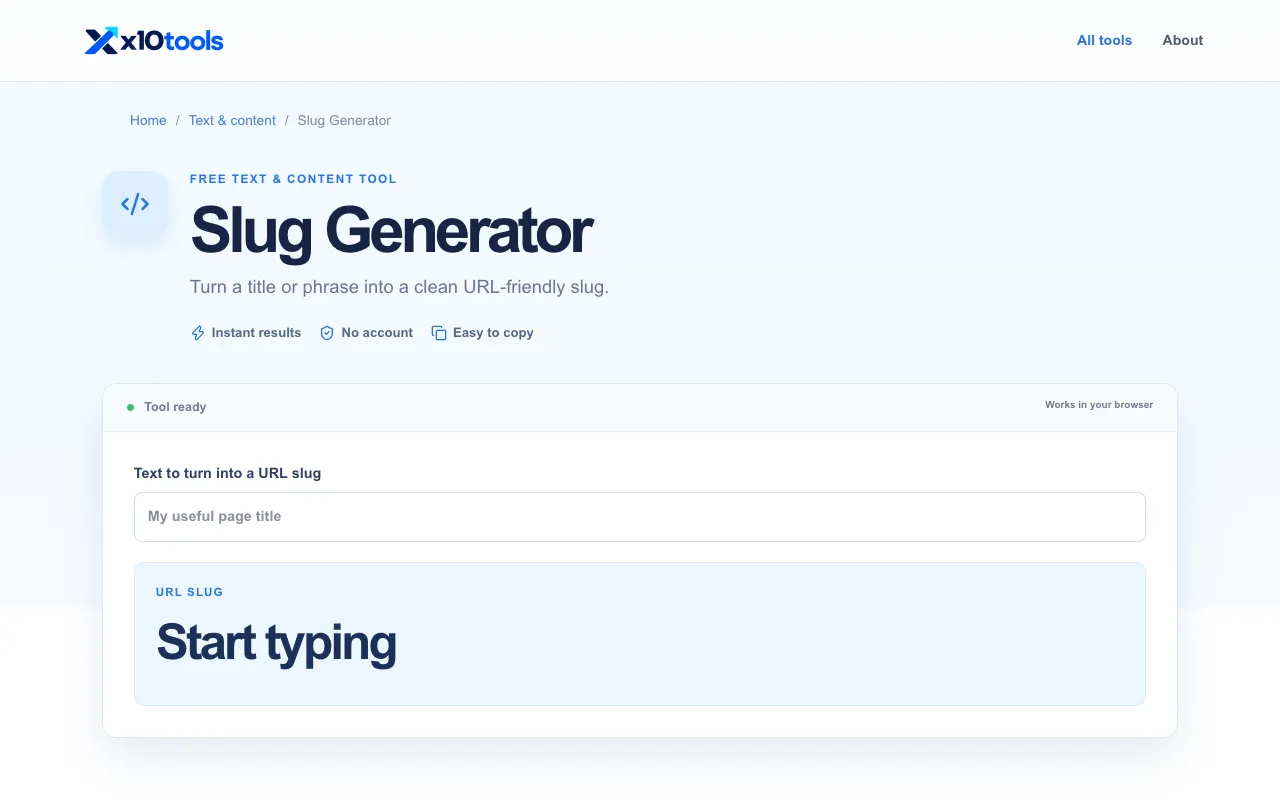
Screenshot of Slug Generator Online on CodeBeautify
codebeautify.orgOpen the live tool →
About this tool

What Slug Generator Online does

Slug Generator Online converts human-readable text into URL-friendly slugs by replacing spaces with hyphens, removing special characters, and making all letters lowercase. The output is a clean string suitable for web addresses, blog post URLs, and product pages. It produces standardized slugs that work across different content management systems, helping users create SEO-friendly permalinks without manual editing.

Step by step

How to use the CodeBeautify Slug Generator Online

  1. 1

    Paste or type the desired text into the input field on the CodeBeautify slug generator page

  2. 2

    Click the generate button to process the text into a URL-friendly format

  3. 3

    The resulting slug displays instantly, showing spaces replaced by hyphens and special characters removed

  4. 4

    Copy the generated slug directly from the output area for use in your web content

  5. 5

    Repeat the process with different text inputs as needed for multiple URLs

Is it right for you

Best for

Content creators and website developers who need to quickly generate clean, SEO-friendly URLs for blog posts, product pages, or any web content without manually adjusting characters or worrying about compatibility issues across different pl

Limitations

  • No option to customize the separator character beyond the default hyphen
  • Results may vary depending on the specific special characters present in the input text
  • As a web-based tool, requires internet access to function
Questions

Slug Generator Online FAQ

Can I use this tool to generate slugs in languages other than English?
Yes, the tool processes text in various languages by removing special characters and converting spaces to hyphens, though results may vary depending on the specific characters used in different languages.
Does the slug generator preserve numbers in the input text?
Yes, numbers in the input text are typically preserved in the generated slug along with letters, allowing for numeric identifiers or dates to remain in the URL-friendly output.
Is there a limit to the length of text I can convert into a slug?
The tool can process reasonably long strings of text, though extremely long inputs may result in very lengthy slugs that could impact URL best practices for some platforms.
Will the generated slug work with all content management systems?
The standardized format produced by this generator is designed for maximum compatibility across different content management systems and websites, making it suitable for most popular platforms.
CodeBeautify Slug Generator Online — Free Online Tool | The Free Tools Directory