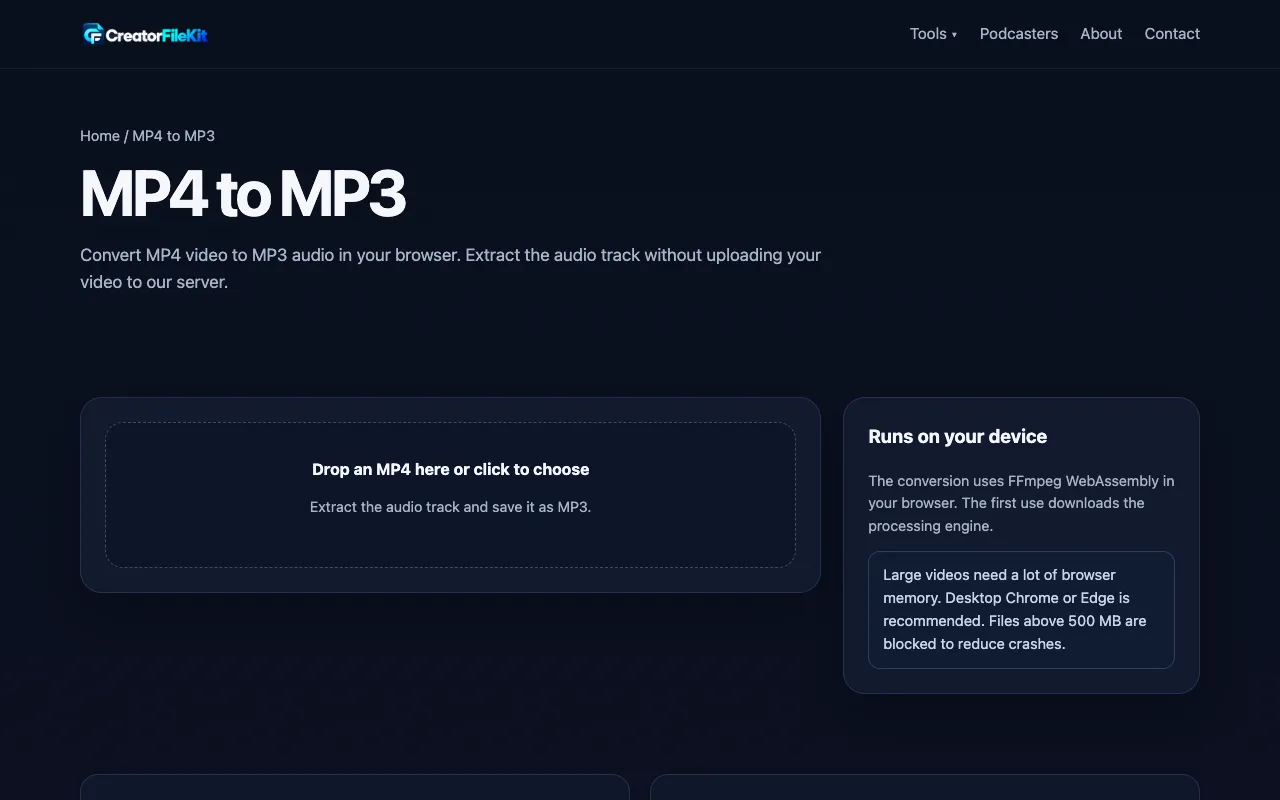
MP4 to MP3
Extracts the audio track from MP4 video to MP3.

What MP4 to MP3 does
MP4 to MP3 by Ezgif is a straightforward web utility that converts video files into audio tracks. Users upload an MP4 video, and the service isolates the sound portion, delivering a standard MP3 file suitable for playback on most devices. The process handles the technical conversion behind the scenes, allowing anyone to extract music, dialogue, or other audio content from video sources without needing desktop software or technical expertise. The result is a portable audio file that can be used for personal projects, creating ringtones, or saving soundtracks from online videos. Ezgif’s version of this task is distinguished by its integration within a larger suite of media tools, offering a familiar browser-based interface that requires no installation. While many standalone converters focus solely on file format changes, Ezgif provides the MP4 to MP3 function alongside other video editing options, which can be convenient for users already working with visual media. The site presents clear upload controls and processes files directly in the browser, avoiding the need for software downloads while maintaining a simple, no-frills approach to audio extraction.
How to use the Ezgif MP4 to MP3
- 1
Go to the Ezgif MP4 to MP3 page
- 2
Click the upload area and select your MP4 video file from your device
- 3
Wait while the site processes the file and extracts the audio track
- 4
Review the resulting MP3 file details shown on the page
- 5
Click the download link to save the audio file to your computer
Best for
This tool suits best for casual users who need to quickly extract audio from a video file without installing software, particularly those already familiar with Ezgif’s other media utilities.
Limitations
- Processing time depends on video length and file size
- No advanced audio editing or quality adjustment options are available
- File size limits may apply depending on current site constraints
MP4 to MP3 FAQ
- Can I convert very long MP4 videos to MP3 using Ezgif?
- Ezgif can process MP4 files of varying lengths, but very large or extended videos may take longer to convert. For extremely long files, dedicated desktop audio extraction software might be more efficient.
- Will the MP3 quality match the original video's audio?
- The tool extracts the audio track present in the MP4 file, so the resulting MP3 quality depends on the source video's original audio settings. The conversion maintains the existing audio fidelity without additional enhancement.
- Do I need to create an account to use the MP4 to MP3 converter?
- No account or registration is required to use the MP4 to MP3 function on Ezgif. The service is accessible directly through the website without sign-up.
- Can I edit the audio after conversion, such as trimming or adding effects?
- The Ezgif MP4 to MP3 converter focuses solely on audio extraction and does not include editing features like trimming, fading, or applying effects. For audio modifications, a separate audio editor would be needed after downloading the MP3.
Similar tools
Based on shared tags